


Trying to import a Gmail MBOX into Thunderbird using ImportExportTools NG extension
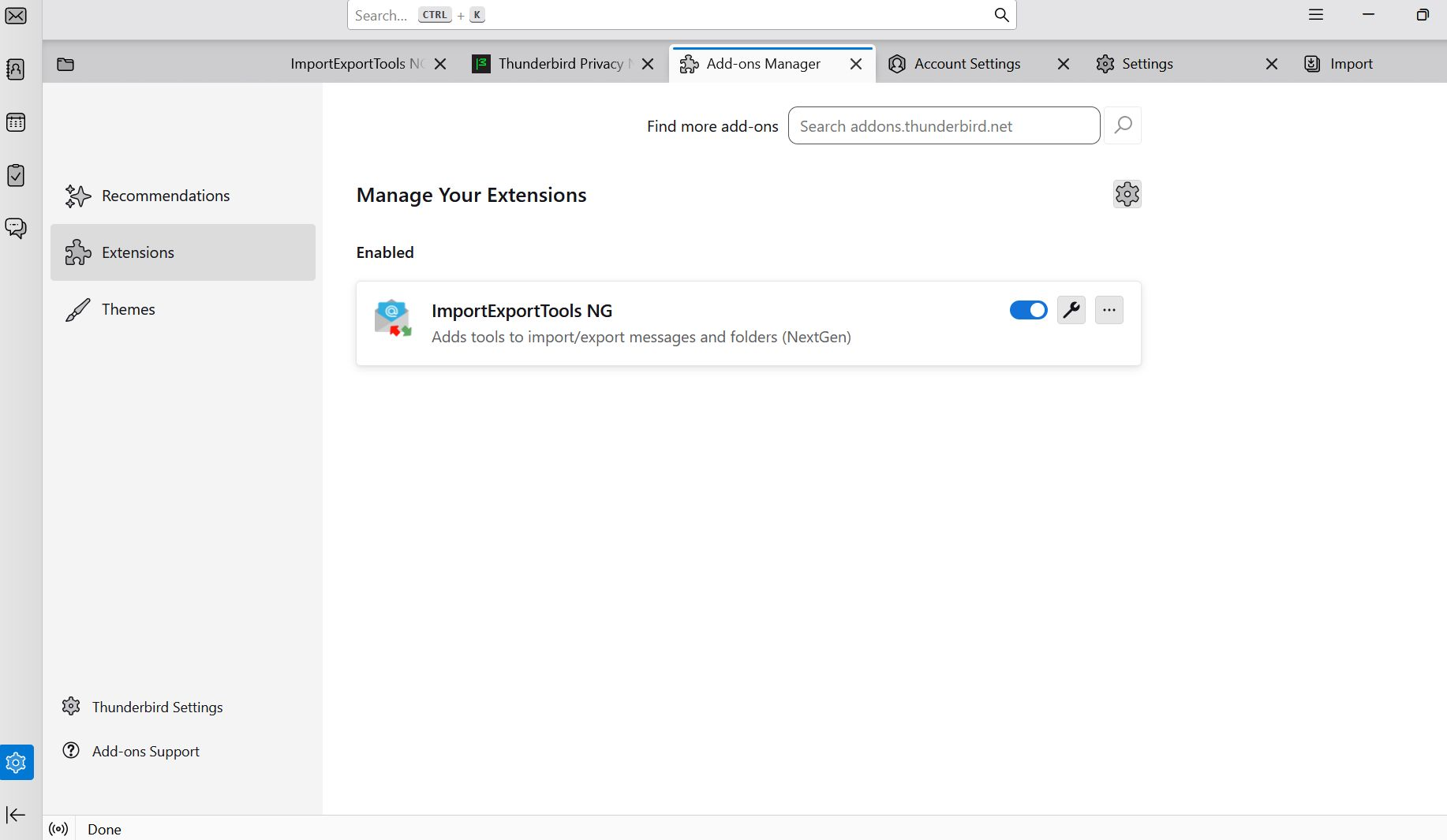
The Add-on installed and I can see it in Thunderbird, but I can't figure out how to get it to work at all. Do I have to go over to the Add-on to ask how?
Asịsa ahọpụtara
Thanks but I figured it out. I just had to create a Local Folders folder in the AppData\Roaming\thunderbird\Profiles\default\Mail\ folder ... so in AppData\Roaming\thunderbird\Profiles\***.default\Mail\Local Folders, then dropped the Google Takeout .mbox file in there, remove the .mbox extension, and reopen T-bird. Then all my email folders appeared in a Local Folder named All mail including spam and trash from my Takeout. Actually, I tried it in Betterbird and that worked perfectly. Sorry about that.
Gụọ azịza a na nghọta 👍 0All Replies (6)
If you have a Gmail account, you already have an mbox4 in Thunderbird. If you will describe your goal in this, I can assist you . Thank you..
What do you mean I already have an mbox4 in Thunderbird. I did a Google Takeout, creating an .mbox of my emails in GMail. I am trying to import that so I can review it in Thunderbird. I could not do it directly with the T-bird import, so I searched and was recommended to install ImportExportTools NG extension addon. I did that, but still can't see how to get there. I'm told to create a new folder, but I don't see any way to do that and everything I tried failed. I've been trying for over four hours with zero success. I don't want to set up my GMail account in T-bird. I'm trying to quit GMail. No NG extension needed.
Ask whatever you need.
Edeziri site na silvanet
Okay, I was inferring you had a Gmail account here. If you have an exported mbox file, you can import it with these steps - install the importexport NG addon if not already done - highlight 'local folders' in the folder pane - rightclick and select the importexport option to import mbox file - locate and select your exported mbox file and press OK
Thanks, it's the "highlight 'localfolders' in the folder pane that stops me. I get no such option, no folders at all since I did not set up my gmail account. I don't want to handle my gmail with T-bird. I want to leave Gmail altogether. I'm just trying to use T-bird's UI to review my exported Google Takeout file of my Gmail account. It created an .mbox. T-bird doesn't give me any option to import the .mbox (only a zipped profile). Is it that T-bird will simply not let me do anything unless I set up an account? I guess I could set up another email account, if that is required, but I don't want to use the Gmail account I'm trying to leave.
That's correct. Thunderbird requires an ac count. However, you can view the mbox contents at https://www.mbox-viewer.com/
Asịsa Ahọpụtara
Thanks but I figured it out. I just had to create a Local Folders folder in the AppData\Roaming\thunderbird\Profiles\default\Mail\ folder ... so in AppData\Roaming\thunderbird\Profiles\***.default\Mail\Local Folders, then dropped the Google Takeout .mbox file in there, remove the .mbox extension, and reopen T-bird. Then all my email folders appeared in a Local Folder named All mail including spam and trash from my Takeout. Actually, I tried it in Betterbird and that worked perfectly. Sorry about that.