


Bookmark spacing

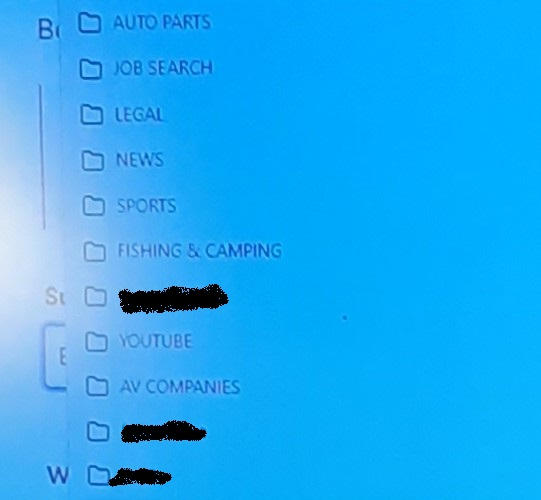
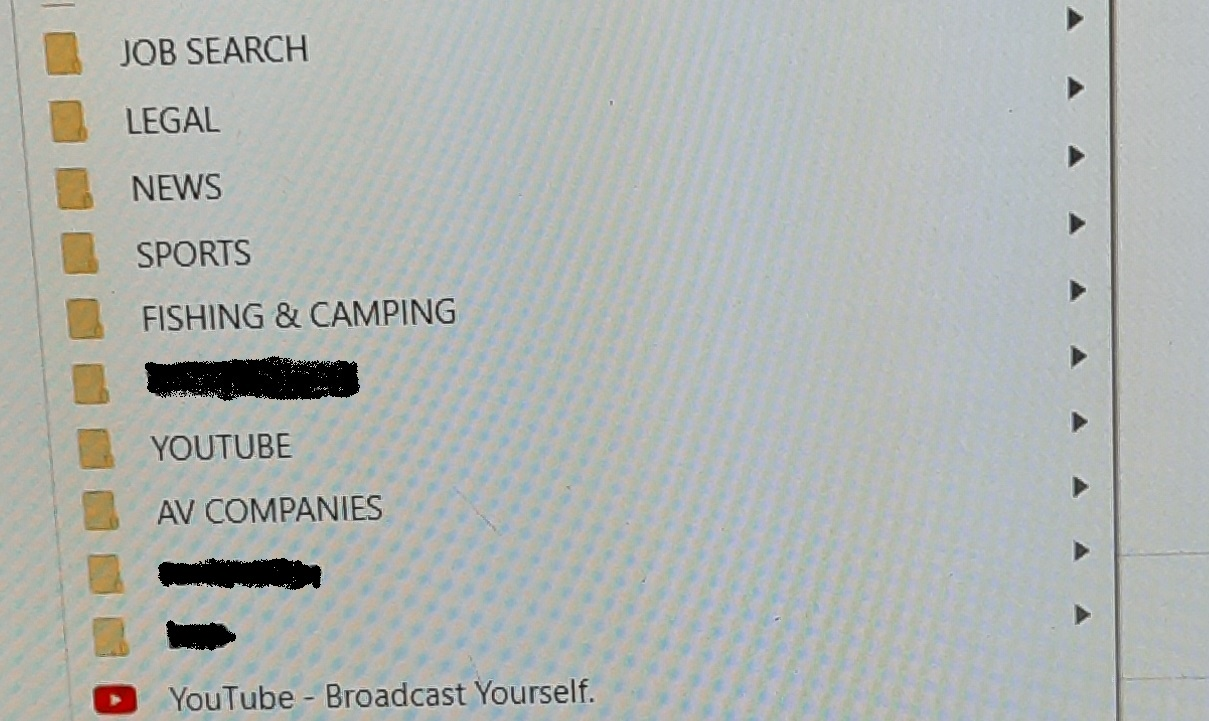
When I click on bookmarks and they drop down they seem to be double spaced on firefox and single spaced on chrome. I want them single spaced. How do I fix this?
When I click on bookmarks and they drop down they seem to be double spaced on firefox and single spaced on chrome. I want them single spaced. How do I fix this?
All Replies (2)

One way is to use compact mode which is "not supported". https://support.mozilla.org/en-US/kb/compact-mode-workaround-firefox
You could instead use a userChrome.css file. Links in the following answer. https://support.mozilla.org/en-US/questions/1346582#answer-1434487
terry21 terry21 Today at 12:36 AM
One way is to use compact mode which is "not supported". https://support.mozilla.org/en-US/kb/compact-mode-workaround-firefox
That worked perfect.