

Echekwara usoro a.
Biko jụọ ajụjụ ọhụrụ ma ọ bụrụ na ị chọrọ enyemaka.

Solved
Echekwara
Turn off on screen keyboard
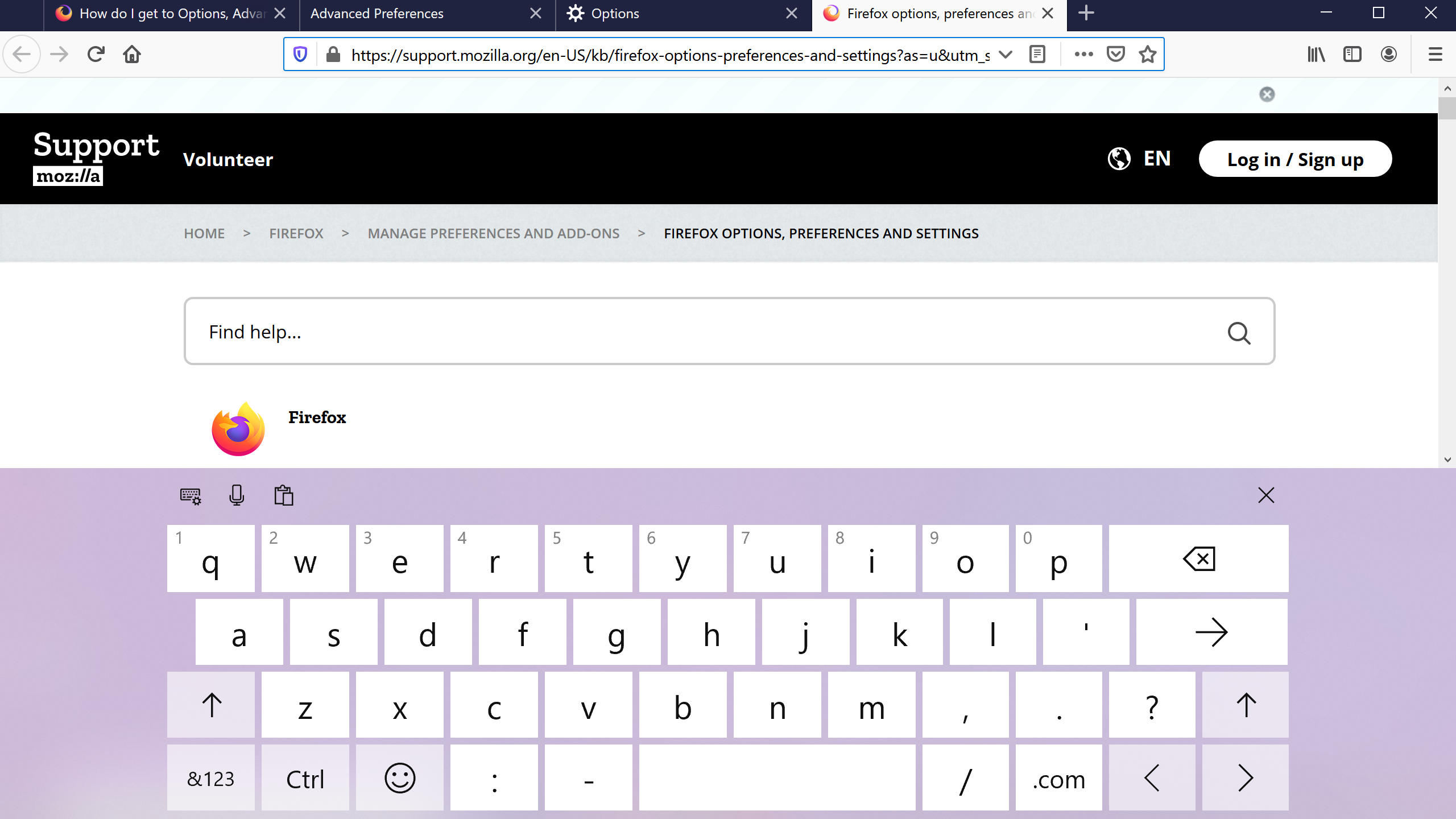
I use a Wacom Cintiq Companion 2, which is a drawing tablet. In Firefox, this on screen keyboard or writing pad keeps opening whenever I click on a box I can type in. I have a bluetooth keyboard connected, and when I use it, the on screen keyboard goes away, but I want it to stop popping up permanently, I hate it and I never use it. I've gone into the Options setting and turned off 'allow on screen keyboard when necessary' and also went to about:config and set the osk to false and it still pops up.
I use a Wacom Cintiq Companion 2, which is a drawing tablet. In Firefox, this on screen keyboard or writing pad keeps opening whenever I click on a box I can type in. I have a bluetooth keyboard connected, and when I use it, the on screen keyboard goes away, but I want it to stop popping up permanently, I hate it and I never use it. I've gone into the Options setting and turned off 'allow on screen keyboard when necessary' and also went to about:config and set the osk to false and it still pops up.
All Replies (1)

Asịsa Ahọpụtara
You'll want to check your Windows ease-of-access settings to turn off the OSK, or change the Windows mode from Tablet to Desktop.