


How to manage downloads, when you have Internet Download Manager installed

How to manage downloads, When you have Internet Download Manager installed. Downloads through Firefox do not show, in Windows 7 & Windows 8.1
Can this be fixed?? If not how can I remove Downloads in Firefox
Semua Balasan (7)

Integrate IDM with Firefox
Ok will try that.
I can download with IDM, but I cannot see the items in Firefox Downloads Why?
Its already installed in your machine.
Make sure, its enabled in IDM settings
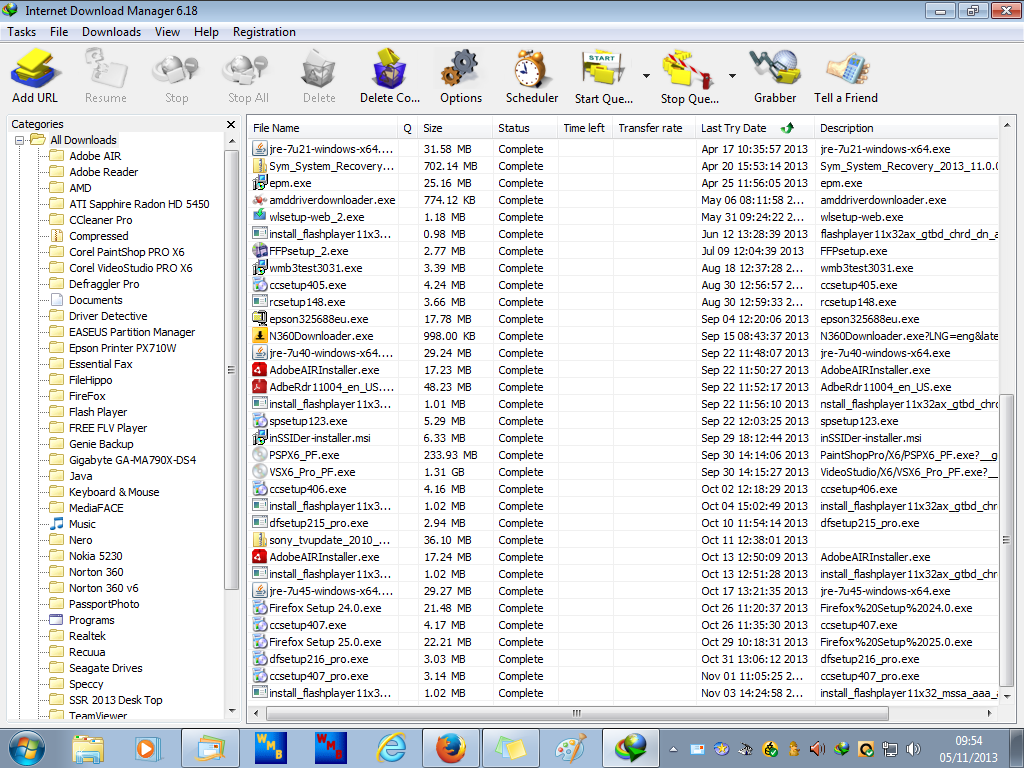
Yes I can download via IDM, No problem.
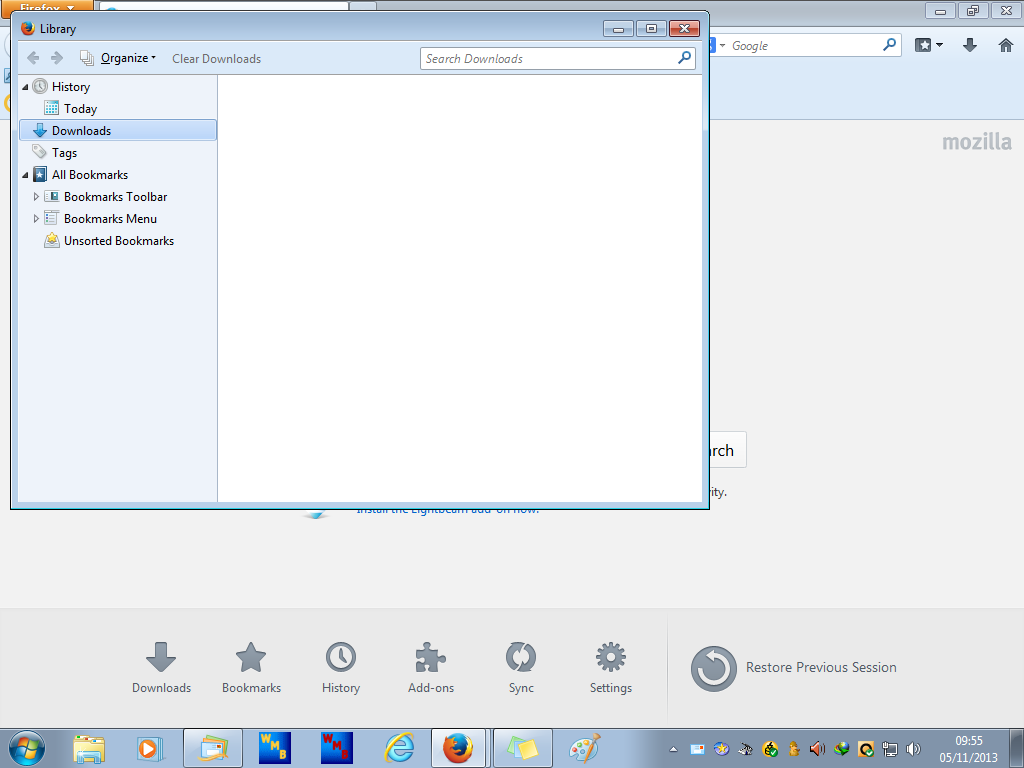
BUT no record is made, in Downloads FIREFOX 25
http://www.internetdownloadmanager.com/news.html
What's new in version 6.18 Build 5
(Released: Oct 29, 2013)
Added support for Firefox 26 and SeaMonkey 2.21
Are you sure that you have the latest version 6.18 Build 5 of IDM?
That build is only a week old.
Edit: Firefox 26 is in Beta right now, so that new version will have fixes made for Firefox 25, too.
Diperbarui oleh the-edmeister pada
Yes I can download via IDM, No problem.
BUT NO Record is made, in FIREFOX Downloads
Please see images
So can FireFox Downloads file, show the IDM Downloads as well???
IF NOT, can I remove this function from FireFox???
I have updated my mozilla firefox up to version26. but I can't download any thing by Internet download manager? Please help me! how can I fix it