How can I hide the yellow “Your privacy is protected” bar while keeping the privacy features?
I am using Thunderbird on Windows, and I want to hide the yellow “Your privacy is protected” notification bar but still have the privacy protection enabled.
I tried to use a userChrome.css in my Thunderbird profile; here is the path; (C:\User\AppData\Roaming\Thunderbird\Profiles\lz1po89m.default-release\chrome\userChrome.css). I also set toolkit.legacyUserProfileCustomizations.stylesheets to true, but the customization does not work.
If anyone can please help and/or advise me on the correct procedure or CSS selector for this version I would be very much appreciated.

Semua Balasan (1)
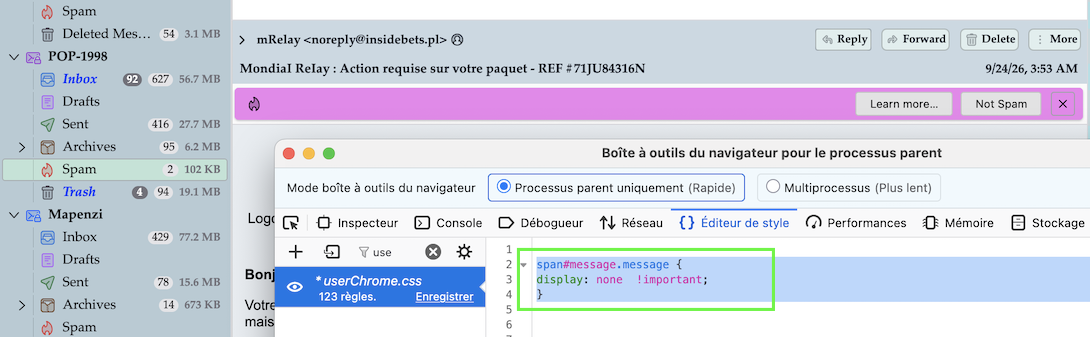
You can hide notifications with the following CSS code in the userChrome.css file
span#message.message {
display: none  !important; }
Unfortunately this code will also hide other notifications such as "maybescam" (image) or "mdnRequested".... I didn't succeed to write a code which hides only ""remoteContent"