


Open
How do I add new folders?
How do I add folders and contacts?
How do I add folders and contacts?
Semua Balasan (1)

Directly creating folders within the app is not currently supported.
For IMAP accounts, you can create new folders from your providers webmail. These will then display in the app the next time you refresh the apps folder list.
To refresh the list,
- Open the side bar with your account folders visible
- Tap manage folders at the bottom of the list
- Tap the three dot ፧ menu > refresh folder list
Contacts should be added to your default contacts app such as google contacts.
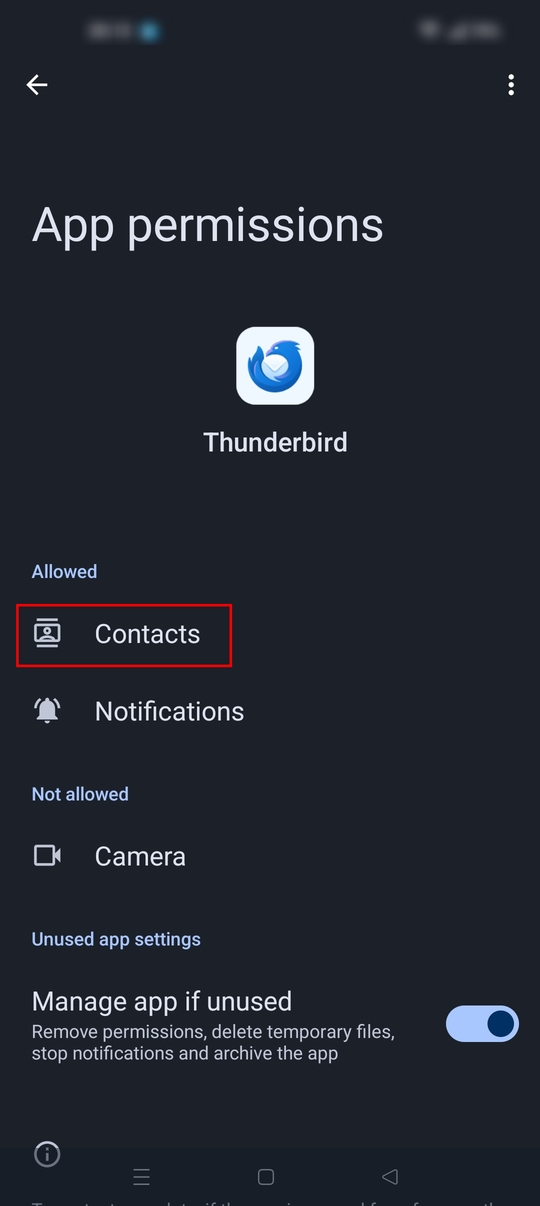
- Grant TB permission to read your contacts.
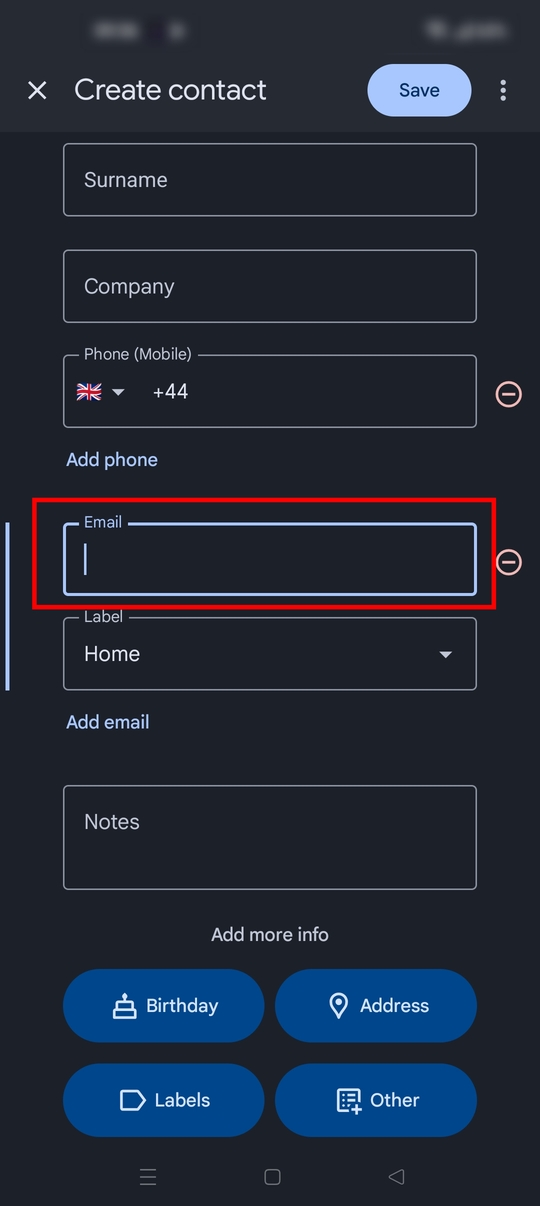
- Add a name and email address using your contacts app.
To select a contact in TB,
- open the message compose or reply screen
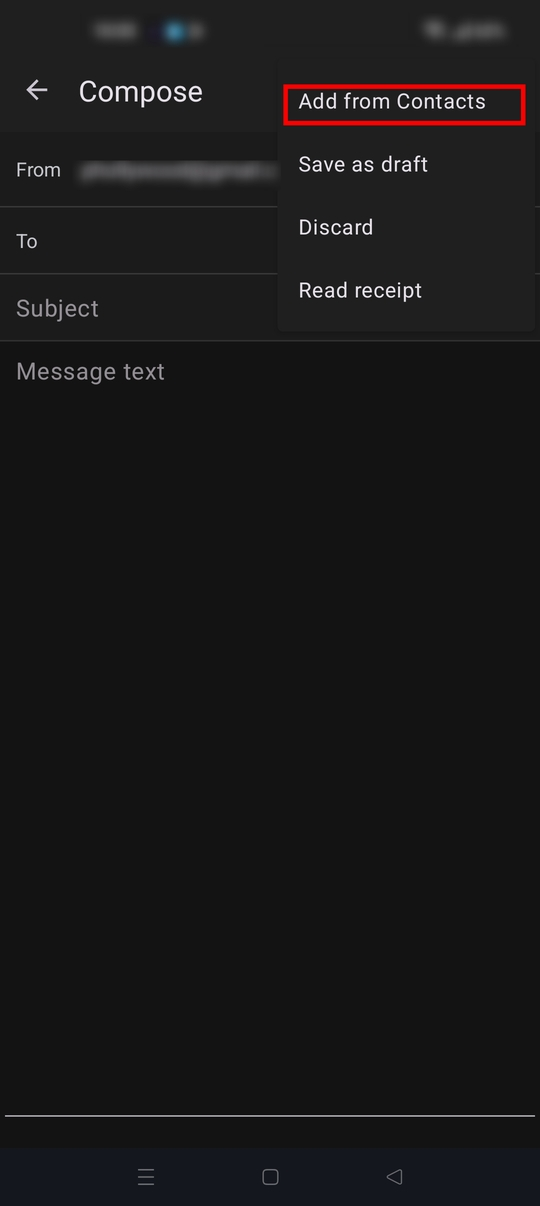
- Tap the three dot ፧ menu > add from contacts.
Note the "add from contacts" option is not displayed until permissions are granted
Diperbarui oleh Platform34 pada