


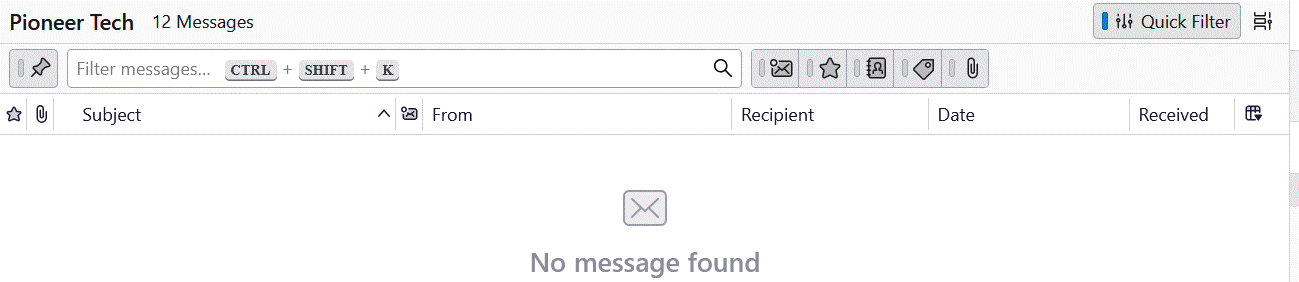
Thunderbird shows 12 messages in a folder but shows "No messages found". How can I see all the messages in that folder?

I've tried Troubleshoot mode, everything I can seed for filtering options. I still see the folder has 12 messages in it but the window always shows No messages found.
I've tried Troubleshoot mode, everything I can seed for filtering options. I still see the folder has 12 messages in it but the window always shows No messages found.
Semua Balasan (1)
I restarted my computer, toggled the Show only messages from people in your address book filter button. If it is on I see the messages, If it is off and all the filters are off, I don't see any messages. It looks like that feature isn't working properly,