


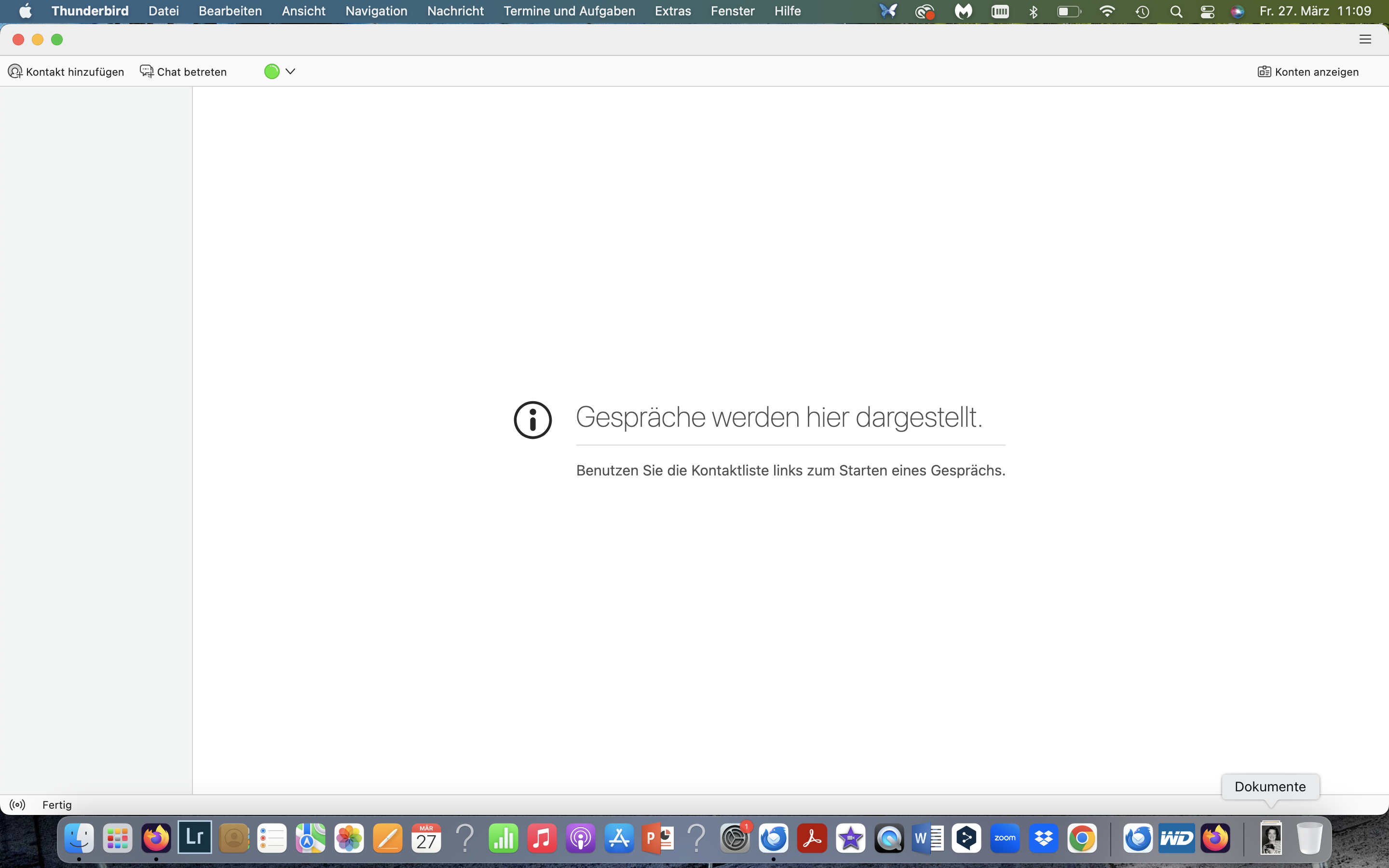
Hi, I can open Thumbderbird, but the entire left-hand folder pane is empty. The “FOLDERS” menu item under “VIEW” is grayed out.

It would be great if you could help me restore the view and, consequently, access to my email accounts in Thunderbird under the circumstances described. Thank you!
Semua Balasan (3)
I don't know how you got there but in your Thunderbird main window only the "Chat" tab is shown and no tab bar which would include the "Mail" tab. Go to Ansicht > Symbolleisten > and check ✔ Bereiche-Symbolleiste. This action will display a vertical tool bar on the left side of the main window: a click on the Mail letter symbol will open a new tab where you'll find you folder pane with your accounts and folders...
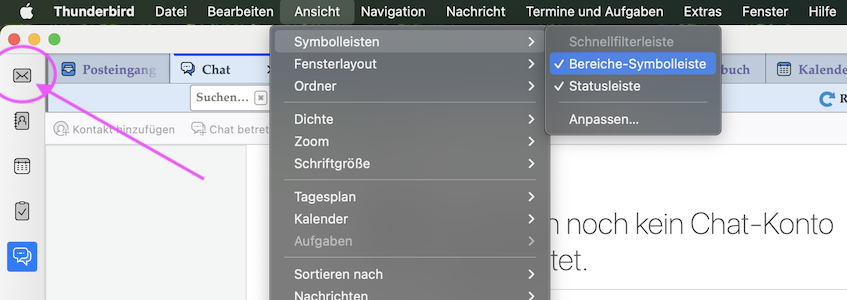
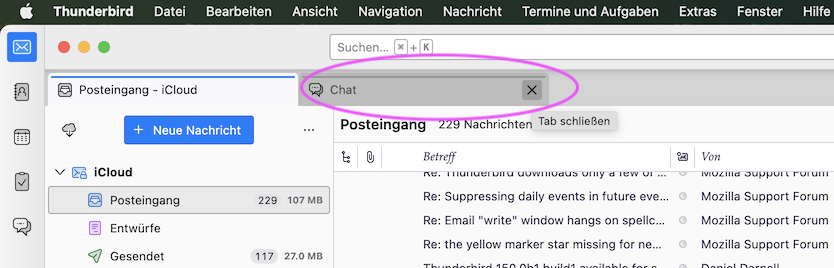
I've seen your issue already two or three times in several Thunderbird forums, but I am unable to reproduce this calamity. I never succeed to hide the tab bar completely and only display the Chat in the main window. When you've got back to the Mail tab with the folder pane don't forget to close the Chat tab unless you want to use Chat...
@arina.wagner were my instructions helpful or are you still searching for a solution?