


how to create a new profile
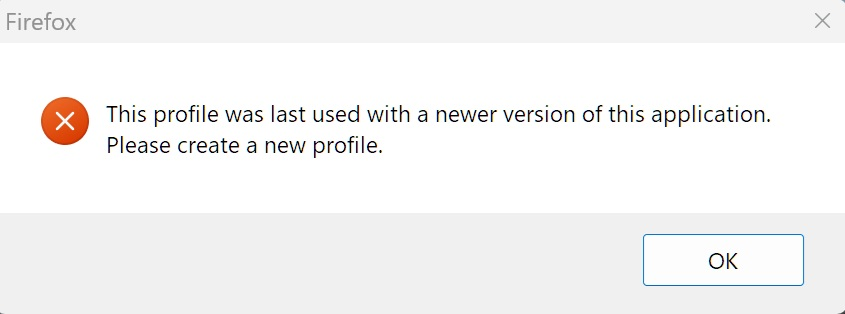
I have an account for standard support release versions, I am now using extended support release version 140.7.0 and a popup notification keeps nagging me to make a new profile. How do I do this?
I have an account for standard support release versions, I am now using extended support release version 140.7.0 and a popup notification keeps nagging me to make a new profile. How do I do this?
Semua Balasan (2)
Hi,
Are you trying to use the same profile in ESR that you used in the regular Firefox version?
That is correct, since ESR is a "previous" version the "current" standard version profile is apparently not compatible. So I am requesting assistance in creating a new profile for the ESR version. I would like to keep the existing profile if possible because I am trying the ESR version to see if it works better for my pedestrian usage. All assistance with this endeavor would be appreciated.