


Windows 10 reached EOS (end of support) on October 14, 2025. For more information, see this article.

Cari Bantuan

Avoid support scams. We will never ask you to call or text a phone number or share personal information. Please report suspicious activity using the “Report Abuse” option.

Pelajari Lebih Lanjut

Interacting With / Clicking On / Click On Any Extension Crashes Linux Firefox | 147.0.2 (64-bit) Debian 12 Gnome Wayland

  • Tidak ada balasan
  • 0 memiliki masalah ini
more options

NB - For the past half a year I have to sometimes right click to interact with them, anyway

Effectively, I will interact with the extension at the most basic, normal level on something that has interactive elements like a dropdown menu, or basic options.

I will click / right click on the icon and the highlight will appear, then that's it ... the browser then crashes and does not recover. :(

What's worse is that I have to Force Quit and when I restart there is no crash report to send to Moz.

I am just wondering if other Linux users have experienced similar issues.

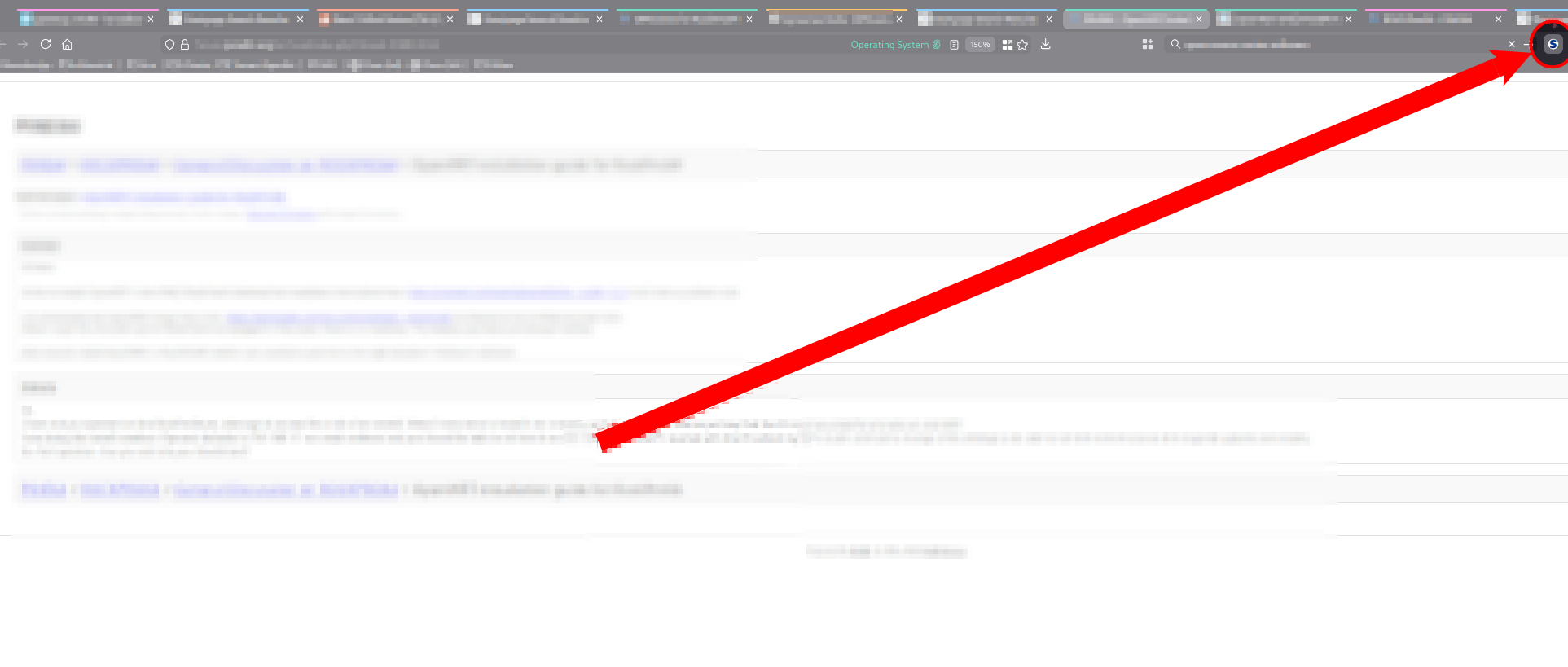
The attached image is taken at the moment before the 'Force Quit' dialogue opens up in Debian 12 Gnome (Wayland) ...


I have Hardware Acceleration on.

I am about to start testing with it off, but I work from the browser, and do not want performance compromises. So that is (at best) a work-around, and certainly is not a fix.

I'm on version 147.0.2 (64-bit) which would appear to be from the Mozilla Firefox Debian Package mozilla-deb - 1.0 install/repo/whatever ... and the PC specs are: Processor: Intel(R) Core(TM) i7-10850H CPU @ 2.70GHz Memory: 32705MB (11893MB used) Resolution: 7680x2358 pixels OpenGL Renderer: Quadro RTX 3000/PCIe/SSE2

These are my media. prefs ... but ... I doubt that it is relevant: media.ffmpeg.allow-openh264 true media.ffmpeg.customized-buffer-allocation true media.ffmpeg.disable-software-fallback false media.ffmpeg.enabled true media.ffmpeg.encoder.cpu-used 7 media.ffmpeg.encoder.enabled true media.ffmpeg.encoder.quantizer-max 35 media.ffmpeg.encoder.quantizer-min 10 media.ffmpeg.vaapi.force-surface-zero-copy 2
'''NB''' - For the past half a year I have to sometimes right click to interact with them, anyway Effectively, I will interact with the extension at the most basic, normal level on something that has interactive elements like a dropdown menu, or basic options. I will click / right click on the icon and the highlight will appear, then that's it ... the browser then crashes and does not recover. :( What's worse is that I have to Force Quit and when I restart there is no crash report to send to Moz. I am just wondering if other Linux users have experienced similar issues. The attached image is taken at the moment before the 'Force Quit' dialogue opens up in Debian 12 Gnome (Wayland) ... ---- ---- I have '''Hardware Acceleration''' ''on''. I am about to start testing with it off, but I work from the browser, and do '''not''' want performance compromises. So that is (''at '''best''''') a work-around, and certainly is '''not''' a fix. I'm on version '''147.0.2 (64-bit)''' which would appear to be from the '''Mozilla Firefox Debian Package mozilla-deb - 1.0''' install/repo/whatever ... and the PC specs are: '''Processor''': Intel(R) Core(TM) i7-10850H CPU @ 2.70GHz '''Memory''': 32705MB (11893MB used) '''Resolution''': 7680x2358 pixels '''OpenGL Renderer''': Quadro RTX 3000/PCIe/SSE2 These are my media. prefs ... but ... I doubt that it is relevant: '''media.ffmpeg.allow-openh264''' ''true'' '''media.ffmpeg.customized-buffer-allocation''' ''true'' '''media.ffmpeg.disable-software-fallback''' ''false'' '''media.ffmpeg.enabled''' ''true'' '''media.ffmpeg.encoder.cpu-used''' ''7'' '''media.ffmpeg.encoder.enabled''' ''true'' '''media.ffmpeg.encoder.quantizer-max''' ''35'' '''media.ffmpeg.encoder.quantizer-min''' ''10'' '''media.ffmpeg.vaapi.force-surface-zero-copy''' ''2''
Lampiran tangkapan layar

Diperbarui oleh eliot.cole pada

Anda harus masuk ke akun Anda untuk membalas kiriman ini. Sila mulai pertanyaan baru, jika Anda belum memiliki akun.