


My firefox browser has no sound. Google Chrome has sound. Problem appeared after scam attempt.

No audio on Firefox. Google Chrome has sound. Settings at normal audio volumes. Tried computer shut off and re-boot. Tried reload of Firebox.but that didn't help. Had scam attempt just before no audio issue...not sure if that problem.
Solusi terpilih
What do you see here? see screenshot
Baca jawaban ini dalam konteks 👍 0Semua Balasan (4)

That’s definitely concerning, especially after a scam attempt. If Chrome has sound but Firefox doesn’t, it’s usually a browser-specific setting or permission issue. Check the tab mute icon, Windows volume mixer, and Firefox sound permissions first. You might also want to run a malware scan just to be safe. I’ve had similar situations and started logging issues and fixes in Phonexa, which made it easier to spot what changed. Hopefully it’s a quick fix and nothing serious.
Thank you for the very helpful reply...but the issue remains. The mute/un-mute / sound volume / automatic sound authorization affirmed / and I ran a system restore to day before issue. It was unsuccessful so I turned off my anti-virus security (WebRoot) and tried re-running restore...but again, it said unsuccessful. Earlier I reloaded Firefox and have shut down and restarted computer numerous times. Still no Firefox audio. I also ran WebRoot scans several times and they say no issues. I am thinking this is maybe unfixable.
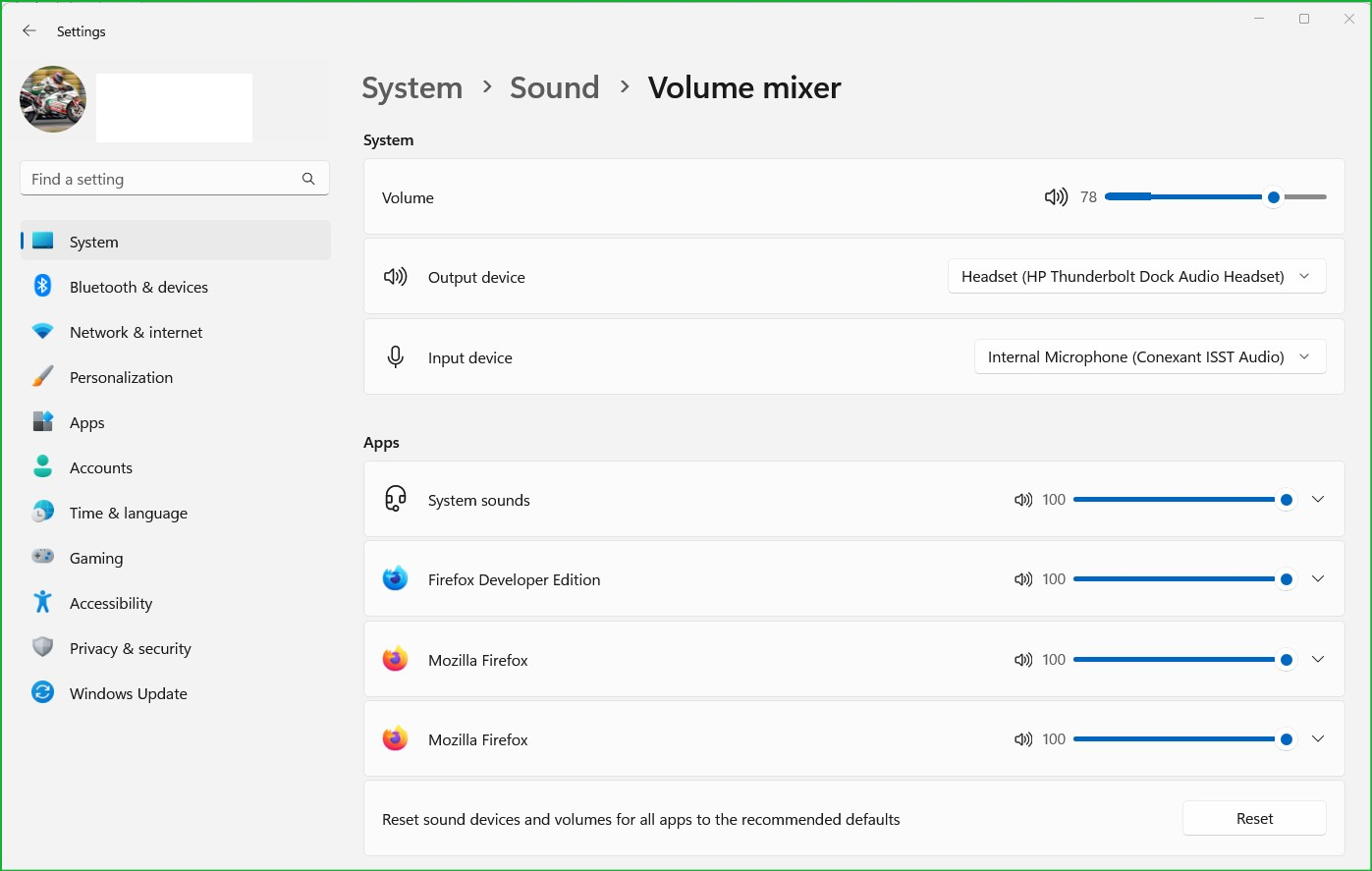
jonzn4SUSE: I went to System...then Sound...then volume mixer ...and volume and graphs looked normal . Saw "reset defaults" ...clicked on it. Closed and went to YouTube. I HAVE SOUND ! YOU FIXED PROBLEM (whatever it was)
Than you so very much. I really-really appreciated your help.