


Thunderbird

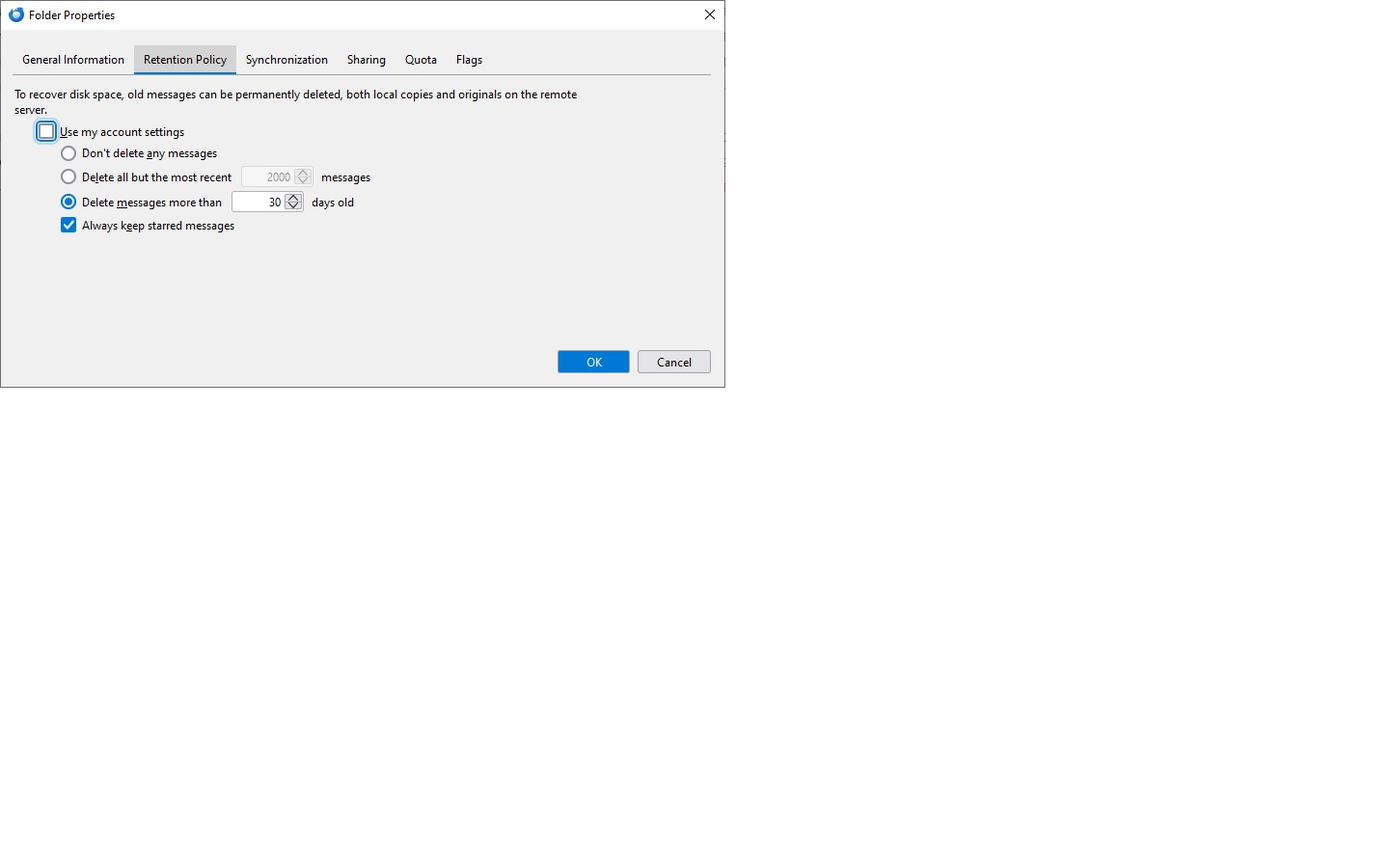
I have 'all mail' folder configured to save msgs for 30 day. Yet when go info the folder I see msgs from Sept 2022. Today is 2025-2-13.
I am including an image of 'all mail' folder setting.
Can anyone explain what is going on?
Semua Balasan (2)

This is a Gmail account, right? Gmail doesn't work like a normal IMAP server would, and one of its many particularities is that mail clients cannot directly remove mail from the All Mail folder. You may accomplish that indirectly by moving the messages to Bin/Trash first (has to be the same Bin/Trash as the one used by Gmail for this to work), and then remove the messages from there or just let Gmail automatically do that after 30 days.
But if you want to remove the messages directly from All Mail, without having to move them to Bin/Trash first, you can only do that from Gmail, cannot do it with Thunderbird or any other mail client.
Puzzling. Since 'allmail' is all mail in Gmail, how doe this retention compare to your other gmail message folder settings?