


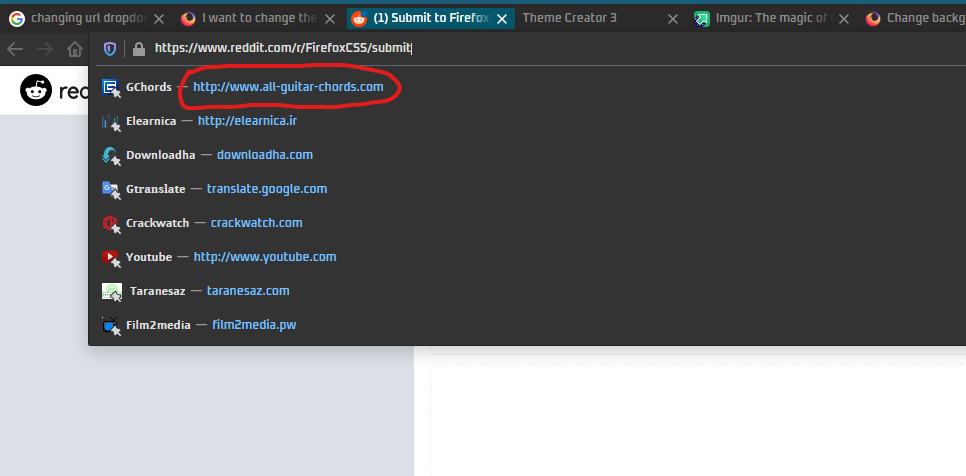
How can I change the color of urls in the urlbar dropdown?

Can anyone help me with the css code for changing the color of urls in the urlbar dropdown?
Solusi terpilih
That can be set by using the following CSS code in a userChrome.css file:
.urlbarView-url {
    color: red !important;
}
If you are not sure how to create or use a userChrome.css file, see the How to Create a userChrome.css File page on userChrome.org.
Hope this helps.
Baca jawaban ini dalam konteks 👍 1Semua Balasan (2)
Solusi Terpilih
That can be set by using the following CSS code in a userChrome.css file:
.urlbarView-url {
    color: red !important;
}
If you are not sure how to create or use a userChrome.css file, see the How to Create a userChrome.css File page on userChrome.org.
Hope this helps.
Wesley Branton said
That can be set by using the following CSS code in auserChrome.cssfile:.urlbarView-url { color: red !important; }If you are not sure how to create or use a
userChrome.cssfile, see the How to Create a userChrome.css File page on userChrome.org.Hope this helps.
Thank you so much been digging the whole net for this! Worked like a charm!