


Imposible to use like this...

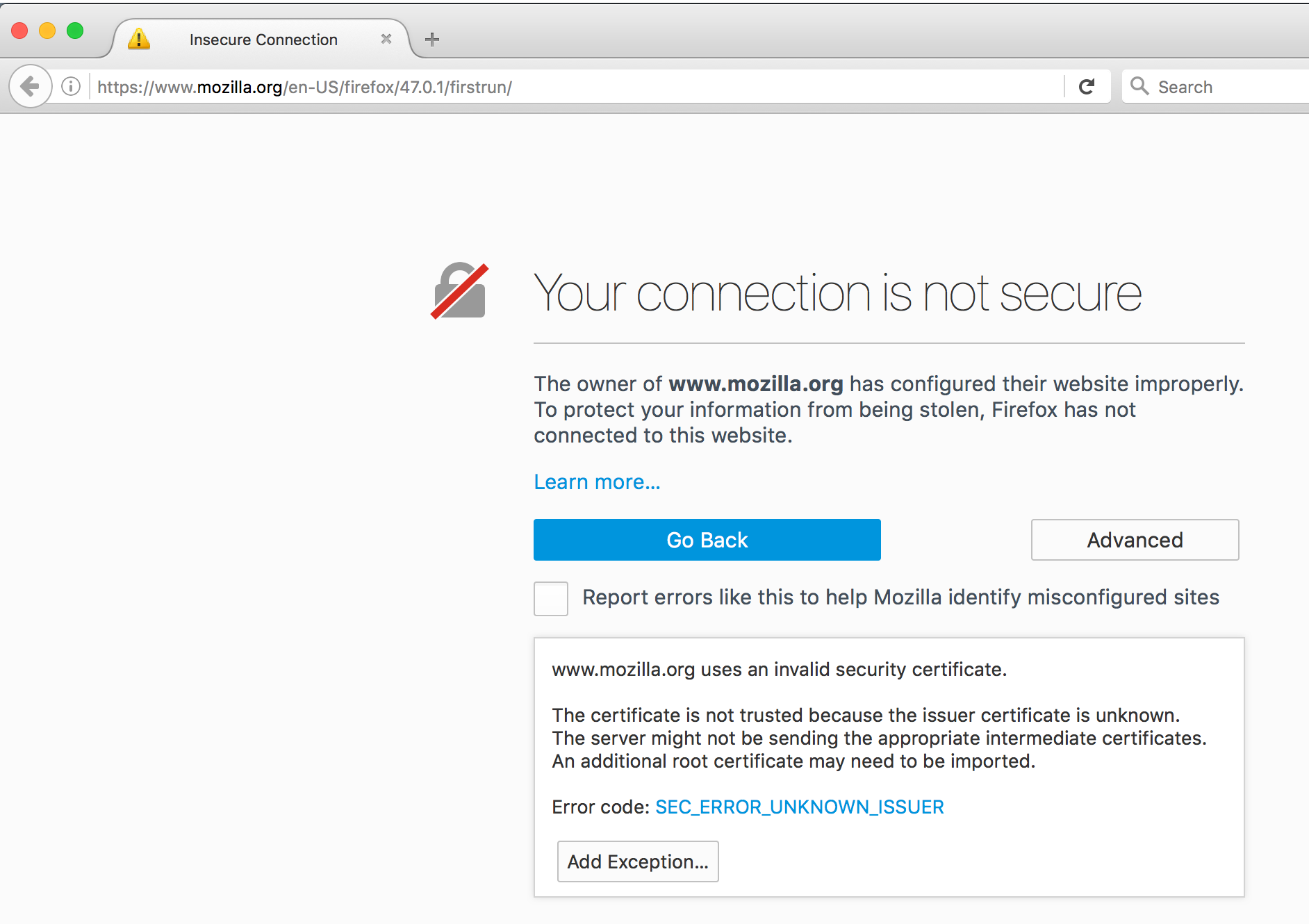
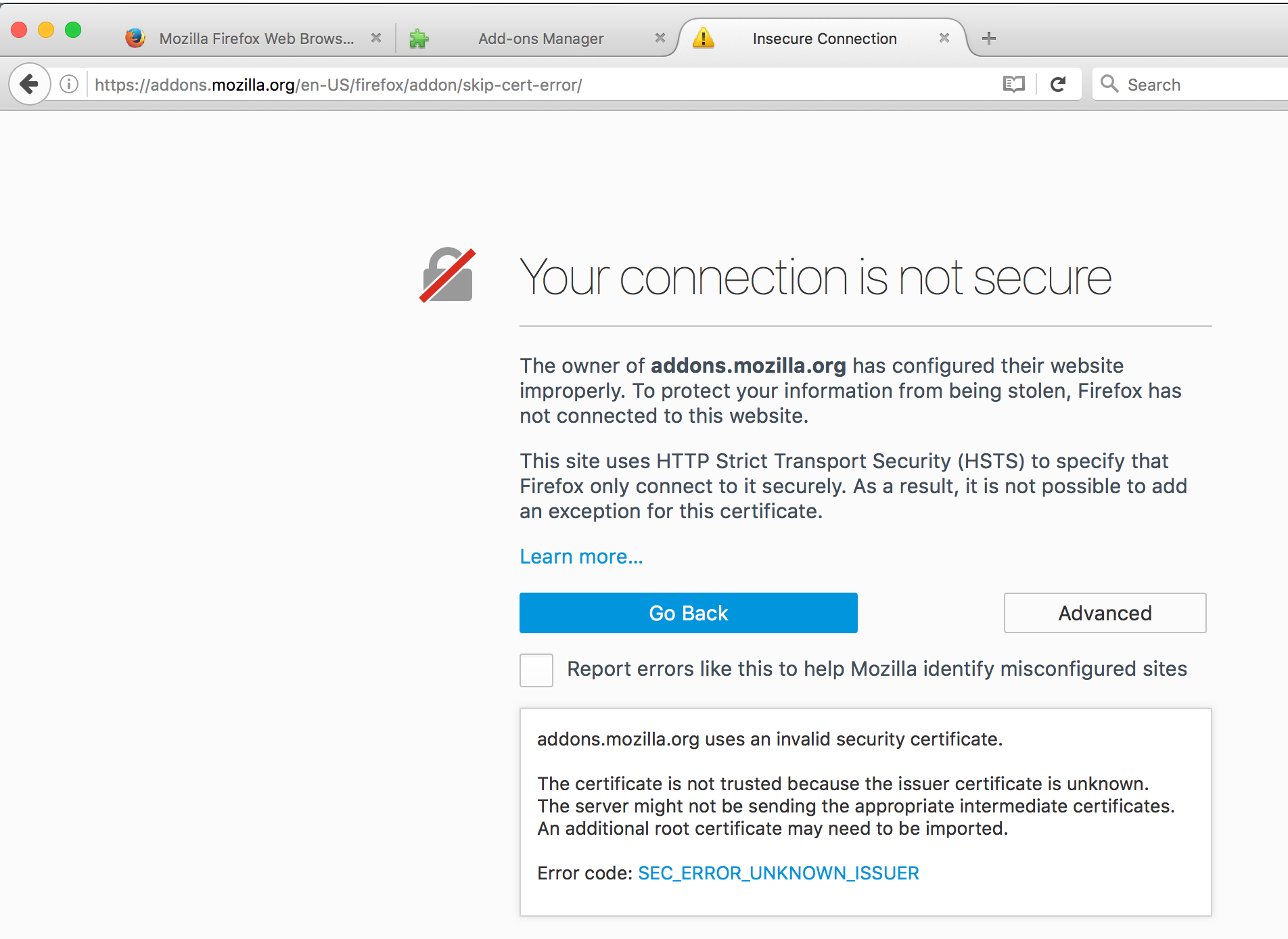
I've just installed latest version (47.0.1), and on first run.. I see a security warning. Tried to "shut off" these kinds of warnings (I had to use another browser to search, as even Google gave me this error). I've found there's an add-on for this (skip-cert-error).. but I cannot install it, as addons.mozilla.org is giving me the same warning!! Even worst, there's no "Add Exception" option there.. So, I have no way to install any add-on.
If the certificate is not trusted, an alert should appear (that's for sure).. but is it really necessary block navigation? And if navigation is blocked.. it should at least have a "Continue anyways" button...
Diperbarui oleh pda083 pada
Solusi terpilih
hi pda083, if every secure site shows you such a warning then something on your system is intercepting secure connections and you should surely look into fixing that (instead of adding exceptions or trying to skip the errors): Troubleshoot security error codes on secure websites
Baca jawaban ini dalam konteks 👍 1Semua Balasan (2)
Solusi Terpilih
hi pda083, if every secure site shows you such a warning then something on your system is intercepting secure connections and you should surely look into fixing that (instead of adding exceptions or trying to skip the errors): Troubleshoot security error codes on secure websites
Hi philipp! Thanks a lot for your quick answer! It was Avast indeed!
Yet, I feel it was too complicated (and frustrating) to learn about this. It's not so unusual to have an antivirus... and probably most of them now do the same thing (without the user even realising about it). Probably there should be a kind of warning/label/link in that error page, so the user doesn't need to post a question here in order to be pointed in the right direction ;)
But anyways, thanks again for you help! Cheers