


Return mode of display of FireFox to horizontal format
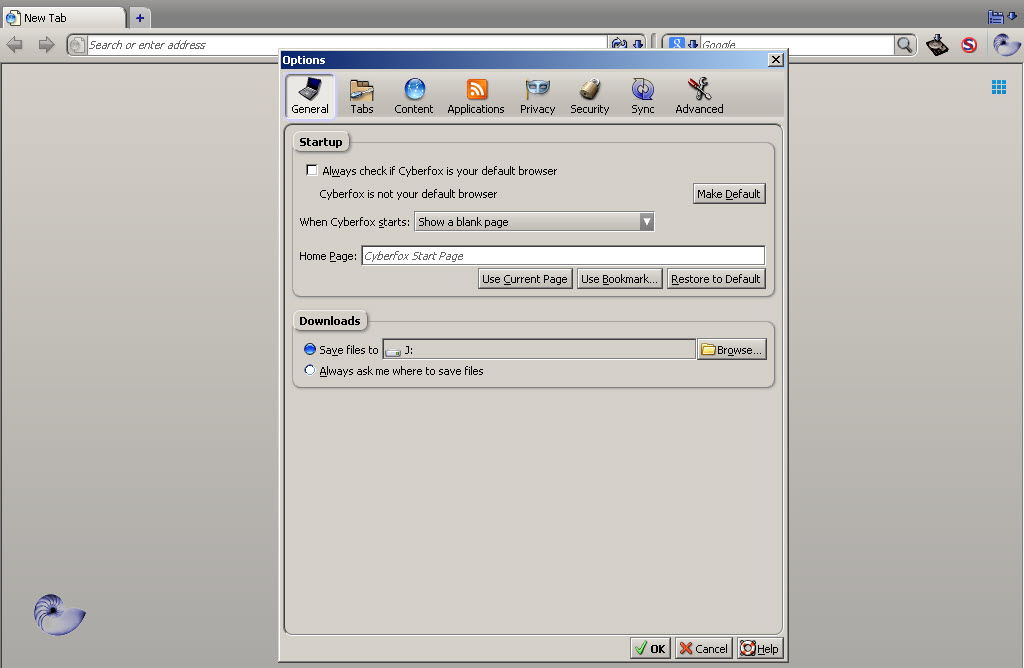
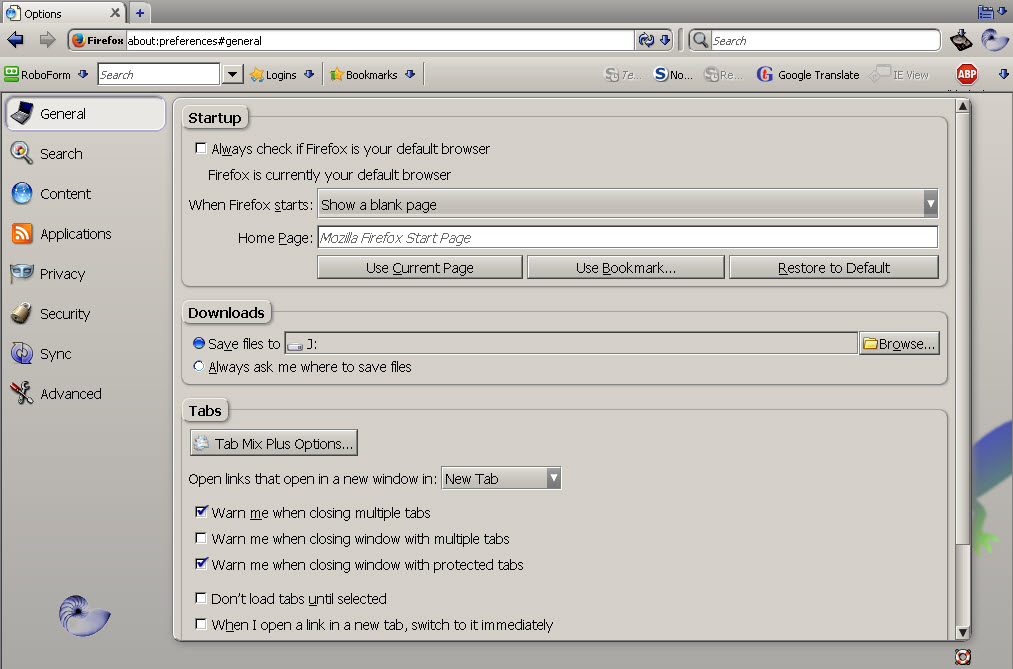
The default display format is as per the image attached, which I've titled "FireFox Horizontal" as categories are displayed horizontally. Now my display is as per the image attached, which I've titled "FireFox Vertical", as the categories are displayed vertically. My question is how to return the display to "Horizontal" ? Thanks Dan
Semua Balasan (2)
Solusi Terpilih
I don't see the "titles". The one on the left is the old Options window. The one on the right is the new Fx 38-plus "inContent" Options tab.
Type about:configin the URL bar and hit Enter. Using the search field at the top ... browser.preferences.inContent
Double-click that pref to toggle it, then restart Firefox.
false for the Fx37 and earlier 'window', with true for the Fx38-plus "inContent" tab.
Many thanks, this fixed the problem