


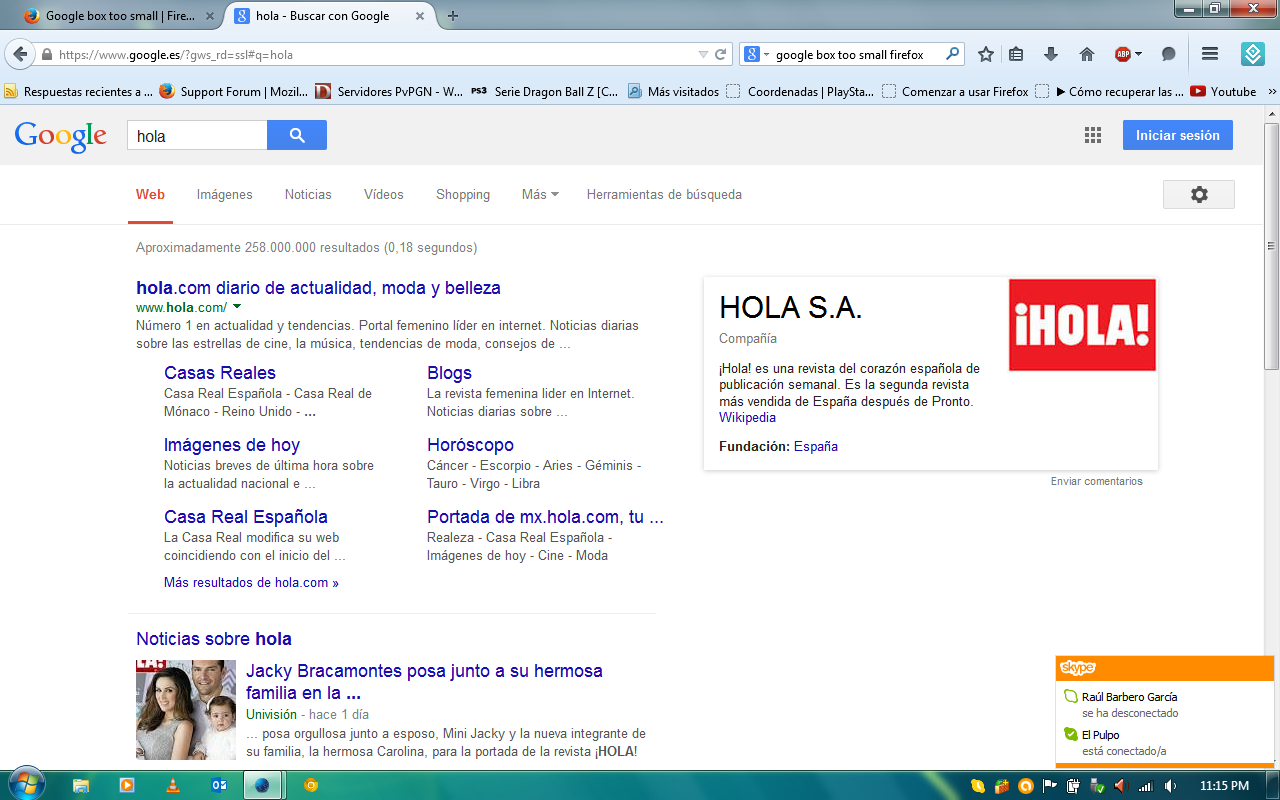
Google box too small

http://www.subirimagenes.net/i/140809052627302459.png
Look at the box on the top
Solusi terpilih
A possible workaround for now is this style rule in the userContent.css file:
@-moz-document domain(www.google.com){.gb_sb .gb_rb{flex-basis: main-size!important;}}
Baca jawaban ini dalam konteks
👍 2
Semua Balasan (8)
I am not personally familiar with the changes that went into Nightly recently, so this might be a known problem or something completely new.
But first I would suggest "the usual":
When you have a problem with one particular site, a good "first thing to try" is clearing your Firefox cache and deleting your saved cookies for the site.
(1) Bypass Firefox's Cache
Use Ctrl+Shift+r to reload the page fresh from the server.
Alternately, you also can clear Firefox's cache completely using:
"3-bar" menu button (or Tools menu) > Options > Advanced
On the Network mini-tab > Cached Web Content : "Clear Now"
If you have a large hard drive, this might take a few minutes.
(2) Remove the site's cookies (save any pending work first). While viewing a page on the site:
- right-click and choose View Page Info > Security > "View Cookies"
- (menu bar) Tools > Page Info > Security > "View Cookies"
In the dialog that opens, you can remove your google.com cookies individually.
Then try reloading the page. Does that help?


Samething in Mac OS X, Nightly is not stable version. so wait for next update or check in safemode.
Not, but thanks for the help :D.
This is after I've done all things
same problem:( just happened today August 9 2014
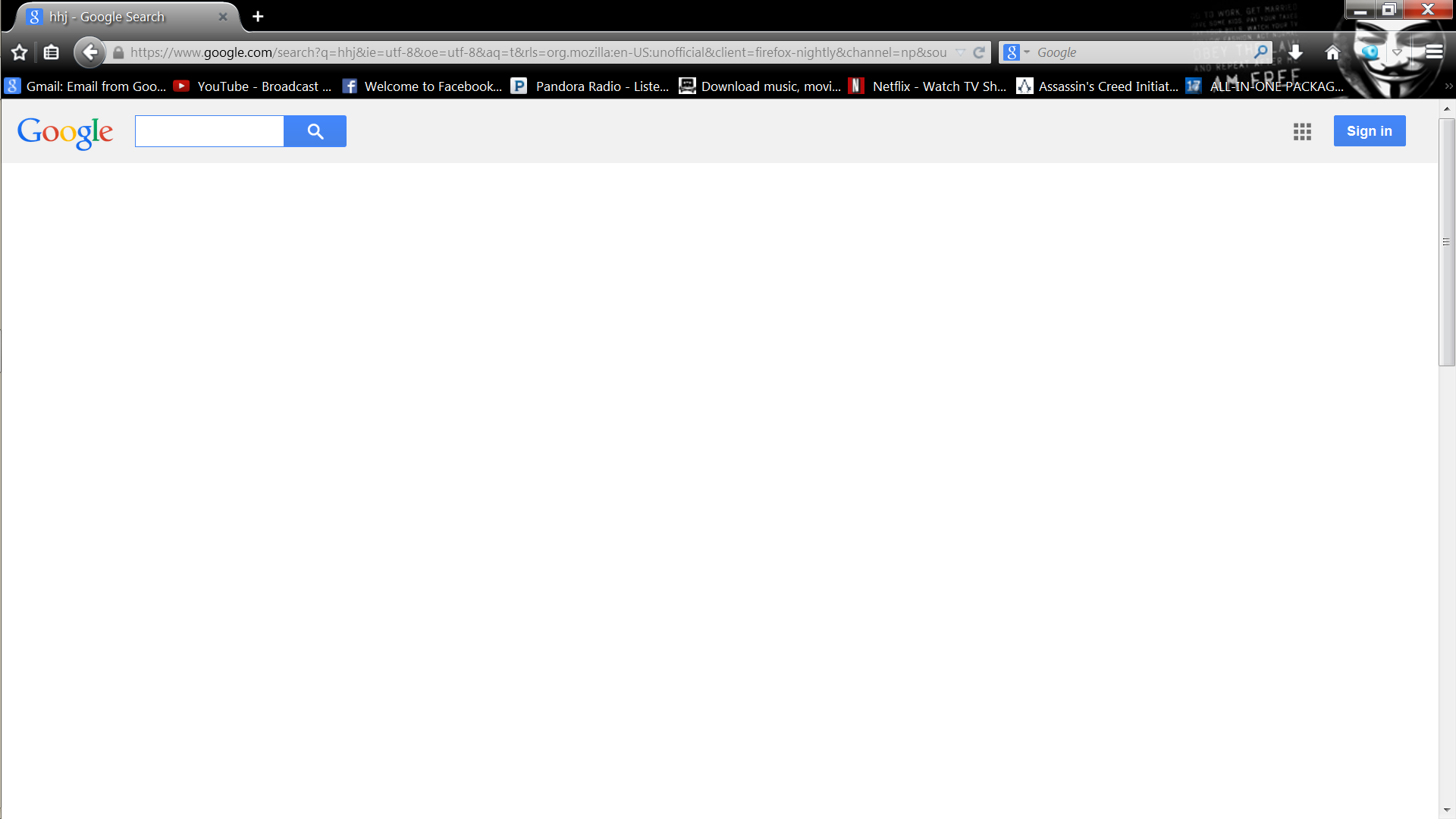
Diperbarui oleh blackflag42 pada
I uninstalled Firefox and reinstalled and now its back to normal
unfortunately this is currently a known issue in the nightly builds and worked on in bug #1051511.
Thanks :D. It works fine with Aurora 33.0a2
Solusi Terpilih
A possible workaround for now is this style rule in the userContent.css file:
@-moz-document domain(www.google.com){.gb_sb .gb_rb{flex-basis: main-size!important;}}