


Local Folders>Inbox preview doesn't show for most messages

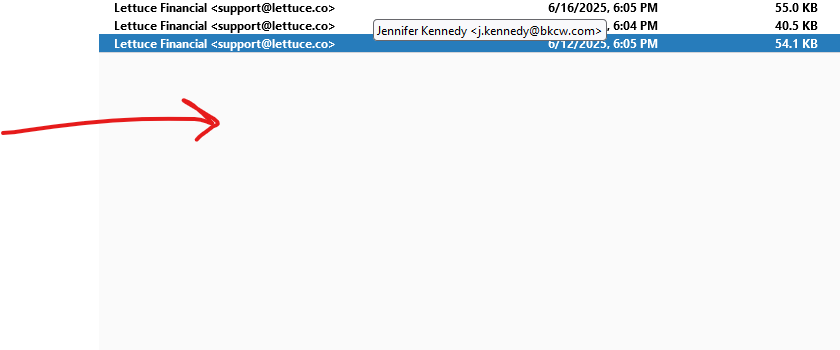
The other day previews of messages quit working in Local Folders>Inbox. New messages will show the preview, but not any of the older messages. The preview area is just blank. I drew an arrow to the preview area.
Wšě wotmołwy (5)
Thunderbird has three ways to read email. A tab, a windows and a reading or message pane all are functionally identical. It is just a matter of user choice which you use. I am assuming you are talking about the latter
The reading or message pane is toggled on and off via F8
I can't see the messages in any of these manners. I tried turning the messaging pane on and off, and nothing helps. I double clicked the message to open it up, and nothing shows up. Everything was fine until a few days ago, and now all the old messages in Local Folders/Inbox are showing the email.
I would guess your antivirus has gone rogue and the indexes are pointing to non existent massages. Try this to fix your broken index. https://support.mozilla.org/en-US/kb/rebuilding-global-database
I have tried this four times and it still doesn't work. There is only one folder that won't show the messages (Local Folders>Inbox). Every other folder shows all the messages without any problems. From March 13th onward, it works fine. I can read the message, click links in the message, etc. It's from March 12th backwards that doesn't work. It had worked fine until about a week or so ago.

It could be that the the folder index has become corrupt, which can "decouple" the indexed header info from the message itself. Two things I would try:
1) Make a new folder and copy (not move) the messages from your flaky folder into it. Do they display properly in the new folder?
2) Right-click on the folder name, choose "Properties", then click the Repair button. Have me messages returned?