


how do I get rid of the Yahoo search engine?
bold texthow do I get rid of the Yahoo search engine?
Wšě wotmołwy (4)

Hi.
There is an option under Settings > Search where you can select one of the pre installed options, I use DuckDuckGo and you can delete those you do not want.
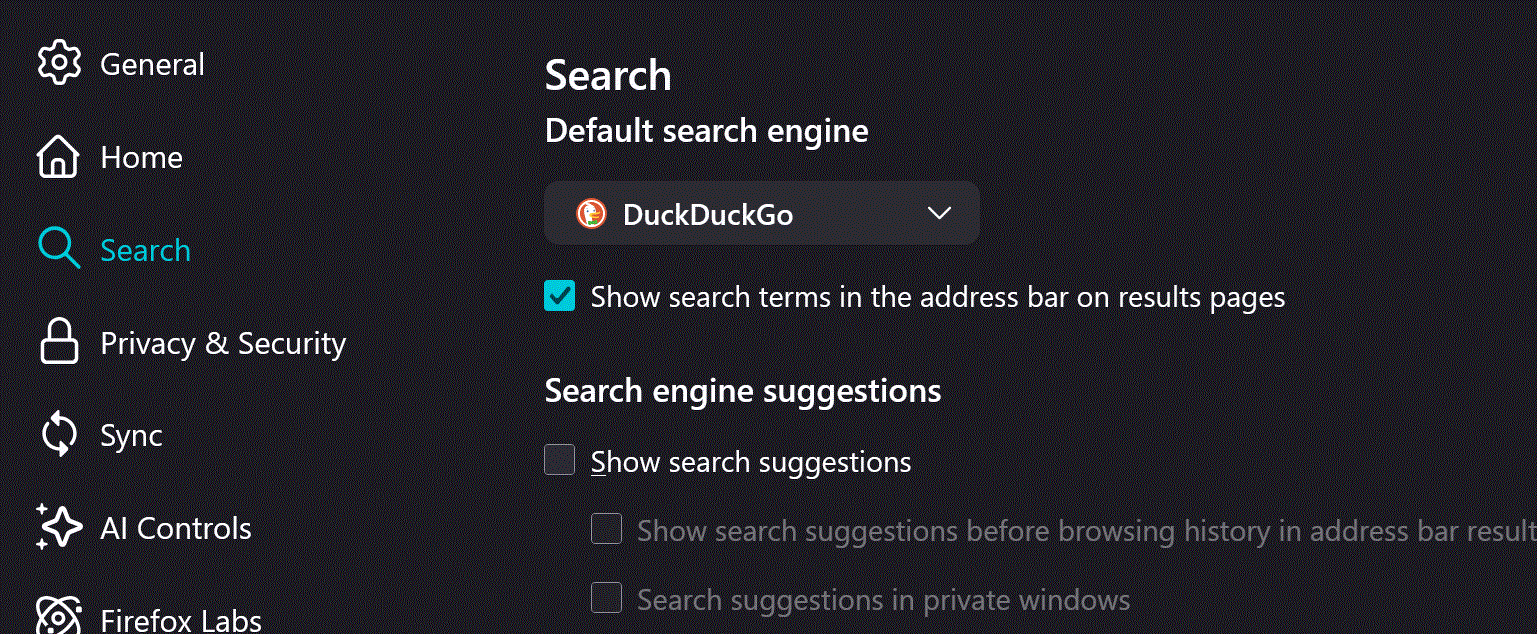
The Yahoo search engine likely got added by an Extension install or update or by a external software. The desktop Firefox web browser has not come with a Yahoo search engine as one of the default options ever since the Firefox 57.0 to current Releases.
https://support.mozilla.org/en-US/kb/add-or-remove-search-engine-firefox https://support.mozilla.org/en-US/kb/add-custom-search-engine-firefox https://support.mozilla.org/en-US/kb/change-your-default-search-settings-firefox
Thank you both for the input. I am familiar with the extensions and how to remove them but even after I remove all search engines that are Yahoo related from Firefox, any search i enter still gives me Yahoo results. reason enough not to make Firefox my default browser because Yahoo search is clearly search optimized to the hilt and does a lot of misdirecting. thanks again.