

Tuta nitka je so archiwowała.
Prošu stajće nowe prašenje, jeli pomoc trjebaće.

Archiwowany
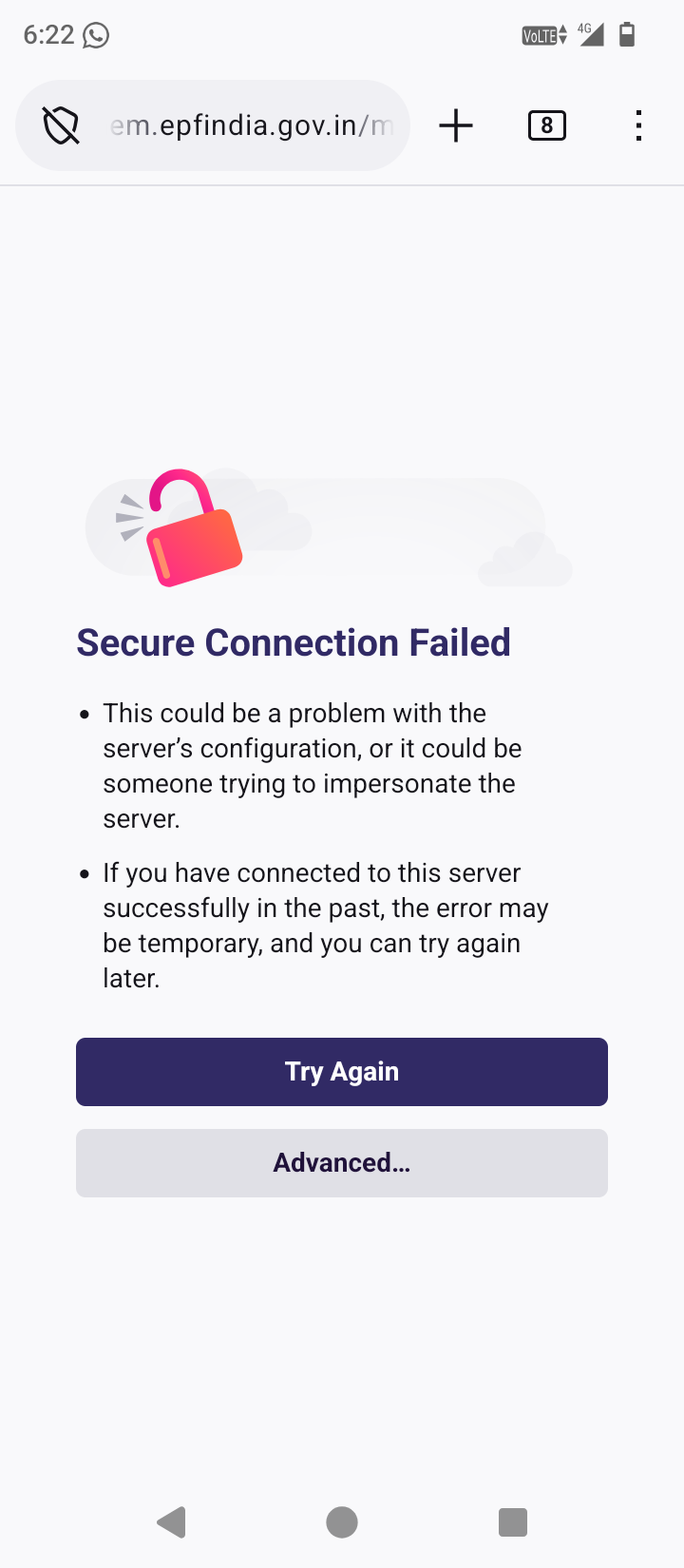
secure connection failed

Why coming secure connection failed to opening any site
Why coming secure connection failed to opening any site
Wšě wotmołwy (2)
Hi. That error usually means Firefox can’t make a secure (HTTPS) connection, often because of a network or certificate issue. Try the following steps:
- Make sure your phone’s date and time are correct — a wrong clock can break secure connections.
- Go to Settings → Delete browsing data, then clear cache and cookies.
- Turn off VPNs, antivirus apps, or ad blockers temporarily to see if they’re interfering.
- Try a different network (for example, switch from Wi-Fi to mobile data).
- Update Firefox from the Play Store to the latest version.
If the issue keeps happening, please share the exact error code shown (for example SEC_ERROR_UNKNOWN_ISSUER), so we can help you further.
Hi riteshbodre2,
Could you please update the thread to indicate whether the suggested solution from Nathan help resolved your issue? If it worked, you can also directly mark the reply as the solution to help other users with similar problem discover the resolution.
If you're still experiencing problems, please share any additional details so we can continue assisting you. Thanks!