


Error when adding a new Titan email account

Hello,
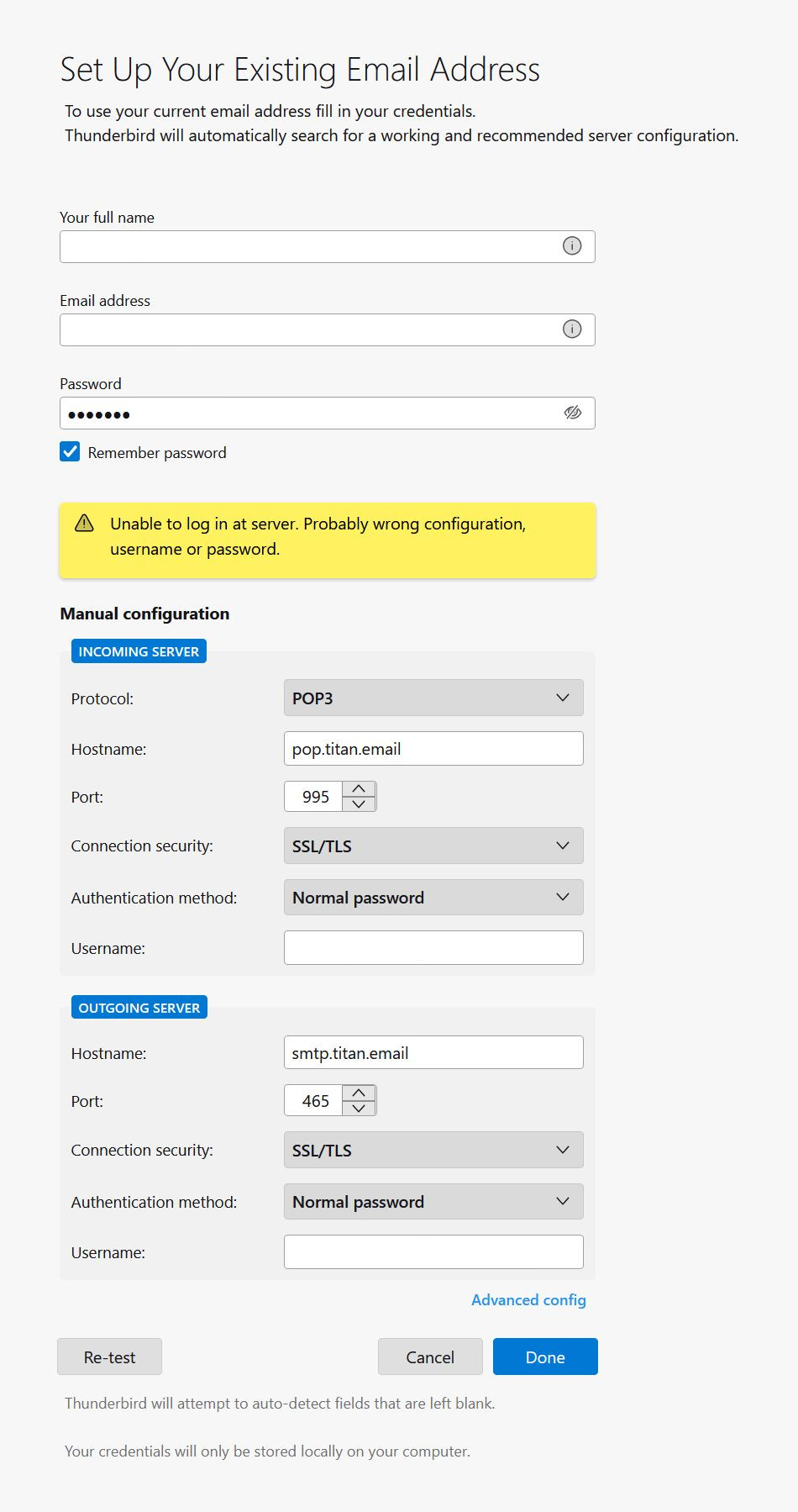
I am getting the following error when adding a new Titan email account:
Unable to login at server. Probably wrong configuration, username, or password.
Username and password are obviously valid.
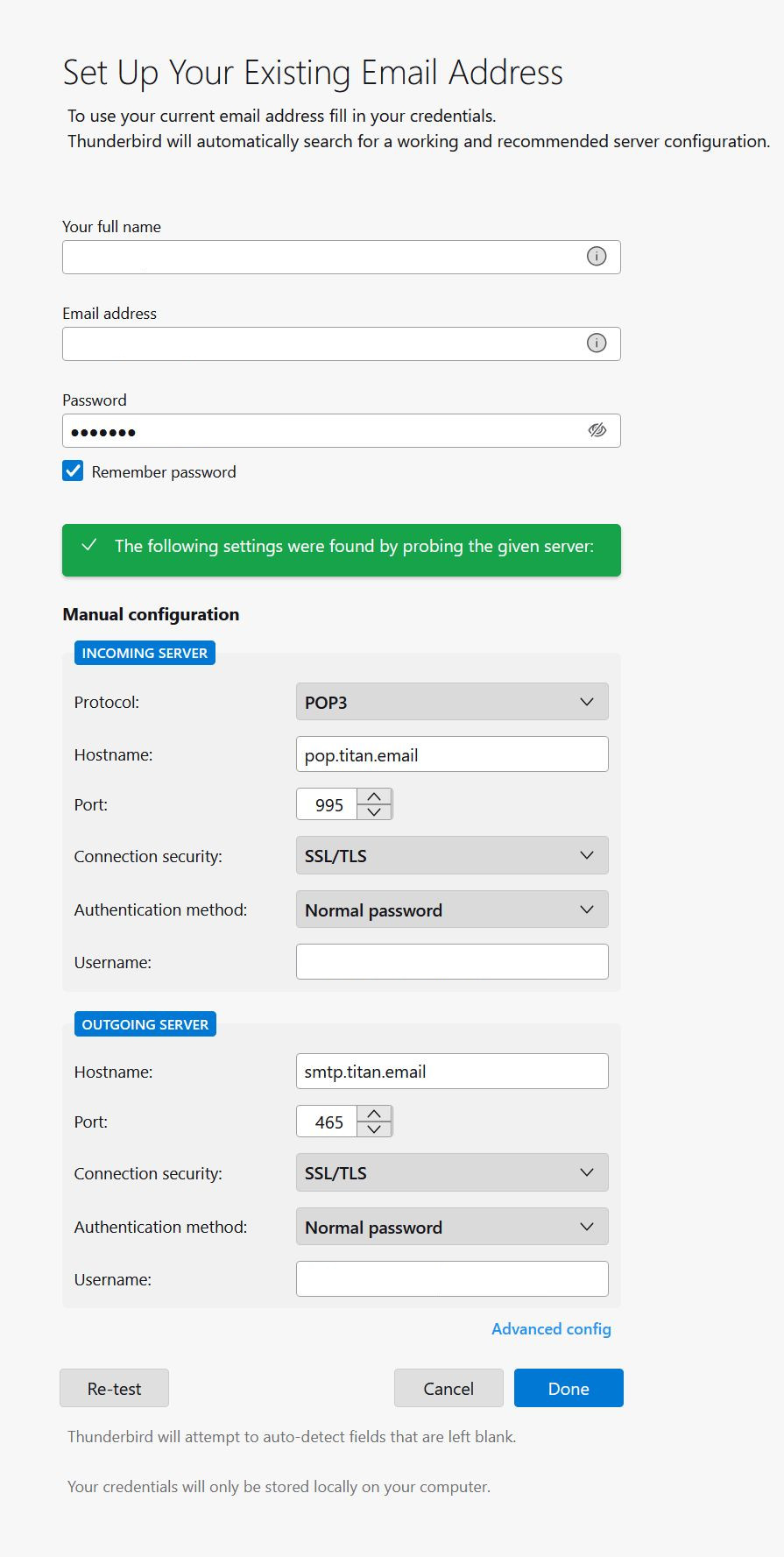
I configured a similar Titan account previously and it's working fine. However, this new account of the same domain is being rejected. Domain is hosted on Hostgator and both email accounts are running in Titan email. Settings test is passing as I am getting the following message after pressing the Re-test button:
The following settings were found by probing the given server.
Thunderbird version 128.10.2esr (64-bit)
Is there any tool or log to troubleshoot this issue?
Wubrane rozrisanje
Have you enabled 3rd-party app access to the account? Is two-factor authentication enabled on the account (blocks 3rd-party app access)?
Tutu wotmołwu w konteksće čitać 👍 0Wšě wotmołwy (2)
Wubrane rozrisanje
Have you enabled 3rd-party app access to the account? Is two-factor authentication enabled on the account (blocks 3rd-party app access)?
Thank you sfhowes for your help.
To configure Titan on third-party apps, third-party email access must be enabled.
No, two-factor authentication is not enabled. But 3rd-party app access wasn't enabled either on this account.
I thought 3rd-party app access was enabled at domain level, that is for all the email accounts. But no, you have to enable this access on every account individualy.