


Side Bar

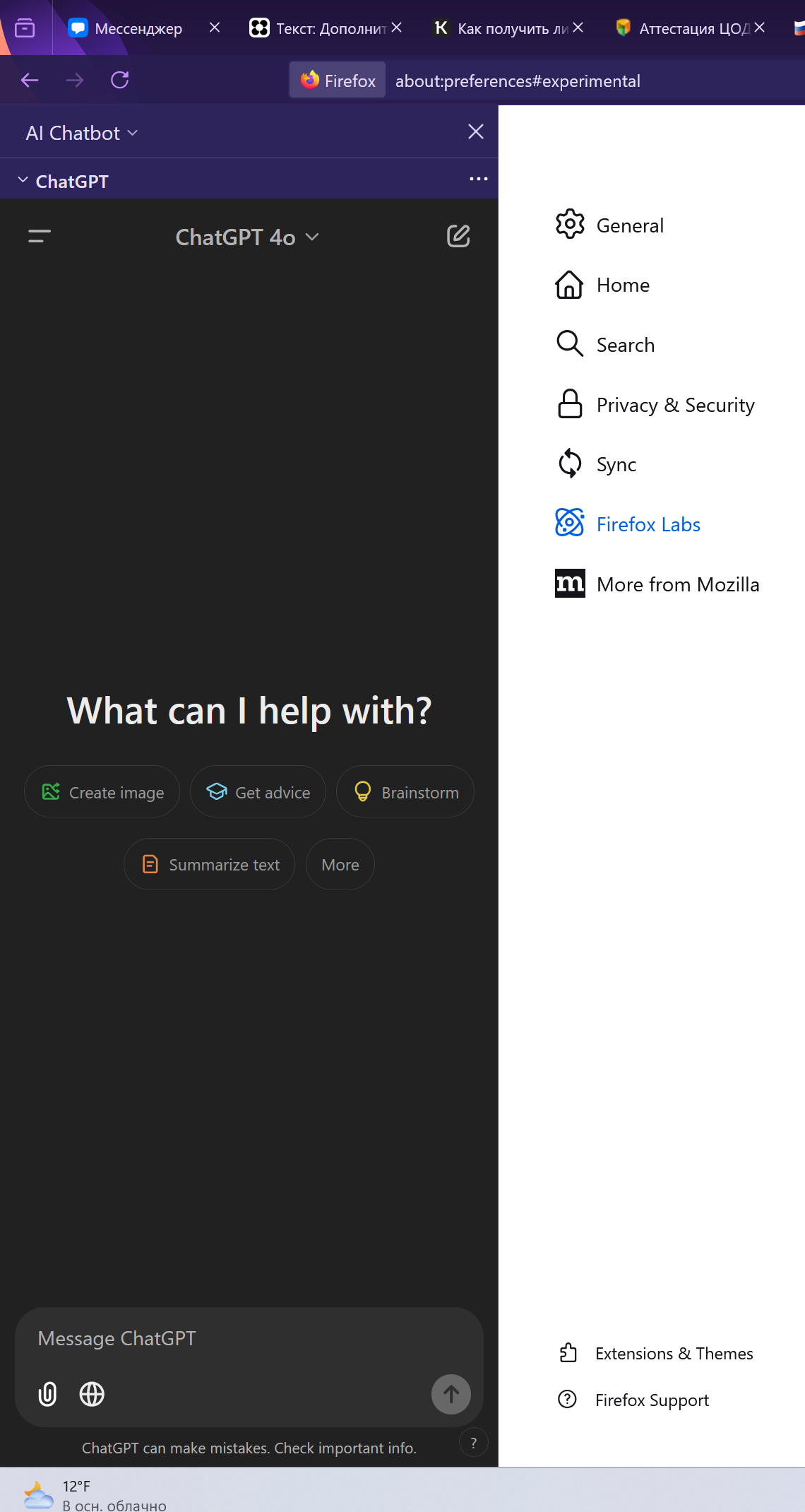
I found out about a chat gpt sidebar in firefox labs. I am facing a p[roblem where if i close this sidebar, i need to go to firefox labs tab and reopen it again. Is there a quck way, a macros for example how i can quickly open the new sidebar
I found out about a chat gpt sidebar in firefox labs. I am facing a p[roblem where if i close this sidebar, i need to go to firefox labs tab and reopen it again. Is there a quck way, a macros for example how i can quickly open the new sidebar
Wubrane rozrisanje
Hi,
Move the Show sidebar icon on the toolbar.
- Click on the menu button
 on your Firefox toolbar.
- Click on More tools, then click on Customize toolbar… to open a Customize Firefox tab.
- Drag the Show sidebar item to the toolbar.
- Click the Done button.
When you click on the Show sidebar icon in your toolbar, you should be able to quickly open the new sidebar.
Let us know if this solves the problem.
Tutu wotmołwu w konteksće čitać 👍 3Wšě wotmołwy (1)
Wubrane rozrisanje
Hi,
Move the Show sidebar icon on the toolbar.
- Click on the menu button on your Firefox toolbar.
- Click on More tools, then click on Customize toolbar… to open a Customize Firefox tab.
- Drag the Show sidebar item to the toolbar.
- Click the Done button.
When you click on the Show sidebar icon in your toolbar, you should be able to quickly open the new sidebar.
Let us know if this solves the problem.