

Tuta nitka je so archiwowała.
Prošu stajće nowe prašenje, jeli pomoc trjebaće.

Archiwowany
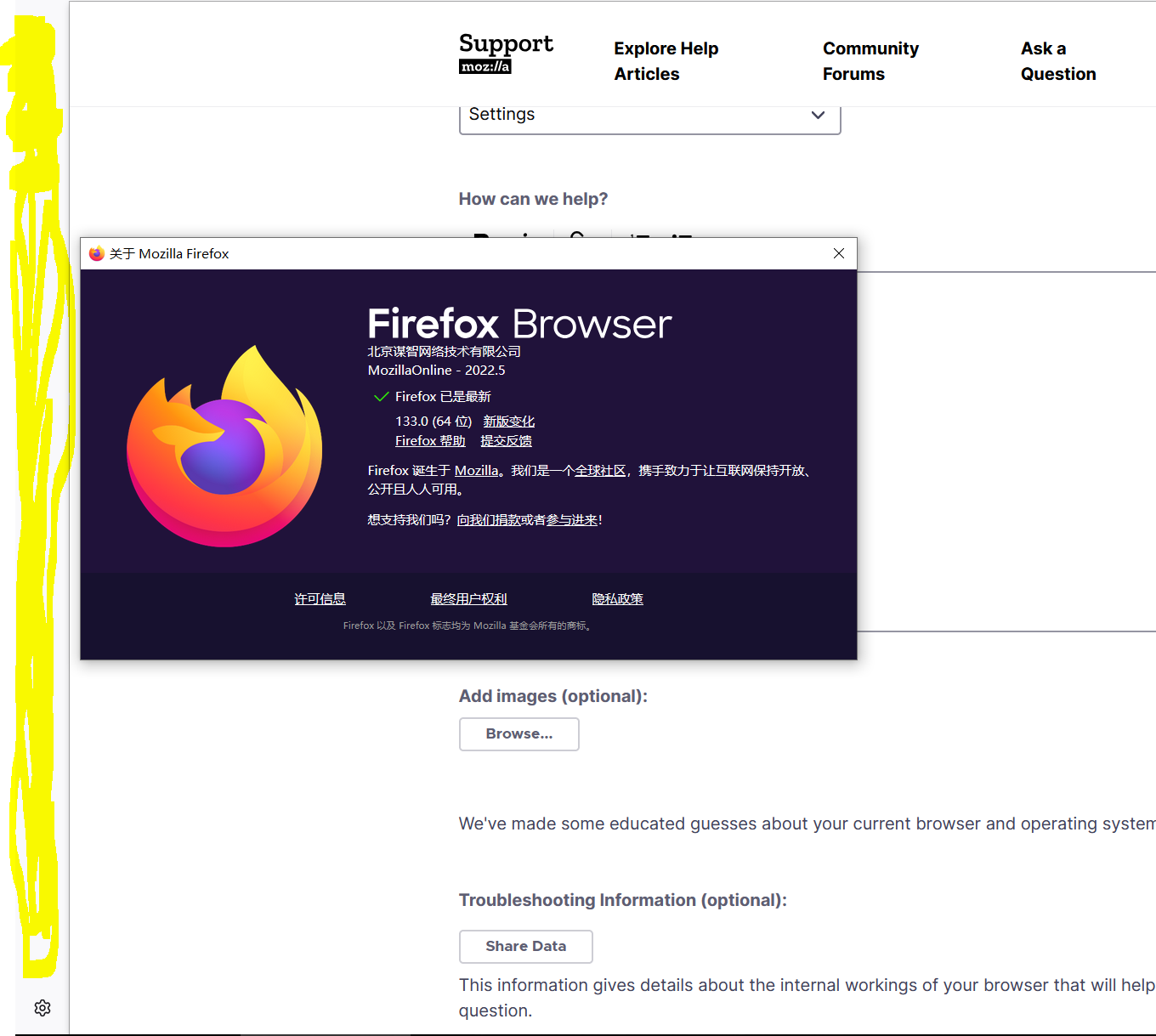
How to remove left sidebar??? version133

I dont like it I dont need it How to remove it
I dont like it
I dont need it
How to remove it
Wšě wotmołwy (2)
You can click the cog icon at the bottom of the sidebar to access the settings for the new sidebar panel and select what items you wish to see, you can scroll down to see more settings like vertical tabs. You can hide the sidebar by selecting "Show and hide sidebar" for the Sidebar toolbar button. With this choice selected, you can click the Sidebar button to open and close the sidebar. You may have to re-add to Sidebar button to the toolbar.
I found it! It's on the top left corner,finally i can close it now! Thank you cor-el FUck Firefox