

Tuta nitka je so archiwowała.
Prošu stajće nowe prašenje, jeli pomoc trjebaće.

Archiwowany
Editing Bookmarks

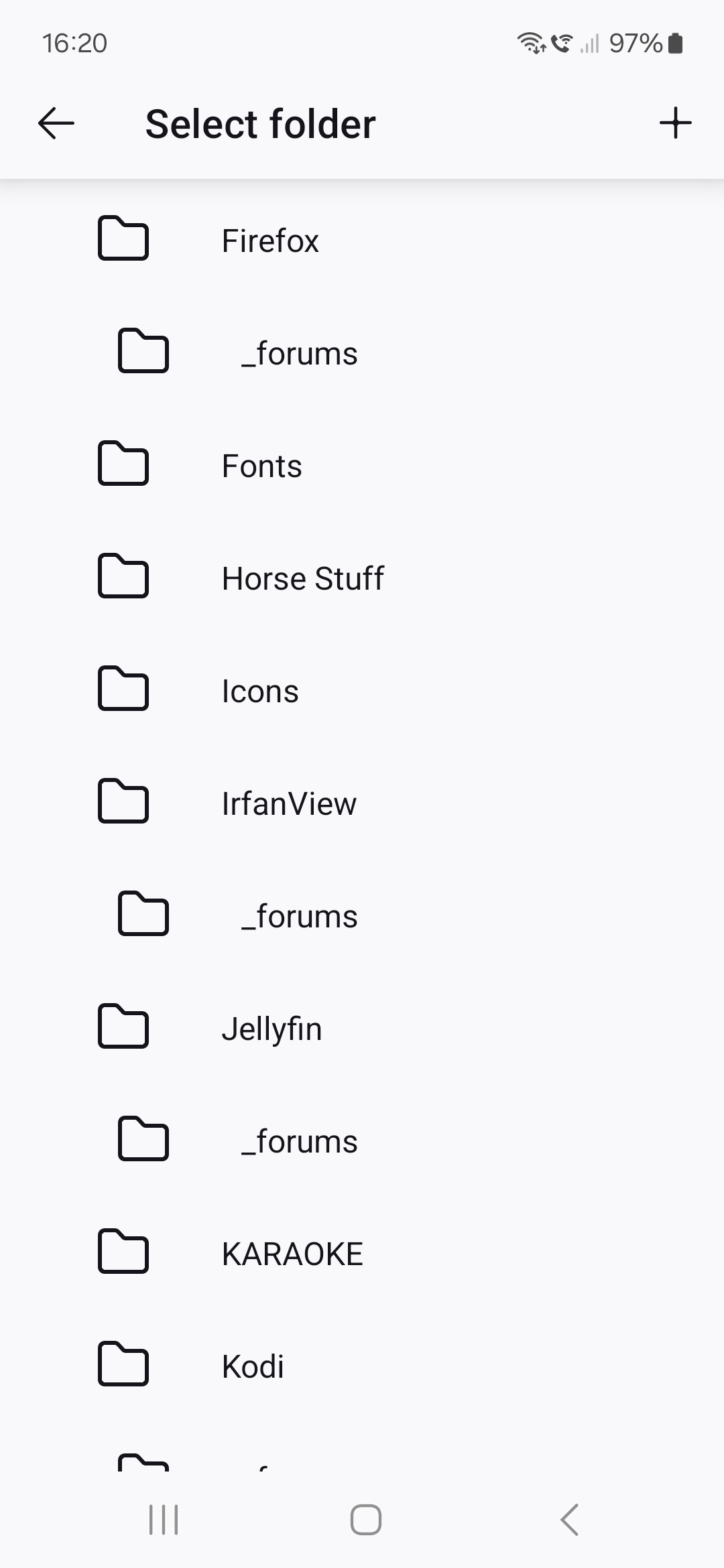
When viewing Bookmarks > Desktop Bookmarks, only the parent folders are displayed (screenshot 1) and one of them has to be tapped to display the subfolders within that parent folder. However, when editing a bookmark, all the parent folders are expanded, displaying every subfolder as well (screenshot 2). It's an absolute nightmare to look at and a pain navigate. It would be more helpful if editing worked the same as viewing.
When viewing Bookmarks > Desktop Bookmarks, only the parent folders are displayed (screenshot 1) and one of them has to be tapped to display the subfolders within that parent folder. However, when editing a bookmark, all the parent folders are expanded, displaying every subfolder as well (screenshot 2). It's an absolute nightmare to look at and a pain navigate. It would be more helpful if editing worked the same as viewing.

Wšě wotmołwy (1)

Mark this as resolved and post it here. connect.mozilla.org