


"Add to Home screen" option missing from menu

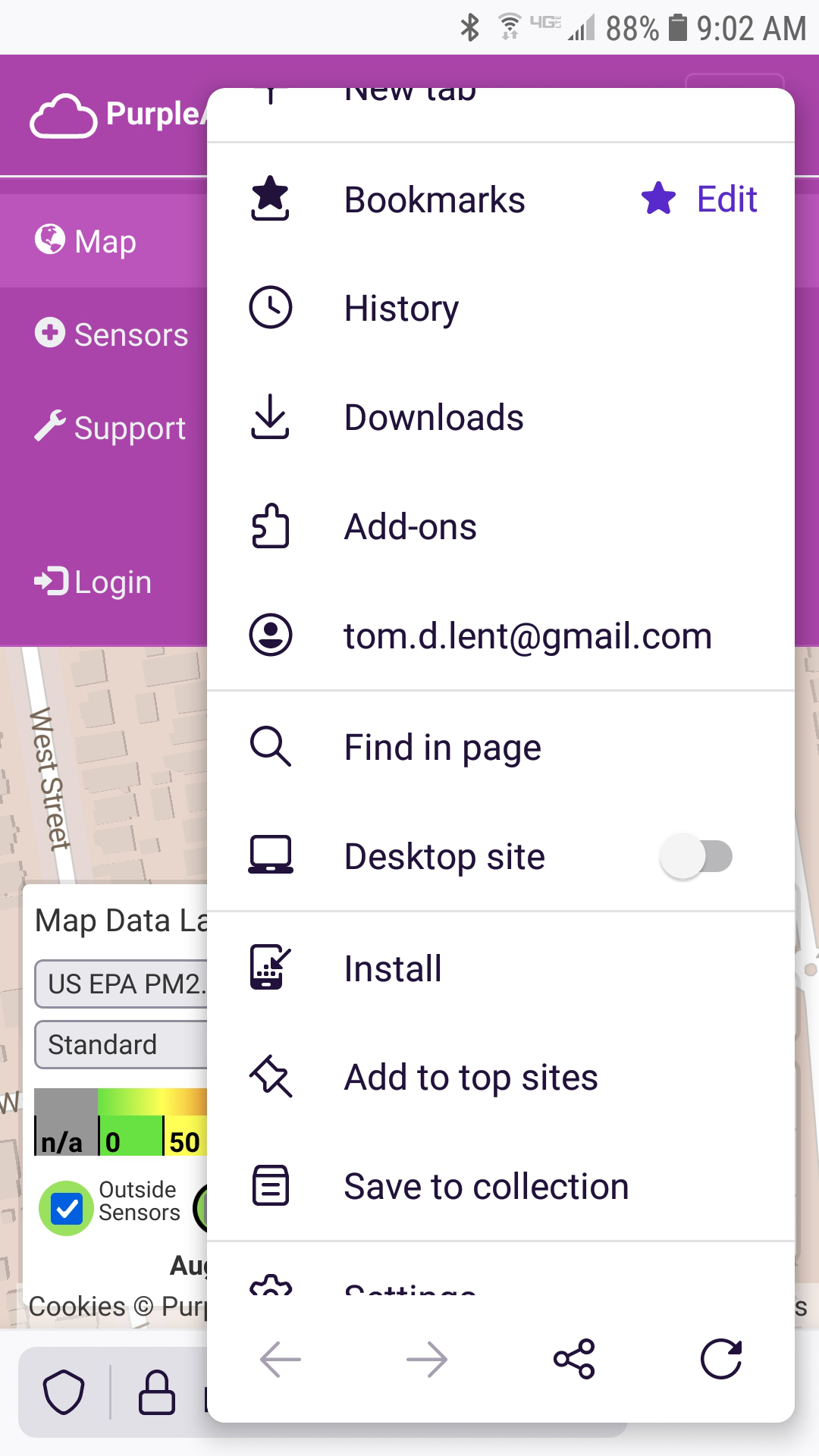
https://support.mozilla.org/en-US/kb/add-web-page-shortcuts-your-home-screen indicates that to add a bookmark to my Android home screen, I should navigate to the desired website, open the three dot menu and click on "Add to Home screen." I have successfully done this in the past. But now the option is missing from the menu. I am using Firefox Daylight V 91.1.0. The option still shows up and works in my Andriod Chrome, but not in my Android Firefox Thank you in advance for your ideas.
Wšě wotmołwy (2)
Wubrane rozrisanje
Hi
If you select Install, a shortcut will be added to the Android homescreen.
I hope that this helps.
Thank you so much. This was exactly what i needed.
On further exploration, I have found that the "Install" option is a one time tool that adds the "Add to Home screen" option in the menu. The next time that you open the menu to save a link to your phone's home screen, the "Add to Home screen" option will show up in your three dot menu.
Wot Tom Lent změnjeny