


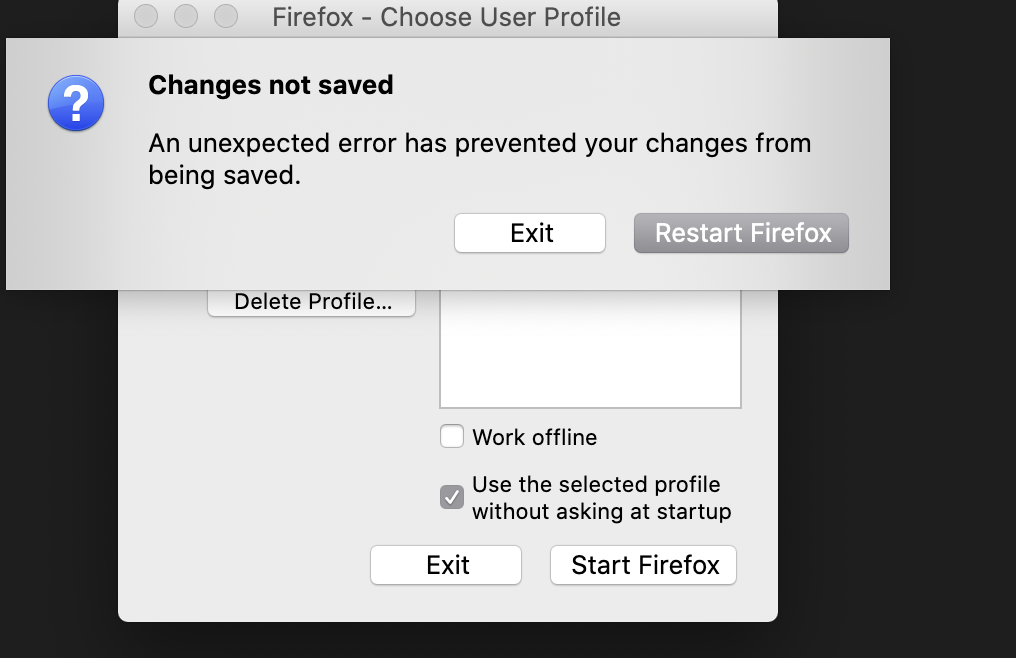
Changes not saved after creating a profile.
After creating a profile, this message pops up, "Changes not saved, An unexpected error has prevented your changes from being saved". Then gives me the option to exit and restart firefox. Everytime, I restart the firefox and create new profile, the same thing will happen.
Wšě wotmołwy (2)
hello maria,
1. Open your profile folder: Click the menu button , click Help and select Troubleshooting Information.
2. Goto Give Firefox a tune up click Firefox Refresh. < Refresh Firefox
[https://support.mozilla.org/en-US/kb/use-troubleshooting-information-page...]
3. Restart computer.
Thank you!
Maybe check for write permissions and owner related issues for files and folders in the locations used for profiles.
You can find the profiles.ini file in this hidden location:
- Mac: ~/Library/Application Support/Firefox/
Firefox uses two locations for the Firefox profile folder.
Location used for the main profile that keeps your personal data (Root Directory on about:profiles).
- ~/Library/Application Support/Firefox/Profiles/<profile>/
Location used for the disk cache and other temporary files (Local Directory on about:profiles).
- ~/Library/Caches/Firefox/Profiles/