


When closing Firefox on MacAir by clicking red button get error message An unexpected error occured

As described - click left hand side red button and get Error An unexpected error occured. Can't find way to sort it out.
Wšě wotmołwy (6)
HI, what happens when you Click 3 Bar Menu then Exit which is actually the proper way to Exit / Shutdown ?
Thanks. I have been running a Mac and Firefox for years with closing via red button and it always closed down with this standard Mac approach of clicking the red button. No exit option on 3 bar.
Now getting a pop-up with the message as given above. Something new and irritating from Firefox.
Everything up to date - latest versions.
You can try to do some maintenance and cleanup with OnyX.
Will wait until appropriate MacOS version is out. Other suggestions appreciated.
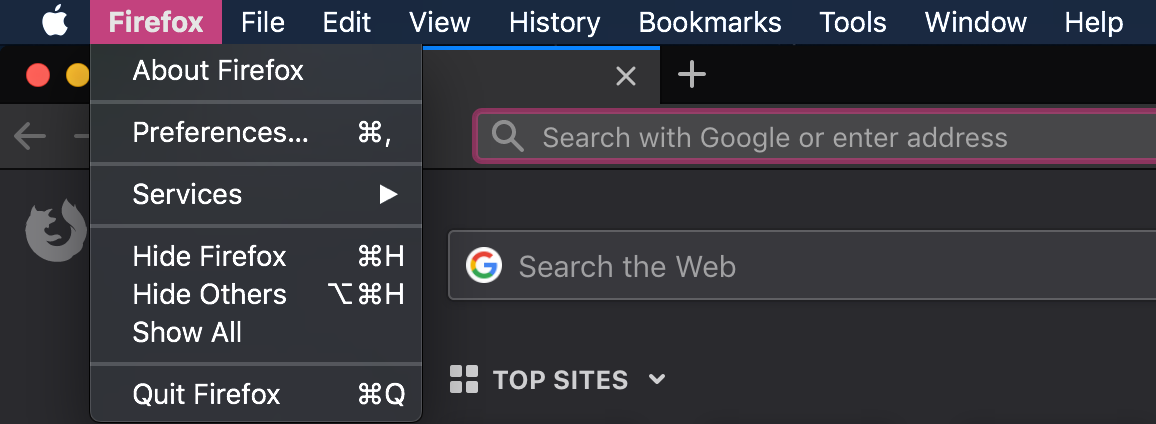
The proper way to exit Firefox on a macOS operating system is to use CMD-Q or "Quit Firefox" in the Firefox Menu next to the Apple menu in your menu bar. Closing with the red button only closes the current window.
What version of macOS do you use? There might be issues with old versions of macOS (or with pre-releases, although I am not having any issues on Mojave).
Thanks. The standard ways of closing work fine. But in the past, the red button worked without an error message. Can use the red button to close a tab if more than one open. But the last one produces the error message. Can't capture it because it goes very quickly. Latest versions of everything.