


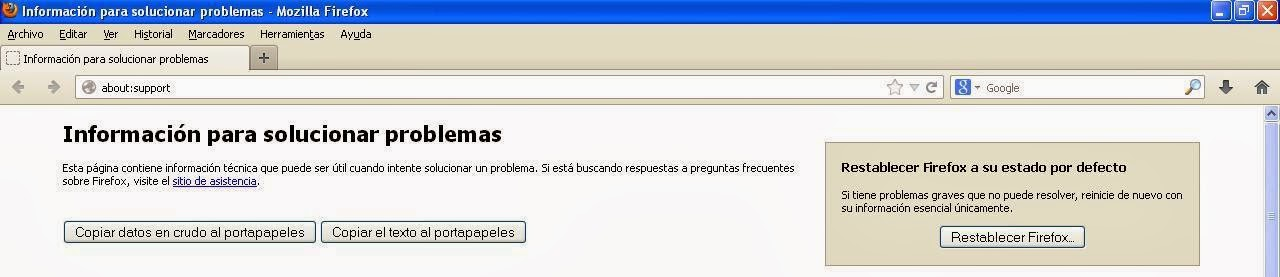
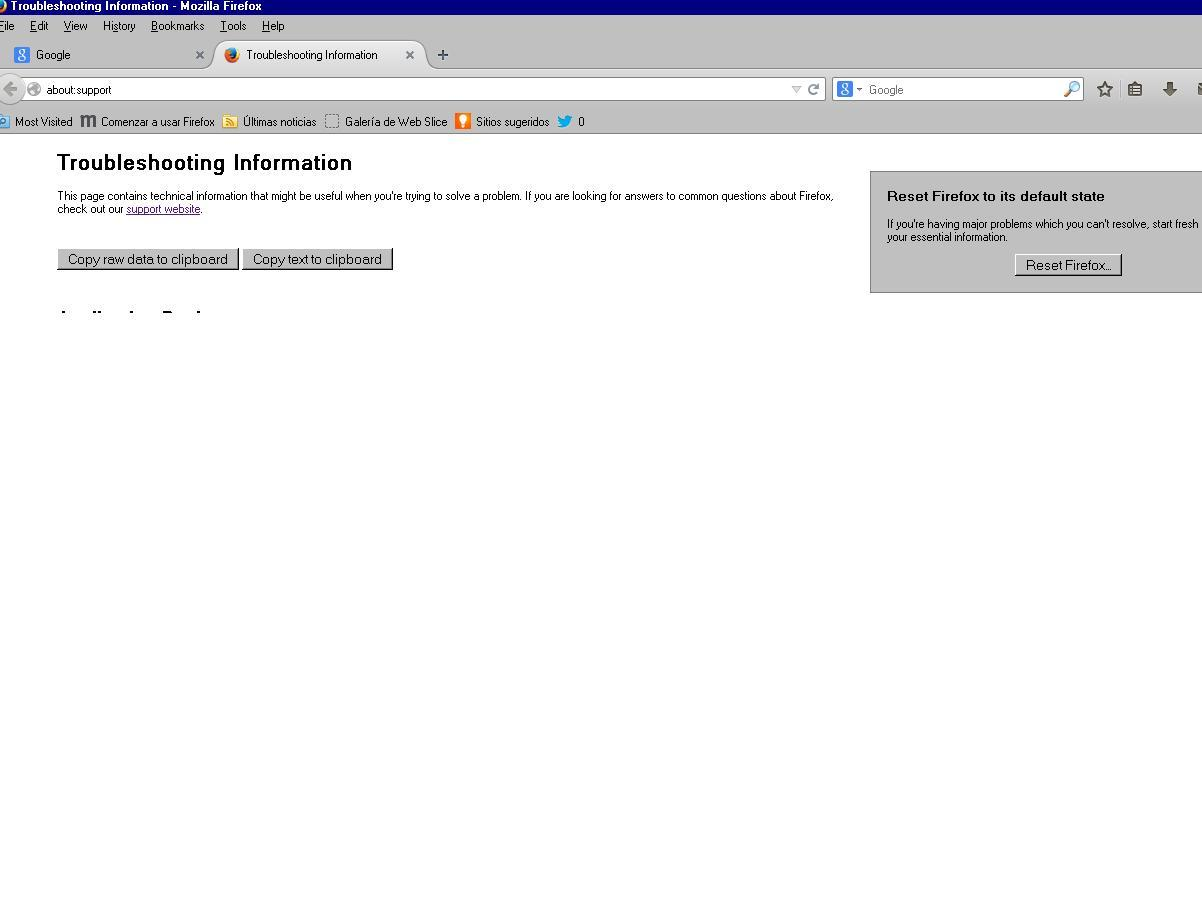
Change of language in Firefox does not work. I have images of it.

I cannot change language to Spanish as some time I had. Why? Menu bar is: File Edit View History... but when in Spanish: Archivo Editar Ver Historial. And so on with other menus and tools. I have images of both.
Wubrane rozrisanje
- To change the language of the Firefox user interface, run the setup file for the desired language.
- To change the list of preferred languages that you send to websites, see
- Some sites will display pages in a particular language based on your IP address, ignoring the aforementioned list of preferred languages. Check the preferences on the site itself for a way to change this, e.g.
You can attach images to your replies here. If you need to include a screenshot in the first post (the question), you currently have to upload the file to a host like http://imgur.com and post the link (bug 718813).
Tutu wotmołwu w konteksće čitać 👍 1Wšě wotmołwy (6)
Wubrane rozrisanje
- To change the language of the Firefox user interface, run the setup file for the desired language.
- To change the list of preferred languages that you send to websites, see
- Some sites will display pages in a particular language based on your IP address, ignoring the aforementioned list of preferred languages. Check the preferences on the site itself for a way to change this, e.g.
You can attach images to your replies here. If you need to include a screenshot in the first post (the question), you currently have to upload the file to a host like http://imgur.com and post the link (bug 718813).
Thanks for your help. First answer worked very well. I am not sending images because I think not necessary now. But the I've tried the second one several times and it didn't work.
(To change the list of preferred languages that you send to websites, see
Settings for fonts, languages, and pop-ups)
Regards Cesar
ceasaralex wrote:
I've tried the second one several times and it didn't work.
* To change the list of preferred languages that you send to websites, see
** Settings for web content, pop-ups, fonts, and languages
In what way didn't that work? That list of preferred languages only has an effect on sites that display pages in a particular language based on the Accept-Language header. Examples include Mozilla and Bing.
Even such sites have only translated their pages in a limited set of languages. For example, if you put Zulu [zu] at the top of your list of languages, you're not going to find many multilingual sites where that preference has an effect.
ceasaralex wrote:
Thanks for your help. First answer worked very well.
You're welcome.
OK. Thank you very much again.I´m trying to understand your new help. So the second answer does not change language in Menus bar and other pages as Solving Problems information in the Menu with three horizontal bars up at the right ?
(• To change the list of preferred languages that you send to websites, see o Settings for fonts, languages, and pop-ups
But I want to tell you again that the first one worked well.
(• To change the language of the Firefox user interface, run the setup file for the desired language. o https://www.mozilla.org/firefox/all/ )
All well now. Thanks very much again. Ceasar
To change the language in the user interface you need to install additional language packs in case you want to switch between languages.
Firefox language packs:
You need to set the general.useragent.locale pref to the language code of the pack on the about:config page to select an installed language and close and restart Firefox.
The order of installed languages only effects web servers that honor the HTTP request header with this language preference.
You can check out on the browserspy website how websites see you:
OK. Thank you very much again and my apologies for my English. Ceasar