VPN has never been available

Using version 153 on Windows 11. I have never been able to activate the VPN. I have tried ALL of the suggestions on the support site, permissions, policies, customize toolbar, etc. There has never been any icon to activate. Obviously, this has been going on for months. Thanks.
चयनित समाधान
Hello
Otherwise, please, check, the preference, browser.ipProtection.enabled https://support.mozilla.org/en-US/questions/1578173
All Replies (8)
https://support.mozilla.org/en-US/kb/built-in-vpn https://support.mozilla.org/en-US/kb/unable-find-built-vpn-firefox
For starters you need to be located in one of the locations the built-in VPN has been rolled out in as in Australia, Austria, Belgium, Bulgaria, Canada, Chile, Colombia, Denmark, Finland, France, Germany, Japan, Ireland, Italy, Malaysia, Mexico, Netherlands, New Zealand, Norway, Poland, Portugal, Singapore, South Africa, Spain, Sweden, Switzerland, Thailand, United Kingdom and United States.
Obviously. I am in the US. As I stated, I have tried ALL the steps on the support pages. In other words, the problem is something that is not addressed in the support pages. That's why I'm asking for help. I need a solution that is not provided in the support pages.
चयनित समाधान
Hello
Otherwise, please, check, the preference, browser.ipProtection.enabled https://support.mozilla.org/en-US/questions/1578173
Thank you! This solved the problem. I must admit, I do not understand why it solved the problem. Or why it is not in the documentation. Thanks again!
constructivista said
Obviously. I am in the US.
You never mentioned where you are located so it was not obvious.
constructivista said
why it is not in the documentation.
ipProtection is mentioned in https://support.mozilla.org/en-US/kb/unable-find-built-vpn-firefox
To complement
browser.ipProtection.enabled, source of the information https://mozilla.github.io/policy-templates/#ipprotectionavailable
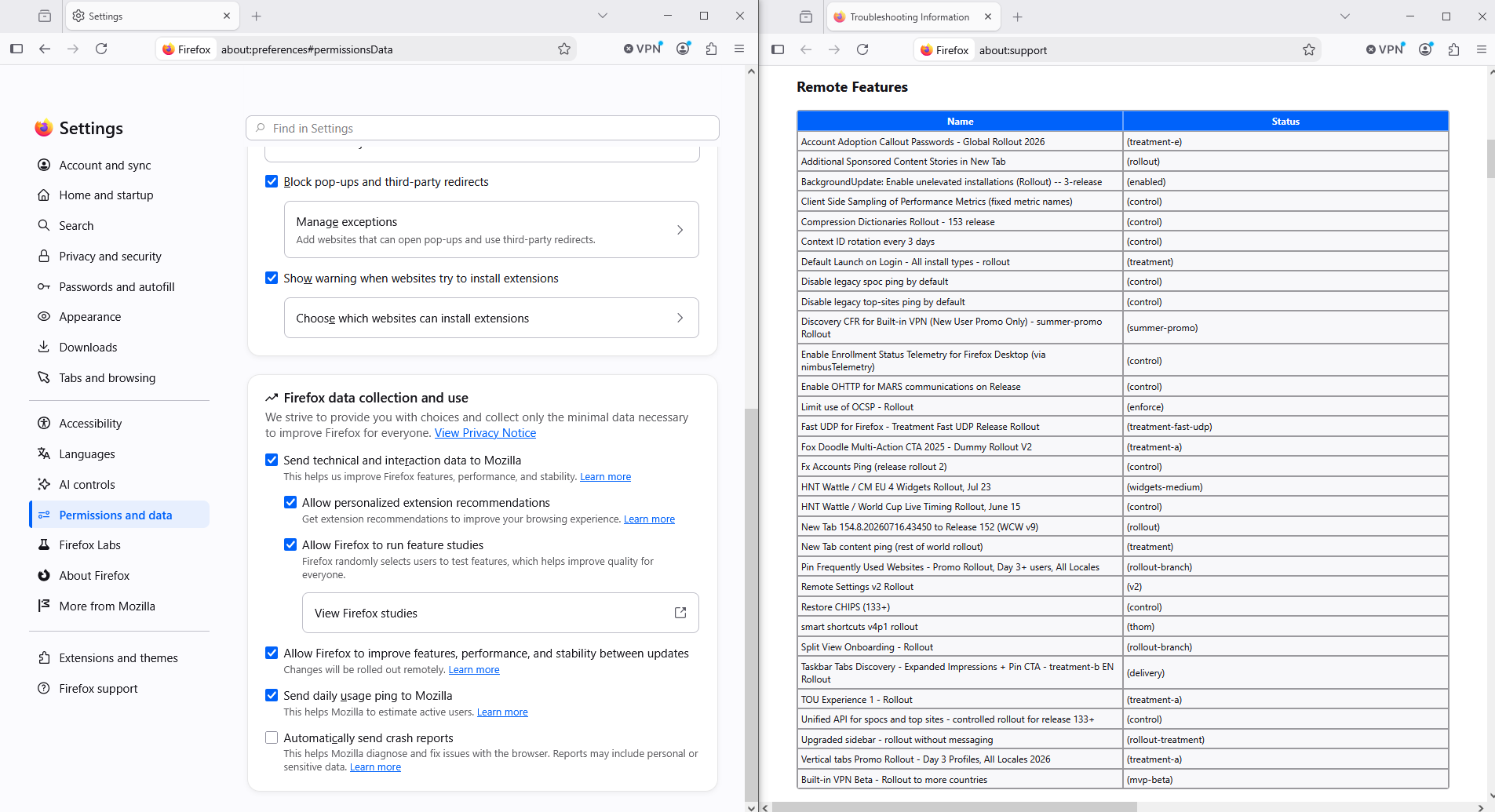
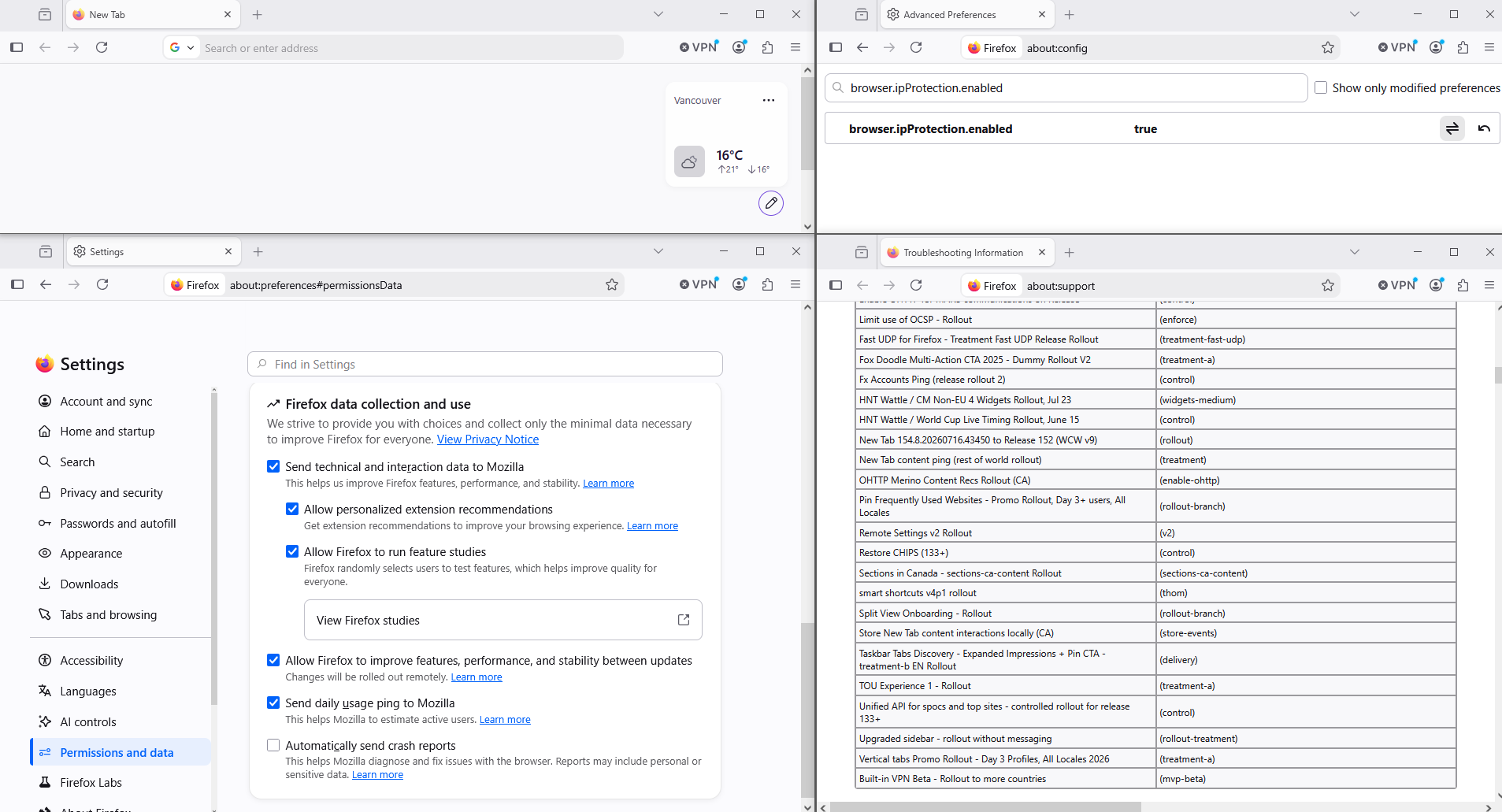
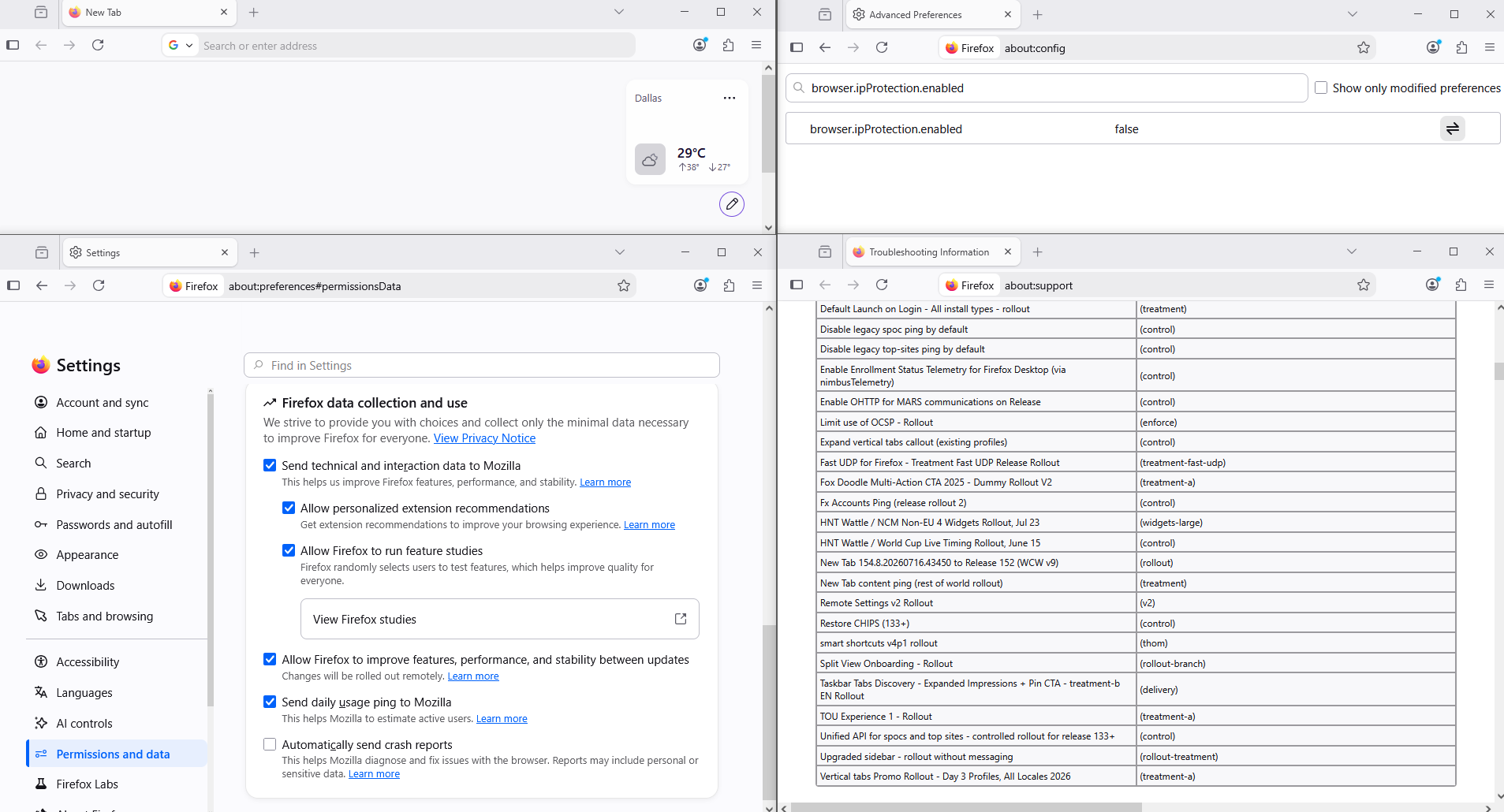
Below, illustration, location, and for information, take a look at the about:support page, Remote Features
Agent virtuel द्वारा सम्पादित
Thanks, all. James, as you quoted me, you can see that I did not say "Obviously I am in the US." I replied "Obviously." to your instruction, followed by clarification of my location. Sorry for the confusion. Also, the support article you refer to actually seems to say the OPPOSITE regarding ipProtection: that VPN will be blocked if it is active -- which I did check, to make sure that it was disabled. Someone should fix that.
Unable to find the built-in VPN in Firefox https://support.mozilla.org/en-US/kb/unable-find-built-vpn-firefox
The built-in VPN may also be unavailable if an Enterprise policy is blocking it. You can check this by entering about:policies in the Firefox address bar to see if the IPProtectionAvailable policy is active, which can prevent availability.https://support.mozilla.org/en-US/questions/1576925#answer-1812490 (e.g) screenshot
Manage remote improvements settings in Firefox
https://support.mozilla.org/en-US/kb/remote-improvements
Allow Firefox to improve features, performance, and stability between updates
about:support page, Remote Features, i see, Built-in VPN Beta - Rollout to more countries