


Comment réduire le bandeau dans ma boîte, ou le supprimer partiellement ?
Comment réduire le bandeau dans ma boîte, ou le supprimer partiellement ? Merci

चुने गए समाधान
I found it! View --> Headers --> Normal And the miracle happened! Thanks for your help, it helped me think things through better ;-)
संदर्भ में यह जवाब पढ़ें 👍 0All Replies (7)
It appears you may be using an addon that provides additional information, such as sender's email client. Removing that addon will help. Also, there is an addon, compact headers', that can reduce the screen space of the header.
Hello David, Thank you considering my problem. I have NO addon installed, that is particularly curious. Even if I uninstall/reinstalled Thunderbird, the problem remains... Please see the capture
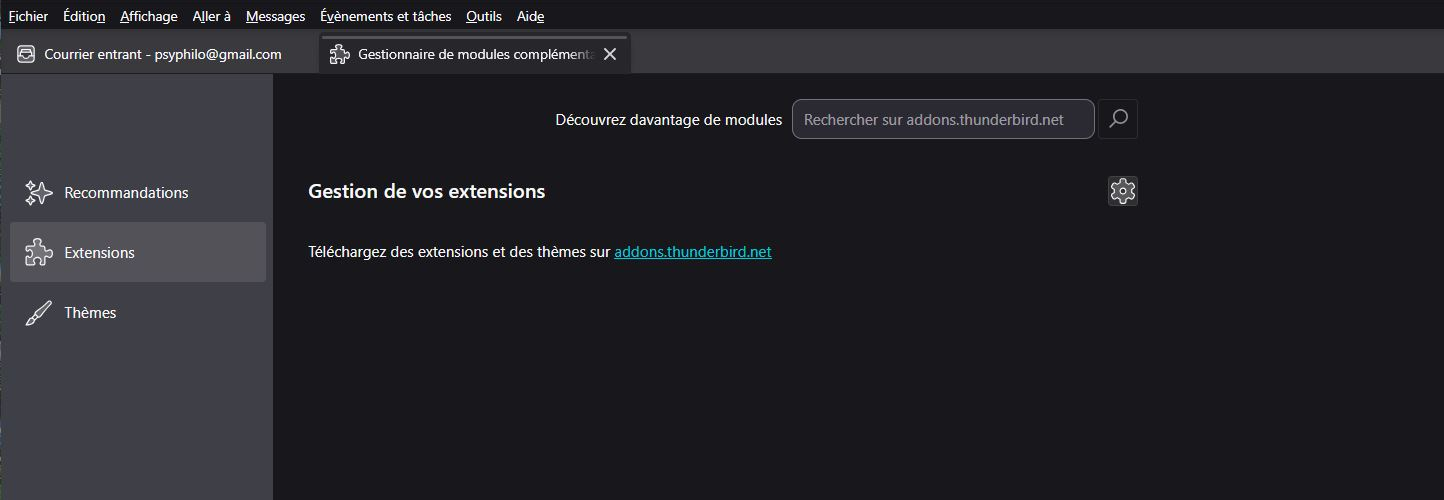
Puzzling. Do try the 'compact headers' addon, as I think that will help. Let us know. Thank you
Without wanting to take advantage, could you tell me where to find this "compact headers" curiosity?

चयनित समाधान
I found it! View --> Headers --> Normal And the miracle happened! Thanks for your help, it helped me think things through better ;-)
Great solution! Also, see attached screenshot. There is a small icon in upper left on header with that addon. Click it to show or hide the header.
