


book mark banner - how to get rid of it.

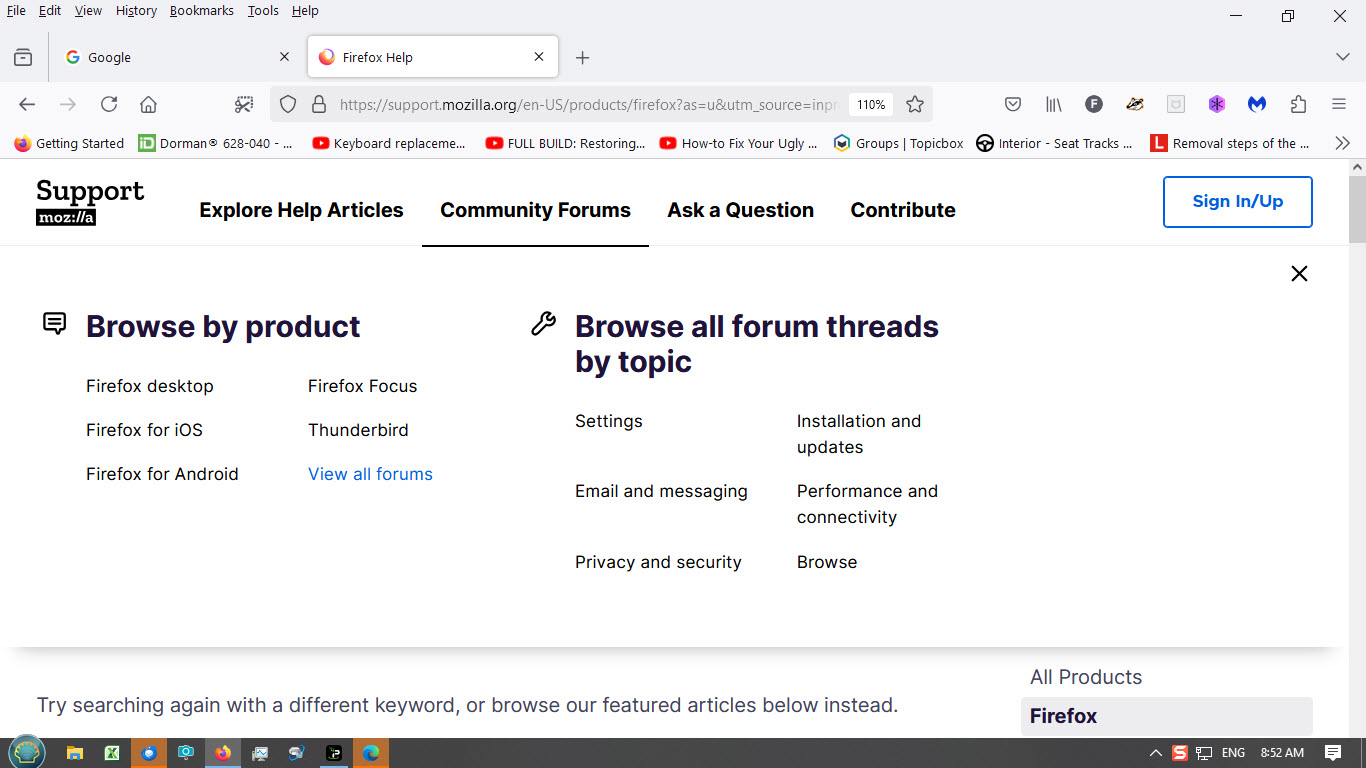
Just noticed the book mark banner under the URL line. It is taking up screen space. How do I get rid of it? How did it get displayed? Did some searching but no positive results. Not sure what to search for, definitely not book mark. If I delete the items from the banner are they deleted from my list of book marks. Some of these\book marks I do not remember saving? Where did they come from, some AI search or paid for vendor adds?
Just noticed the book mark banner under the URL line. It is taking up screen space. How do I get rid of it? How did it get displayed? Did some searching but no positive results. Not sure what to search for, definitely not book mark.
If I delete the items from the banner are they deleted from my list of book marks. Some of these\book marks I do not remember saving? Where did they come from, some AI search or paid for vendor adds?
चुने गए समाधान
"Getting started" is default bookmark. To turn it off, right-click the bar, select Bookmarks Toolbar and then click Never Show.
संदर्भ में यह जवाब पढ़ें 👍 1All Replies (1)
चयनित समाधान
"Getting started" is default bookmark. To turn it off, right-click the bar, select Bookmarks Toolbar and then click Never Show.