


The translator is not working (AI)
Good afternoon!
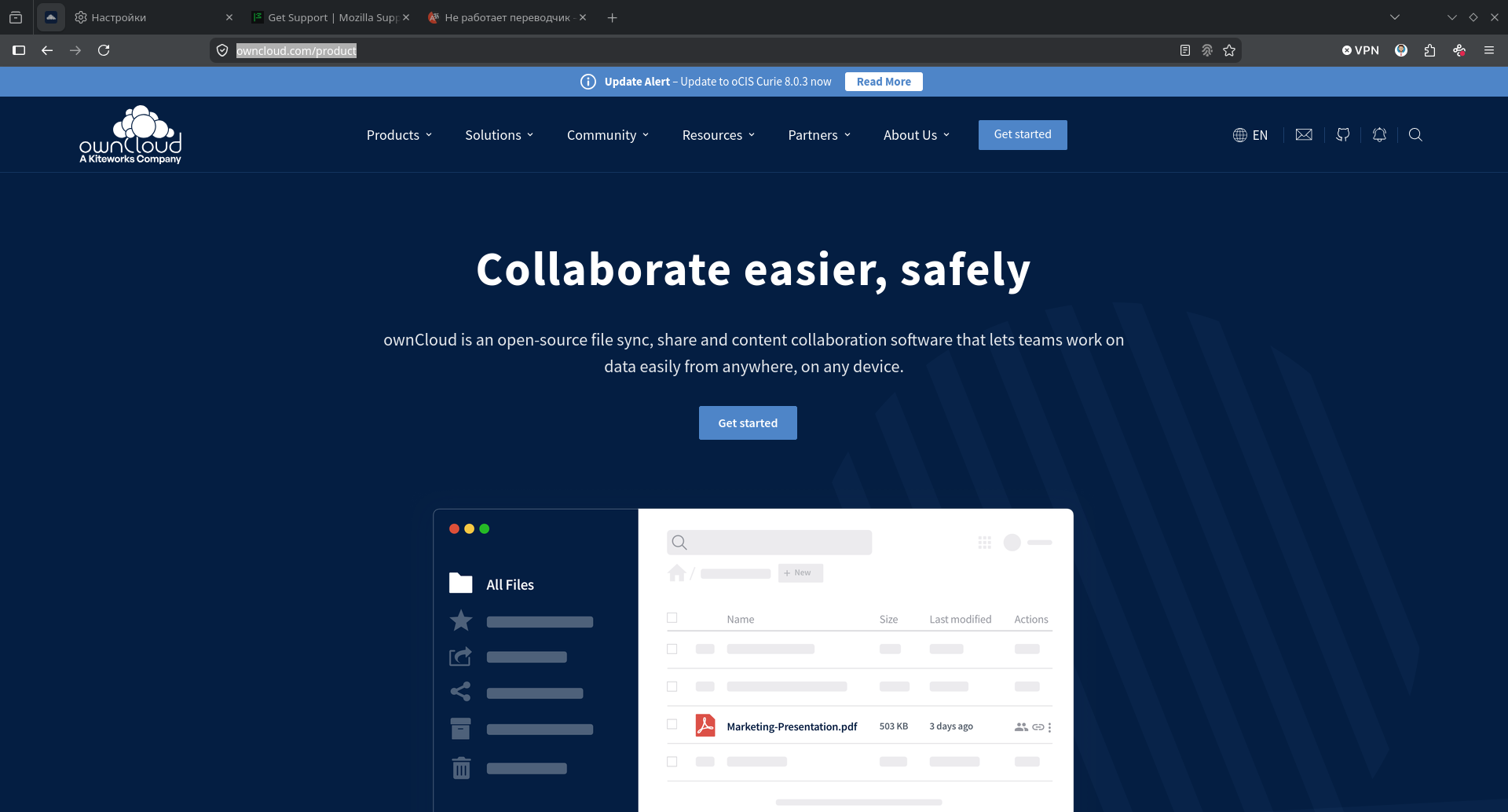
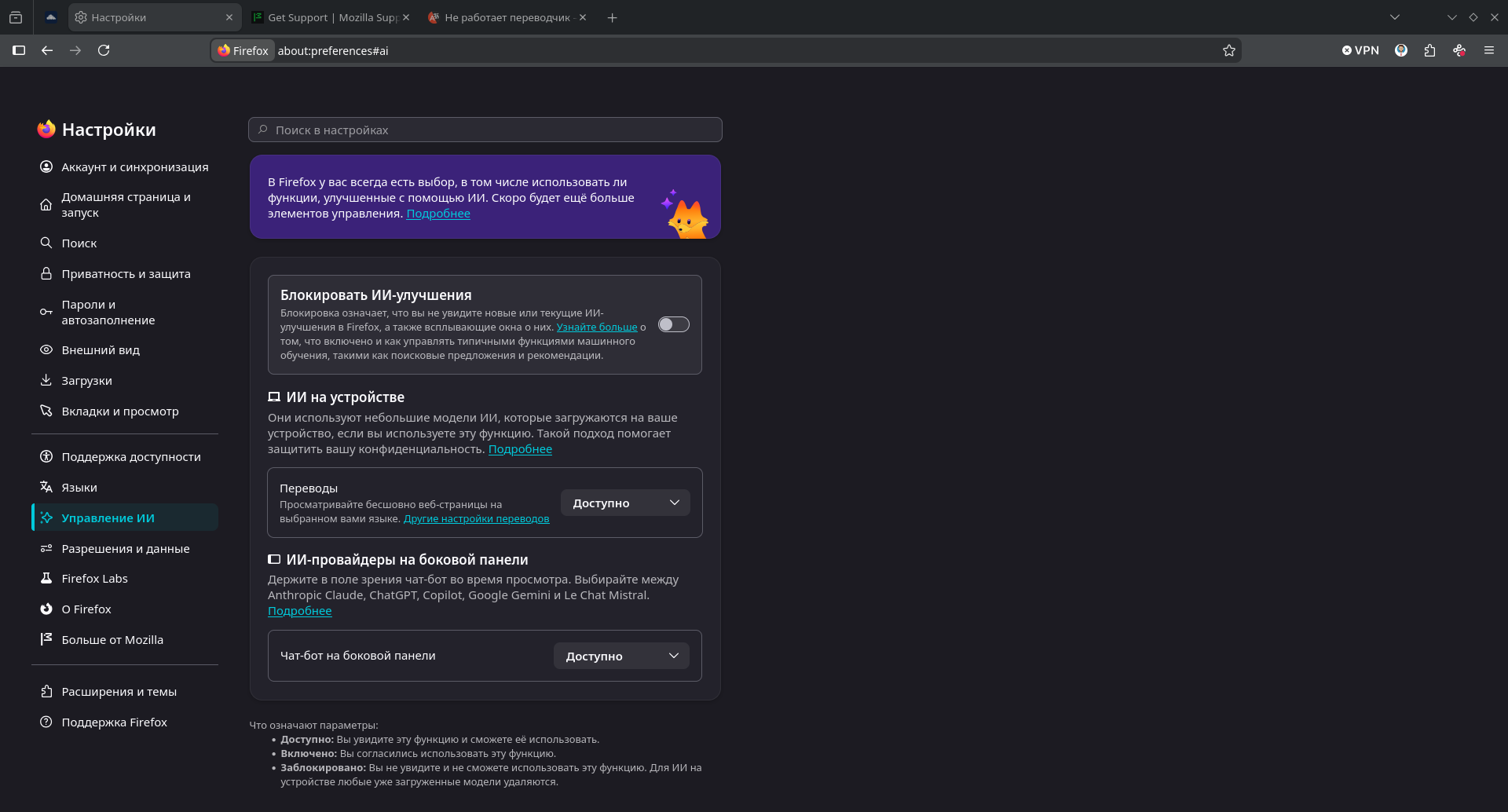
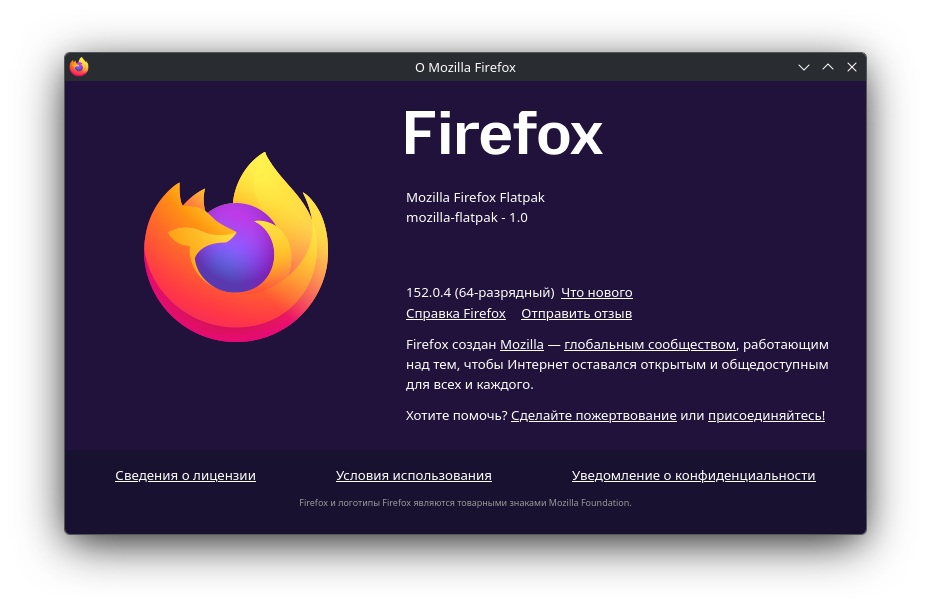
Translation (AI) is not working. There is no pop-up window, no icon in the address bar. I made the settings according to the instructions, reinstalled Firefox (152.0.4 (64-bit)).
Can you tell me how to fix the situation?
PS: I have attached screenshots.
פתרון נבחר
The question is closed.
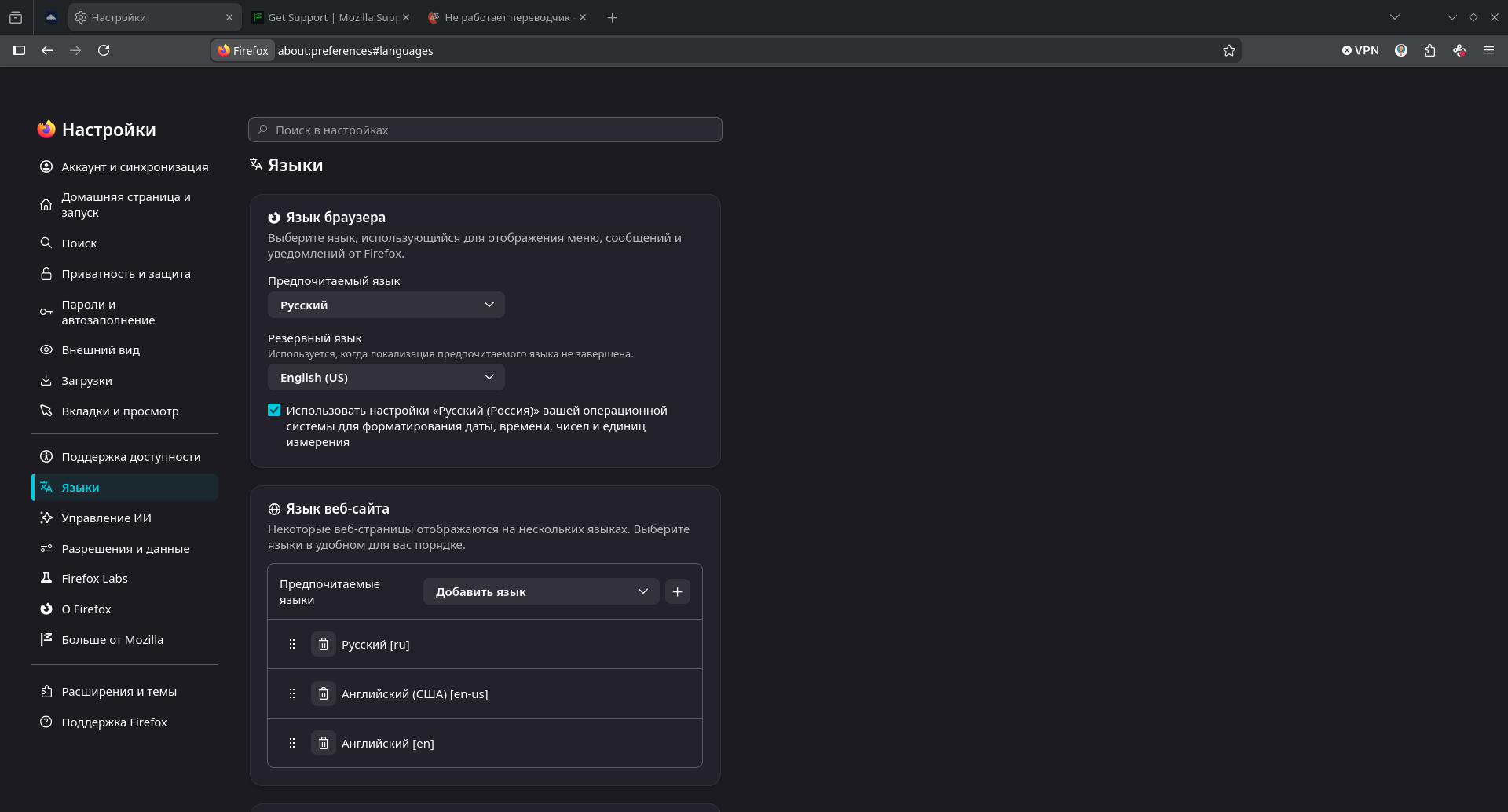
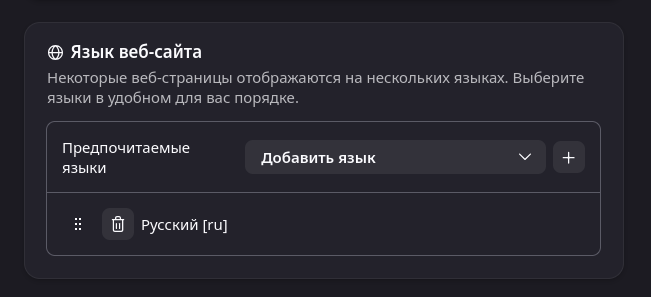
For the solution, you need to leave in the "Language of the Website" field, only the native language (for me Ru). Then He will offer a translation.
Everyone who responded, thank you!
כל התגובות (5)
If you have English as a preferred website language, it doesn't show the icon.
In this case, you can only use ≡ -> Translate Page… or enter about:translations in the address bar.
The popup and icon are driven by the site language heuristics, and may not be always successful, so let's check the other entry points first. If you select some text on the page does it give you the "Translate selection to …" item in the context menu?
Can you manually go to about:translations and see if that works?
Hello
A working environment (user) in a given situation does not correspond to a working environment (other user) in a given situation, please understand that it is difficult to give an opinion
File a bug report or feature request for Mozilla products https://support.mozilla.org/en-US/kb/file-bug-report-or-feature-request-mozilla If you wish, you can send your comment, a bug report Component: Translations https://bugzilla.mozilla.org/buglist.cgi?product=Firefox&component=Translations
Firefox Translations https://support.mozilla.org/ru/kb/perevod-v-firefox#w_perevod-vsei-stranitsy https://support.mozilla.org/en-US/kb/website-translation#w_translate-the-full-page
Alternatively, you can select Translate page from the Firefox menu.Have you tried, select Translate page from the Firefox menu
About, Translations is available only on devices support SSE4.1 According to https://firefox-source-docs.mozilla.org/toolkit/components/translations/resources/01_overview.html#supported-platforms
פתרון נבחר
The question is closed.
For the solution, you need to leave in the "Language of the Website" field, only the native language (for me Ru). Then He will offer a translation.
Everyone who responded, thank you!