


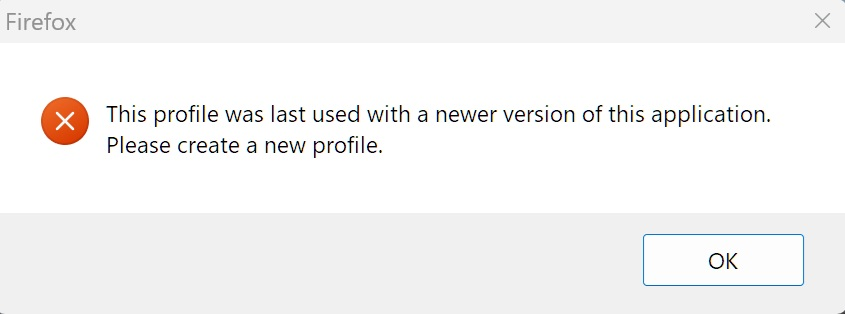
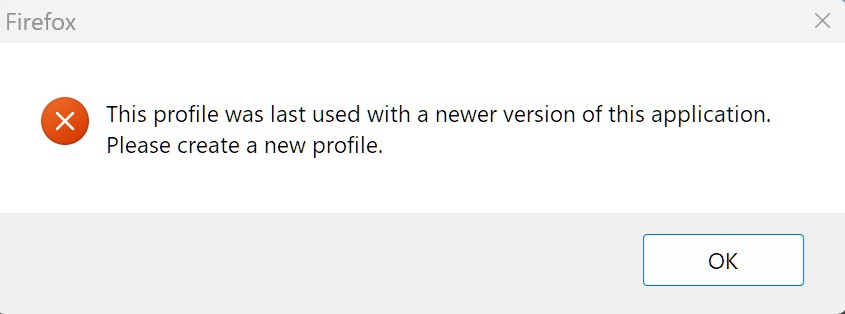
Need new profile for Firefox 140.7.0esr Windows 11 browser
Need new profile for Firefox 140.7.0esr Windows 11 browser. Existing profile is for Firefox 140 Windows 10 browser.
פתרון נבחר
Yes, I believe that is correct, and all you have to do is delete it. Once firefox restarts, it will create a new one, but make sure to make a copy just in case.
Read this answer in context 👍 0כל התגובות (8)
Hello,
This means that the profile is incompatible with the version that it has been upgraded to, therefore it is advised to create a new profile and copy all the data fom the "Old Firefox Data" folder and copy it into the new profile folder.
If you still want to use the old profile, modify the compatibility.ini file in the firefox folder.
Where is this compatibility.ini folder physically located and what information needs to be modified. What I am asking is what needs to be done step by step to make Firefox happy again.
For modifying the compatibility .ini file, follow this file path (windows) %APPDATA%\Mozilla\Firefox\Profiles<your-profile-folder> To get into %appdata% folder just press win + r and type %appdata%
Once you found it, open the compatibility.ini file using an app, ex(Notepad++)
Modification: find and delete lastversion=... line or modify the value to the version of firefox it has been updated to
Keep in mind: make sure to make a copy of the file before editing the code, as to make sure that if the file gets corrupted, you can replace it.
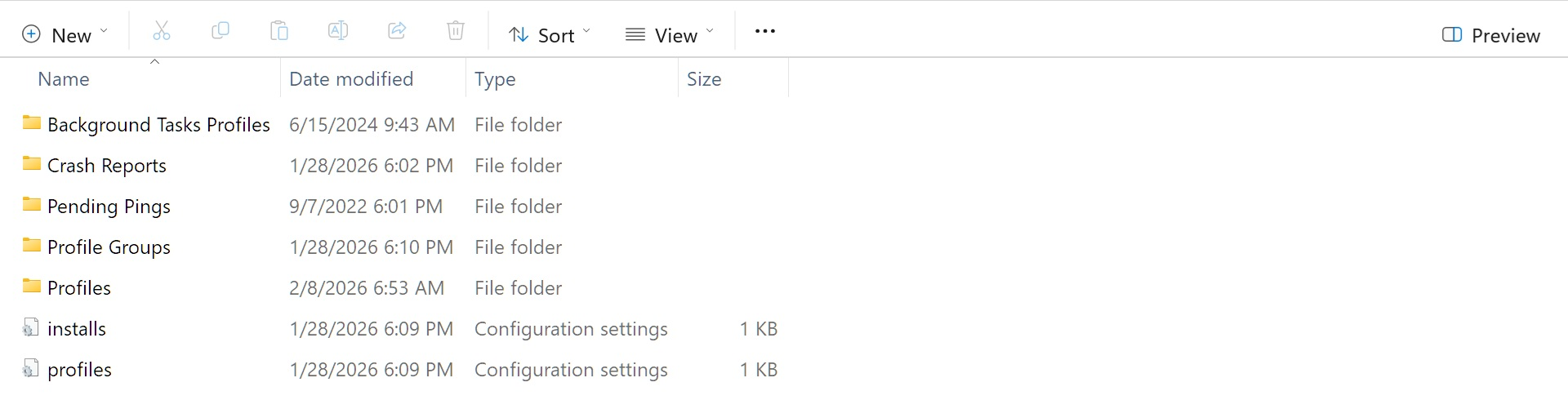
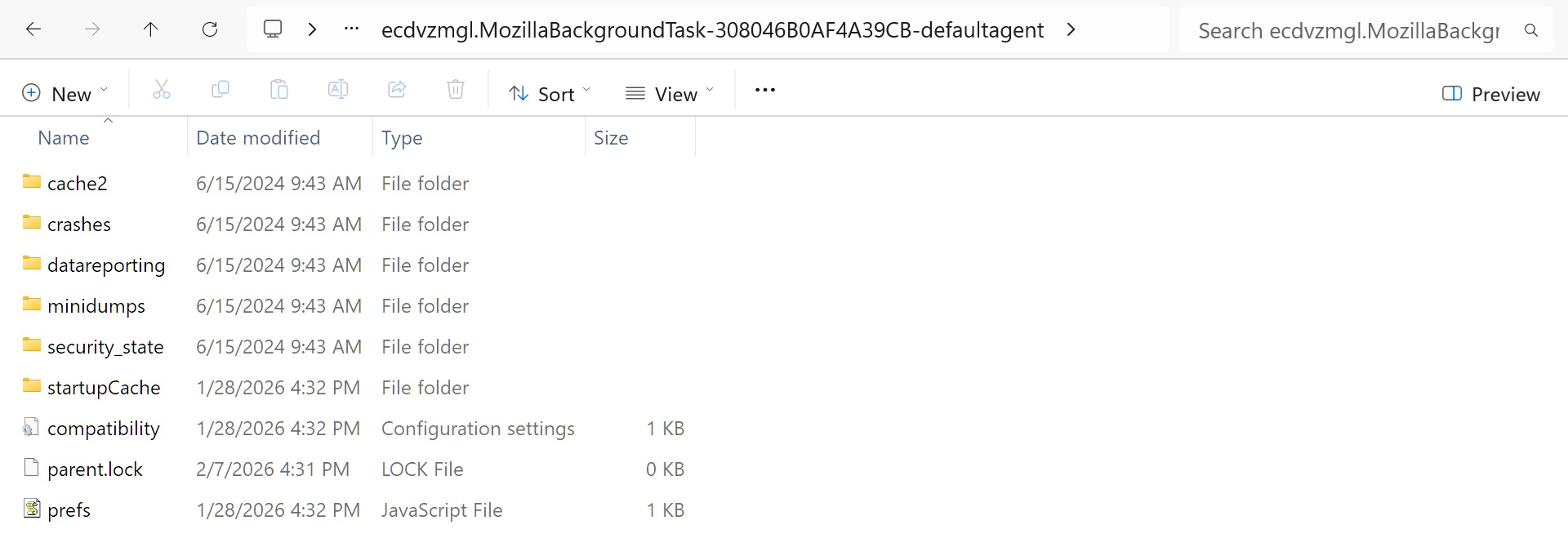
The present installation (FF 140.7.0esr) is a downgrade from the last version (FF 147.0.2). I wanted to get away from the frequent upgrades, the new features are of little value to me and the enterprise version seemed a better fit for my pedestrian usage. Back to business, the bottom folder in the left image marked Profiles has the compatibility.ini files for both the versions mentioned above and the top folder marked Background Tasks Profiles has the last version (FF 147.0.2) compatibility.ini file installed. This is the compatibility.ini that has to be replaced with the (FF 140.7.0esr) compatibility.ini I am assuming. The right image is an opened view of the Background Tasks Profiles folder for your inspection of it's contents in determining if my assumption is correct. Your assistance in this final step is greatly appreciated!
פתרון נבחר
Yes, I believe that is correct, and all you have to do is delete it. Once firefox restarts, it will create a new one, but make sure to make a copy just in case.
Thank you for your assistance, now I am more familiar with the Firefox browser account.
The MozillaBackgroundTask profile folder is used by a Firefox process to make it possible to download and install updates in the background, so this isn't a normal profile.
You get this message if you try to downgrade a profile from a newer Firefox version to an earlier version like in your case an ESR version. The newer version may have updated some files to a newer scheme that can make them incompatible with an earlier version, so reusing this profile with the ESR version may not be a good idea. Normal profile usually have the update channel as the extension part of their profile name, ESR would use xxxxxxxx.default-esr and release xxxxxxxx.default-release.
If you are willing to take the risk that your profile might get broken, you can use the --allow-downgrade command line switch or delete compatibility.ini in this profile folder to make is possible to use this profile.
See "Blocking downgrades" and "Disabling the changes".
Thank you for the in depth explanation (documentation) of the Firefox account. It is always helpful to know the "why's and how's" before working on a system. The profile has been changed and the ESR version is better suited for my pedestrian usage.