Firefox long time loading some pages

Recently I’ve had a few Firefox problems on my W11 desktop. Sometimes when I try to load a website, nothing appears until several seconds (30 or more) have passed. During that time, the bottom of the screen shows the message Transferring data. Then, after that long wait, very often only a top piece (1/3 to ½) of the page appears. If I wait long enough (a minute or two), the rest of the page appears. Another problem is illustrated in the two images. When I go to AARP, I get the first image. T then press the Reload button and the second image appears. This problem is fairly recent. Previously, the first image always loaded with not problem. Any ideas of what’s happening and, even more importantly, how it can be fixed? Thanks.


כל התגובות (1)
Sounds like an add-on issue, but your screenshots are not showing the browser window, only what's in the browser which is why I don't like the screenshot option in Firefox. END OF RANT ;-))
Did you try with Firefox in Troubleshoot Mode? https://support.mozilla.org/en-US/kb/diagnose-firefox-issues-using-troubleshoot-mode#w_how-to-start-firefox-in-4troubleshoot-modesf5safe-modesf
Did you clear your browser cache? https://support.mozilla.org/en-US/kb/clear-cookies-and-site-data-firefox
Are you running any security software besides MS Defender? Windows home or pro? If Windows Pro version, try testing in Windows Sandbox (VM) to see if you have the same issue. https://www.howtogeek.com/399290/how-to-use-windows-10s-new-sandbox-to-safely-test-apps/
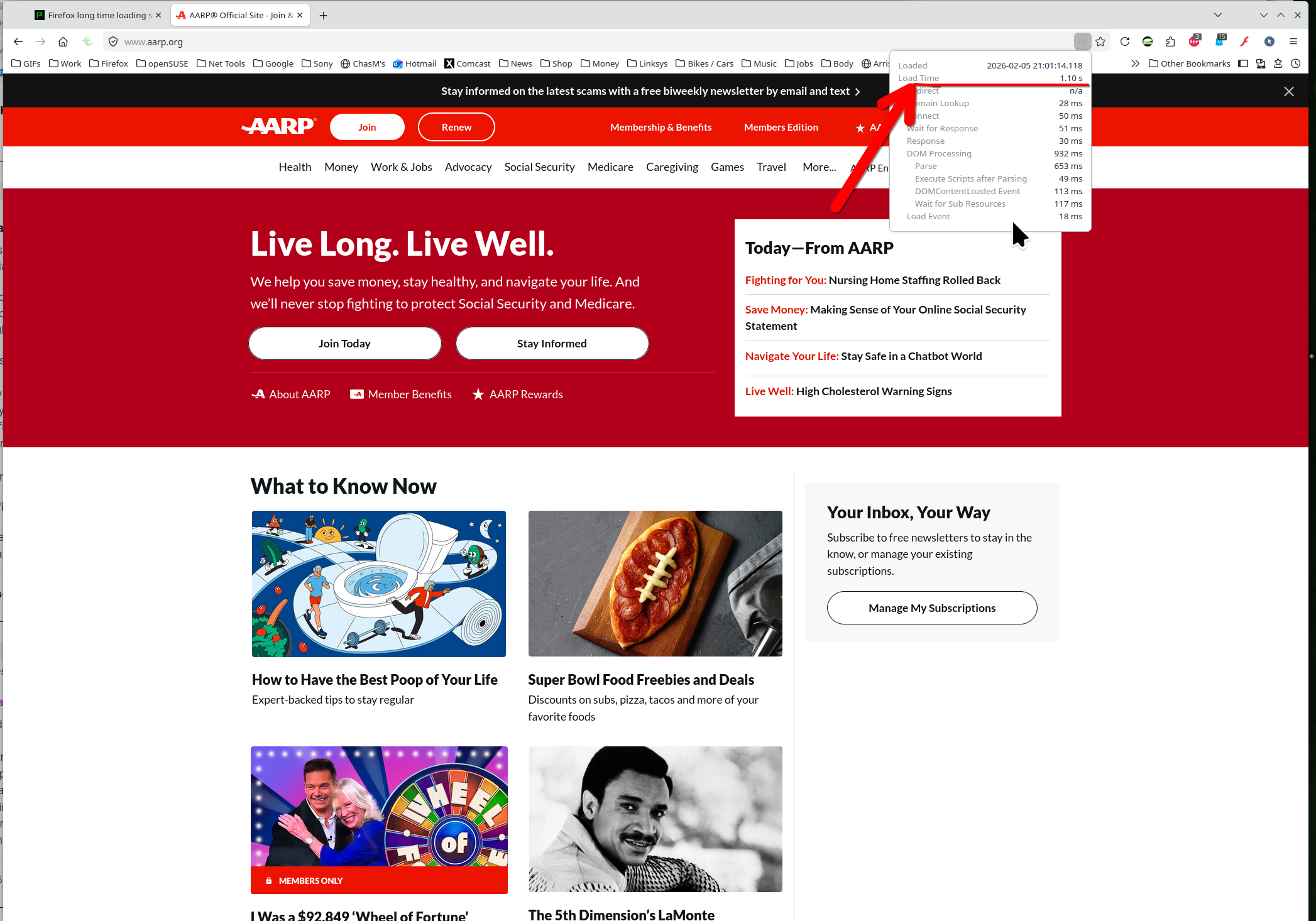
The site loads within 1sec for. see screenshot