


Session not fully restoring after reboot

I rebooted my laptop with both firefox windows I had open and possibly a private window too, then rebooted again without touching firefox, and now I can only restore one of the two windows. I checked my recently closed windows in history and there was nothing there at all. Is there anything I can do at all to restore that other window or is it just gone for good now?
כל התגובות (8)
Have a look at this detailed answer. https://support.mozilla.org/en-US/questions/1544559#answer-1776605
Thanks for the reply. I've gone through all the steps Jscher recommended, and the link at the bottom, and it still isn't returning the window. It's a bit more complicated still, as I am using Linux Mint, and so downloaded Firefox from its built-in software manager originally. For whatever reason (I'm very new to Linux so I don't understand these things yet), there are no files associated with Firefox on my laptop at all. I tried installing Firefox through the terminal instead, which did let me access a different set of files, but all they contained were the pages for my extensions for booting Firefox for the first time on a new download. As for the link at the bottom to roll back to an old backup, the restore button is disabled on both instances.
It's even more frustrating because I did semi-backup my windows on installing Linux a few days ago, by copying each one to Discord haha
Roger that. Can you post a screenshot of the files (detailed view showing dates) in you sessionstore-backups folder in your profile folder like this. see screenshot
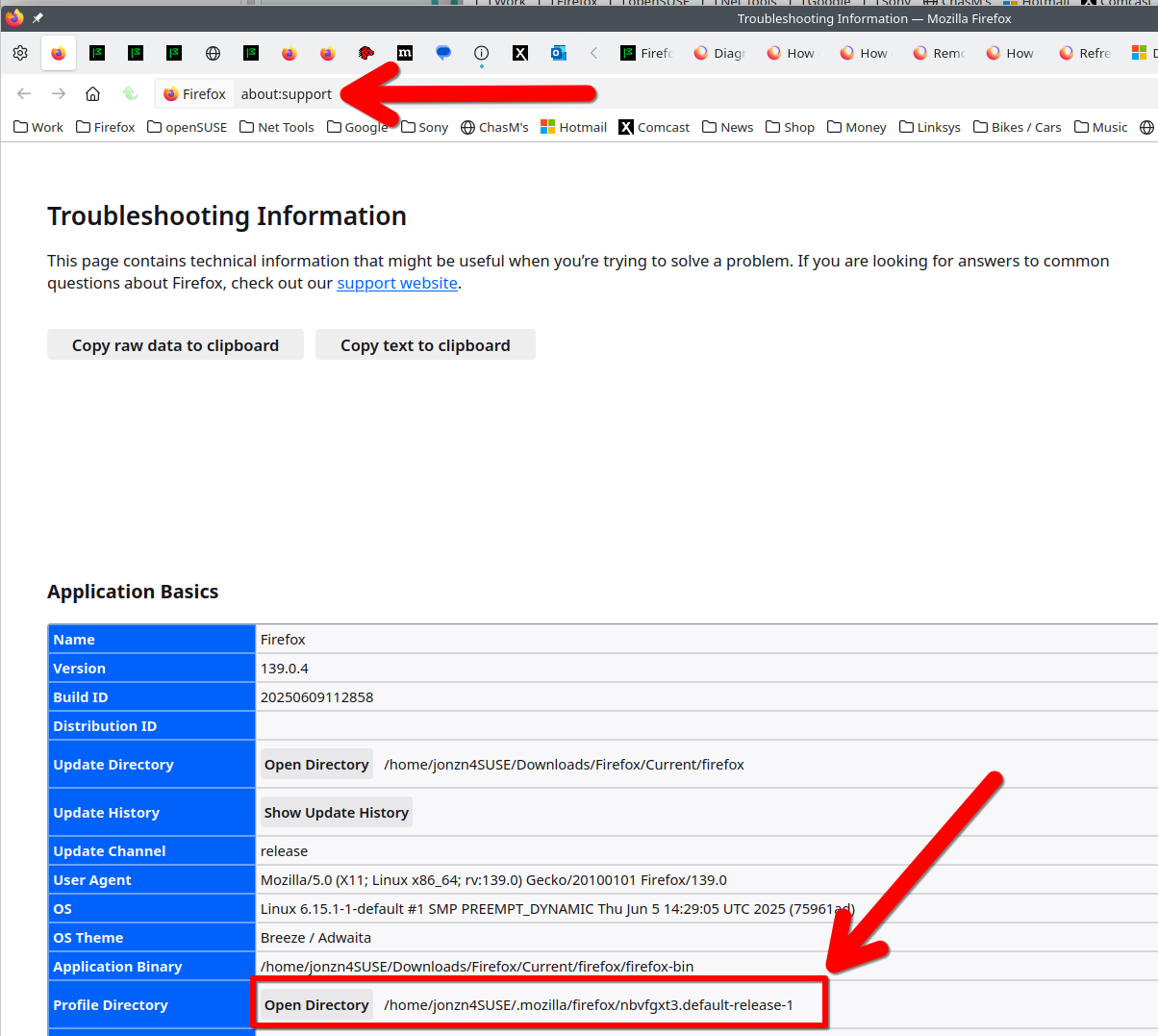
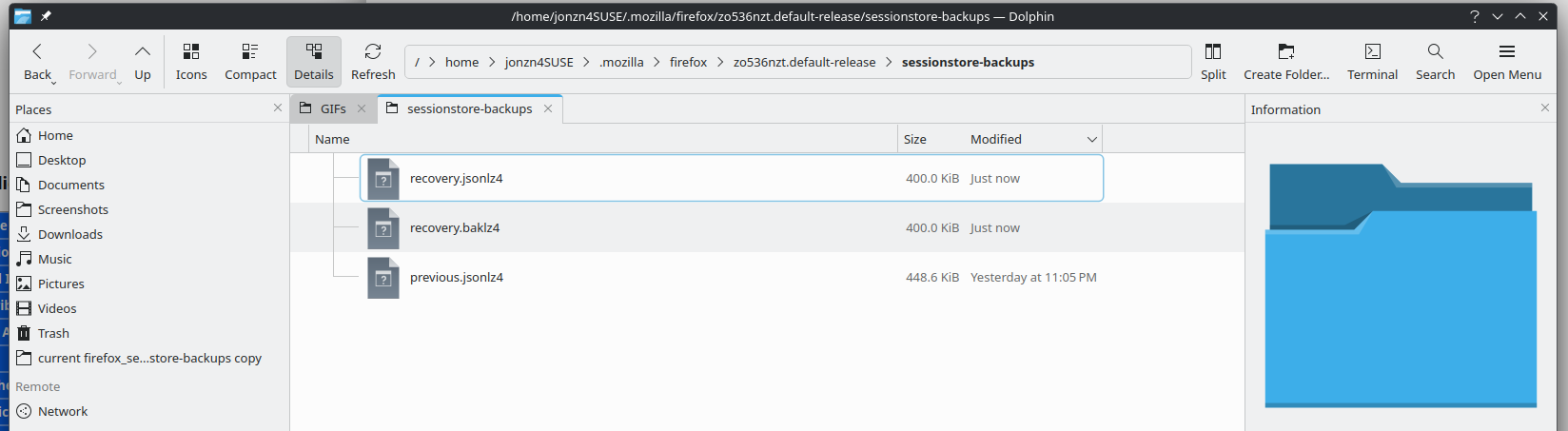
השתנתה ב־ על־ידי jonzn4SUSE
This is from the newly installed Firefox, not the flatpak installation I was using up until the fault, as that version doesn't seem to have its own folder on my system.
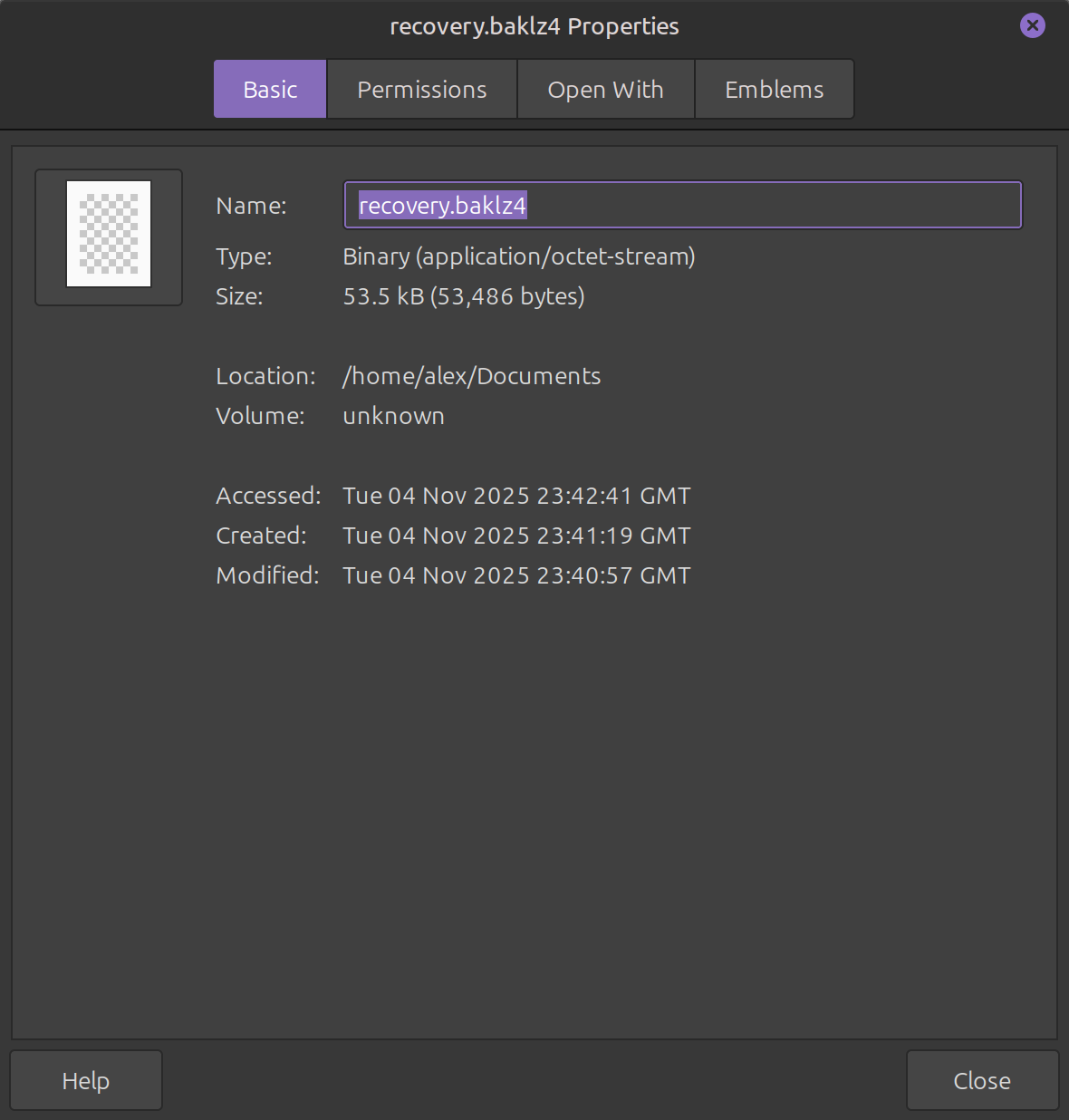

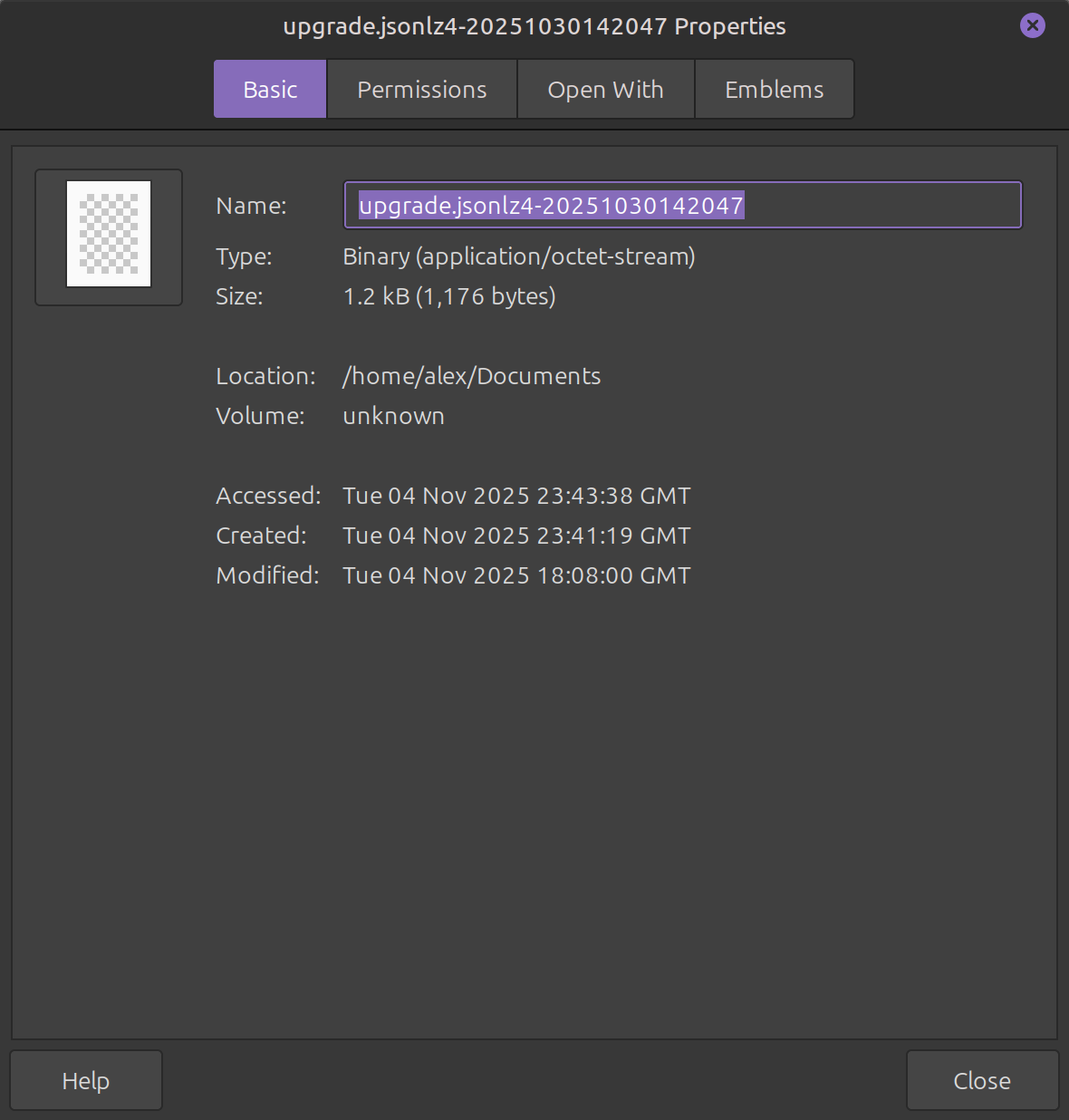
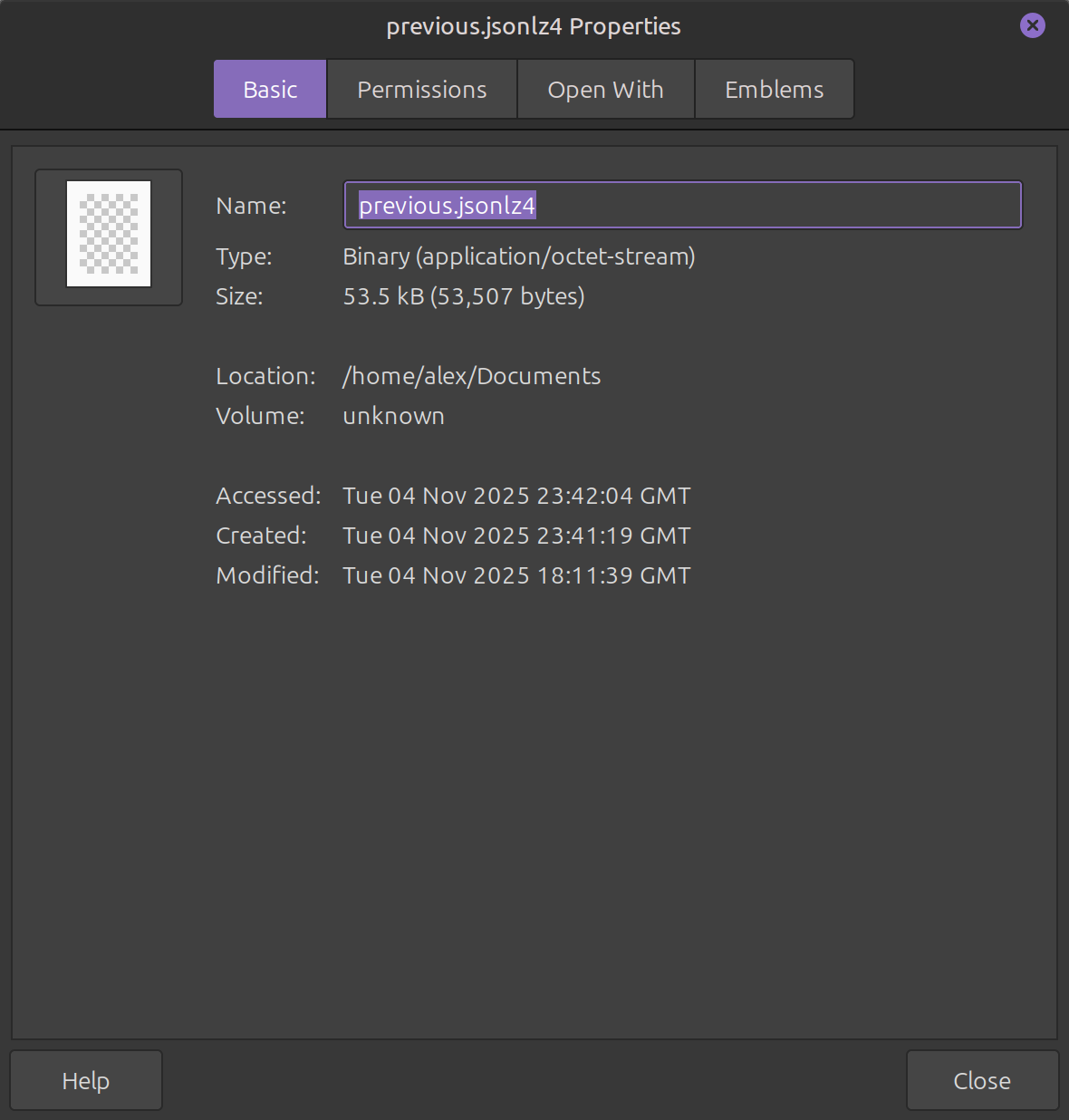
Judging from the size of the files compared to mine, your session appears to be gone. It's an unfortunate common issue in Firefox which is why I make a separate copy of the sessionstore-backups folder. see screenshot
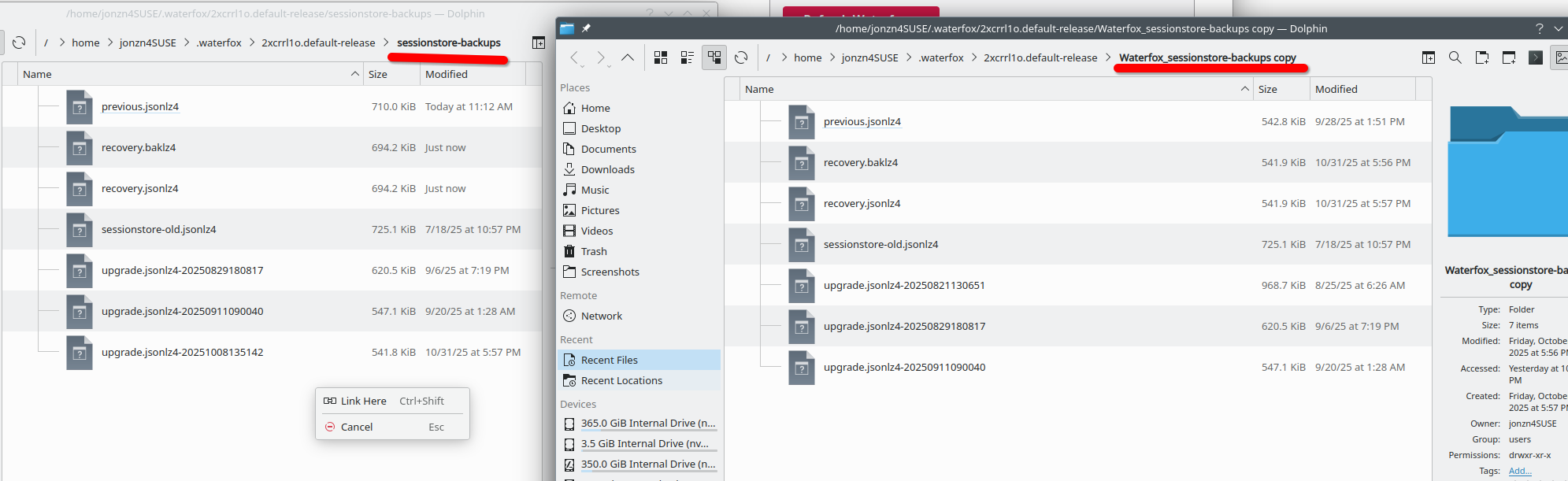
Waterfox failed to restore my session last night, but I was able to get it back.
That's a shame. Thank you for your help regardless. I'll definitely back up my windows from now on to avoid this happening again, just a bit annoying it took me losing so many tabs to learn this lesson.
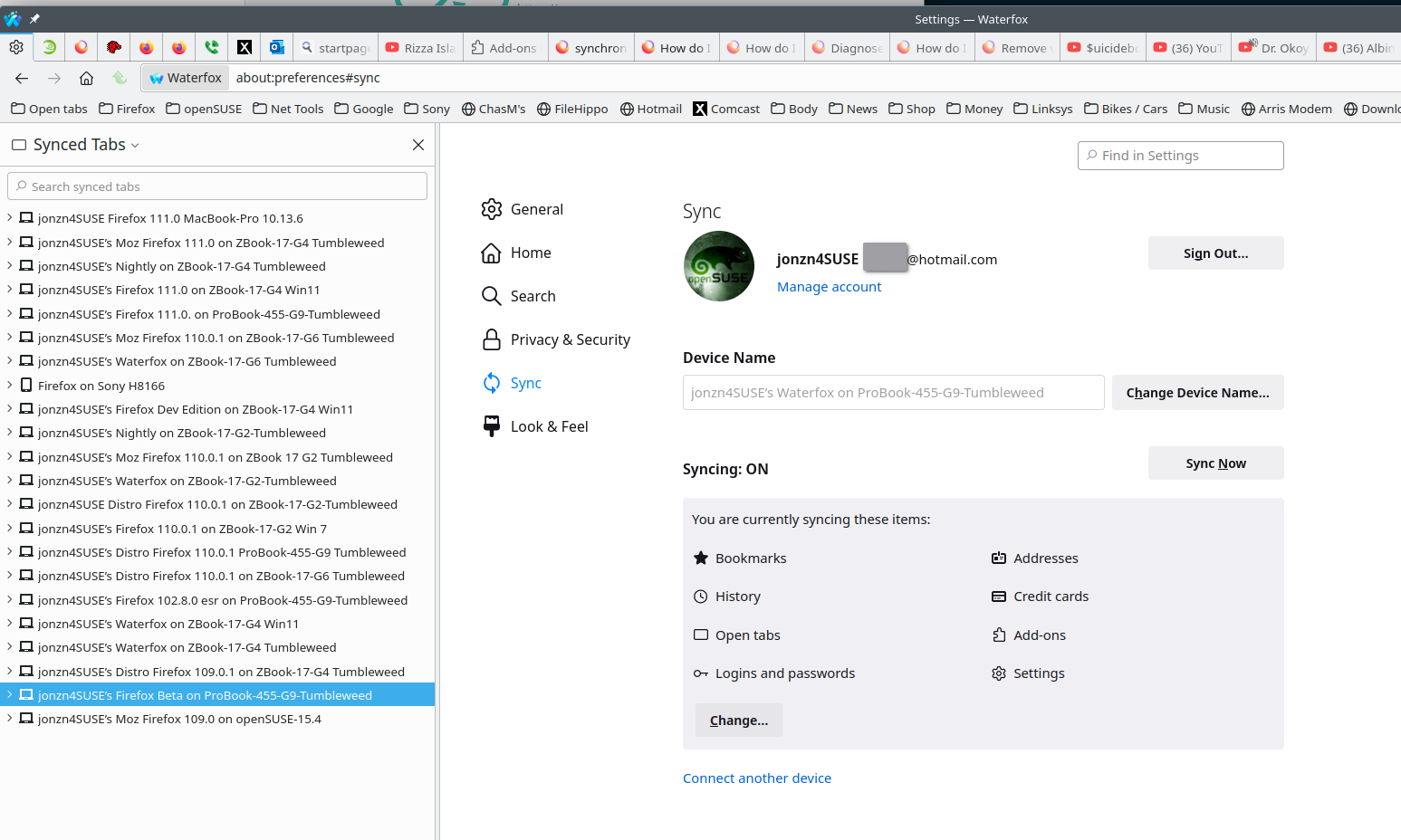
Mark it as resolved and have a nice day. Also try running more than 1 version of Firefox and use sync. see old screenshot I run them all plus Waterfox on all computers so my data is not in just 1 browser.
השתנתה ב־ על־ידי jonzn4SUSE