


Audible Cloudplayer wont work since current update of Firefox!

Dear Helper,
since the newest Firefox update, i got today (16.09.25), the audible cloudplayer doesnt work anymore, meaning it wont load the audiobook! I emptied the cache, but nothing changed. I tried the audible cloudplayer with Windows Edge and it works fine, so it is a Firefox specific problem. I granted all websides access to audio and media automatic replay, nothing changed. The cloudplayer doesnt work! So my question is: What else is interfering in Firefox with the loading of the player? Thank you so much in advance for your help :) Yours sincerely David
פתרון נבחר
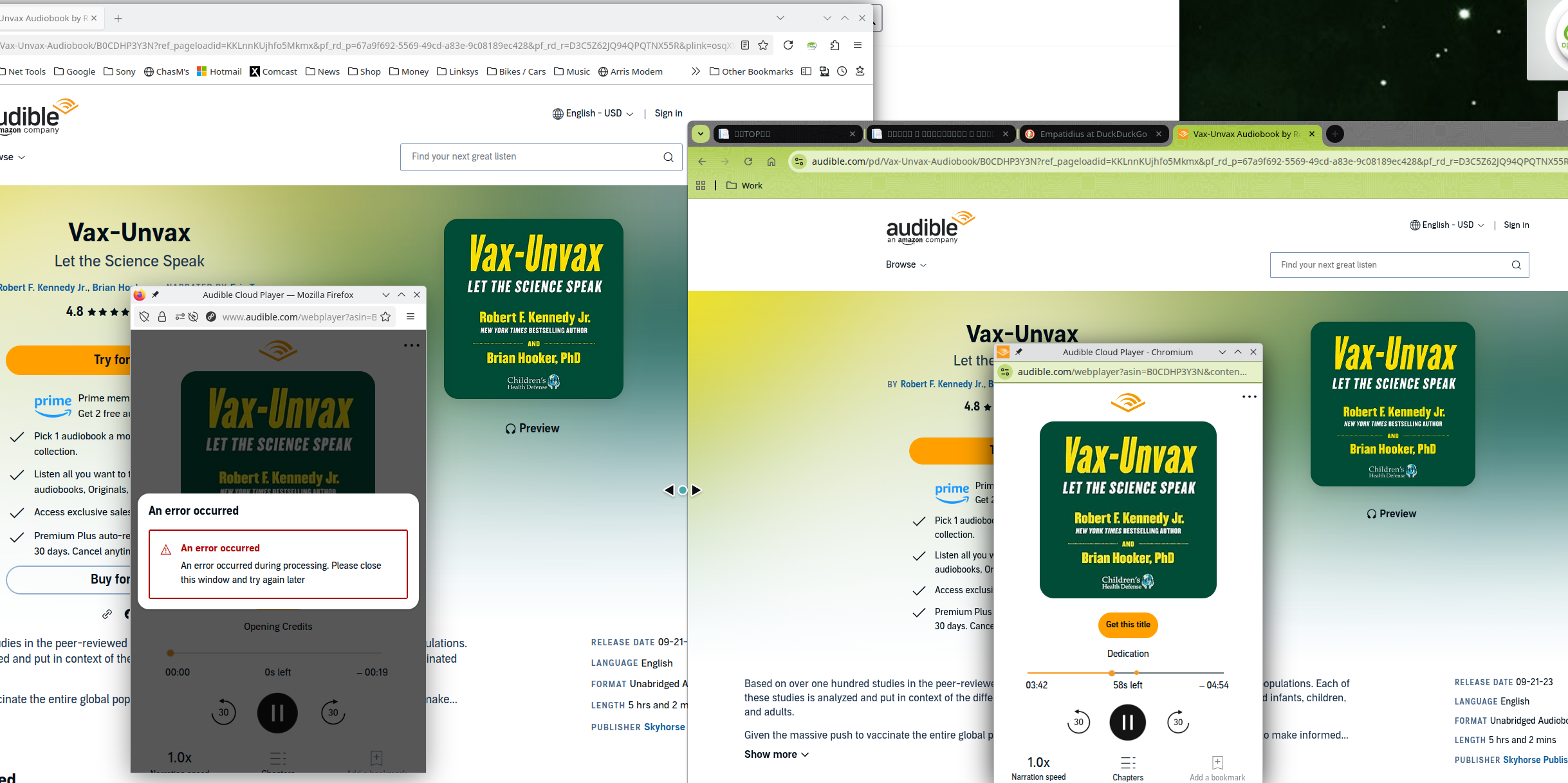
Yes, I'm just playing samples and they start, but the audio is choppy and then after 2mins, it stops playing. https://www.audible.com/pd/Vax-Unvax-Audiobook/B0CDHP3Y3N?ref_pageloadid=KKLnnKUjhfo5Mkmx&pf_rd_p=67a9f692-5569-49cd-a83e-9c08189ec428&pf_rd_r=D3C5Z62JQ94QPQTNX55R&plink=osqXVCrixiJX5hGh&pageLoadId=kbPcaJWAKBARxS0a&creativeId=f95414bc-7ba6-4405-a00d-814a498f7165&ref=a_pd_The-Fi_c5_adblp13npsbx_4
Chrome on the other hand does work better. I've turned off most add-ons and also ETP, but no joy.
Read this answer in context 👍 0כל התגובות (4)
פתרון נבחר
Yes, I'm just playing samples and they start, but the audio is choppy and then after 2mins, it stops playing. https://www.audible.com/pd/Vax-Unvax-Audiobook/B0CDHP3Y3N?ref_pageloadid=KKLnnKUjhfo5Mkmx&pf_rd_p=67a9f692-5569-49cd-a83e-9c08189ec428&pf_rd_r=D3C5Z62JQ94QPQTNX55R&plink=osqXVCrixiJX5hGh&pageLoadId=kbPcaJWAKBARxS0a&creativeId=f95414bc-7ba6-4405-a00d-814a498f7165&ref=a_pd_The-Fi_c5_adblp13npsbx_4
Chrome on the other hand does work better. I've turned off most add-ons and also ETP, but no joy.
השתנתה ב־ על־ידי jonzn4SUSE

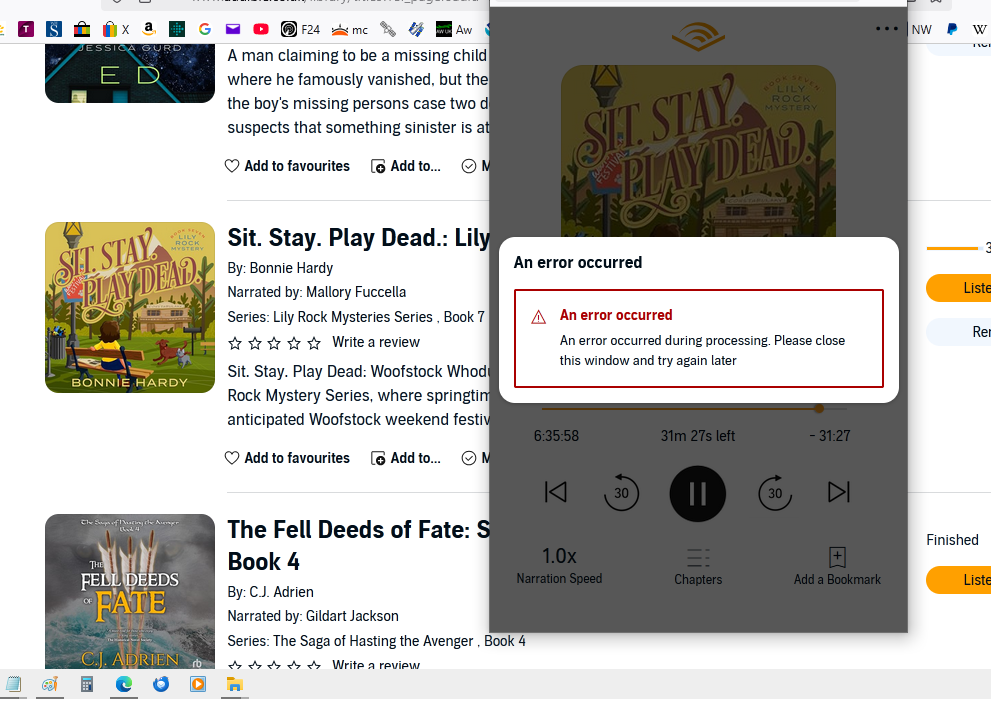
Its not working for me. The audiobook opens but when I click on play it just hangs in endless circles then an error message comes up. Screenshot below.
It was working fine last night but since computer restart as above. I have cleared cookies etc, forced a refresh, tried with no add-ons and restarted, nothing helps.
Its working perfectly using MS Edge (sorry had to go over to the dark side - I just got to the interesting bit and wanted to finish the book )
השתנתה ב־ על־ידי Spikeygran

I had the same issue and got it to work by disabling UBlock Origin. I will not disable my ad blocker so I installed Libation which scanned my audible library and downloaded my audiobooks locally so I can play them through a media player.
The problem still persists even a quarter year later.
I have used the incognito mode to no avail; whereas the audio books are just working fine on Google Chrome instead.
Still there appears to be no solution to this?