


ATT.NET cannot sign on using firefox

I cannot sign into ATT.Net email account on Firefox? I am on Xfinity WiFi.
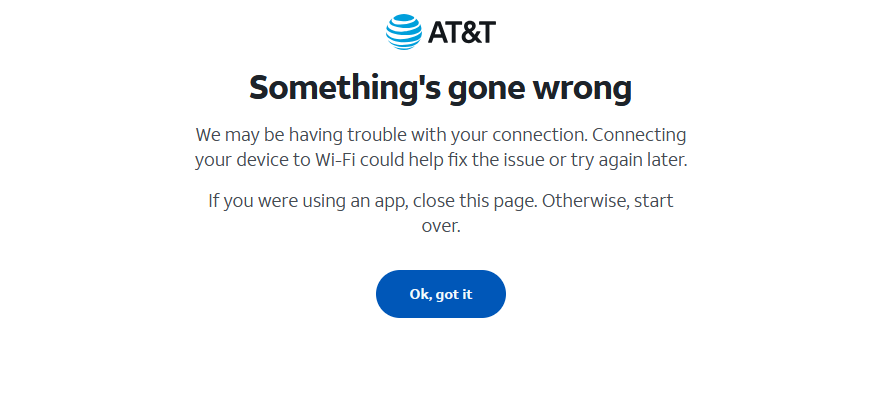
Something's gone wrong We may be having trouble with your connection. Connecting your device to Wi-Fi could help fix the issue or try again later. If you were using an app, close this page. Otherwise, start over. I can access using Chrome. How can I access without changing from Firefox?
כל התגובות (1)
Hi Charlene, users have been reporting issues for the past month. For example:
https://support.mozilla.org/questions/1490607 (unsolved)
Users report that they can connect the first time, but not after that. That it works in a private window when it doesn't work in a regular window. These reports point to some things to check:
(1) If you use Adblock Plus or DuckDuckGo Privacy Essentials, make a site exception for AT&T sites.
Usually you can do this with their toolbar button.
(2) Try clearing AT&T cookies. Here's how:
While viewing a page on the site, click the lock icon at the left end of the address bar. After a moment, a "Clear Cookies and Site Data" button should appear at the bottom. Go ahead and click that. Firefox will ask you to confirm; go ahead and confirm.
Then try reloading the page.
Any progress so far?