


Windows 10 reached EOS (end of support) on October 14, 2025. If you are on Windows 10, see this article.

חיפוש בתמיכה

יש להימנע מהונאות תמיכה. לעולם לא נבקש ממך להתקשר או לשלוח הודעת טקסט למספר טלפון או לשתף מידע אישי. נא לדווח על כל פעילות חשודה באמצעות באפשרות ״דיווח על שימוש לרעה״.

מידע נוסף

Website not responding on Mozilla

  • 4 תגובות
  • 0 have this problem
  • 85 views
  • תגובה אחרונה מאת jonzn4SUSE

Hey everyone, I need some help with a puzzling issue. I've noticed that a website (https://socialhubin.com/how-to-pause-instagram-reels-like-a-pro-uncovered/) I'm working on functions perfectly fine when I use Google Chrome, but when I try to access it using Mozilla Firefox, I encounter a '404 error' or sometimes the layout is broken with images displaying incorrectly. Can anyone shed some light on what might be causing this discrepancy? Your insights would be greatly appreciated!

Hey everyone, I need some help with a puzzling issue. I've noticed that a website [https://socialhubin.com/how-to-pause-instagram-reels-like-a-pro-uncovered/ (https://socialhubin.com/how-to-pause-instagram-reels-like-a-pro-uncovered/)] I'm working on functions perfectly fine when I use Google Chrome, but when I try to access it using Mozilla Firefox, I encounter a '404 error' or sometimes the layout is broken with images displaying incorrectly. Can anyone shed some light on what might be causing this discrepancy? Your insights would be greatly appreciated!

כל התגובות (4)

Did you try Firefox in Troubleshoot Mode? https://support.mozilla.org/en-US/kb/diagnose-firefox-issues-using-troubleshoot-mode#search104

I have no issue with the site. see screenshot
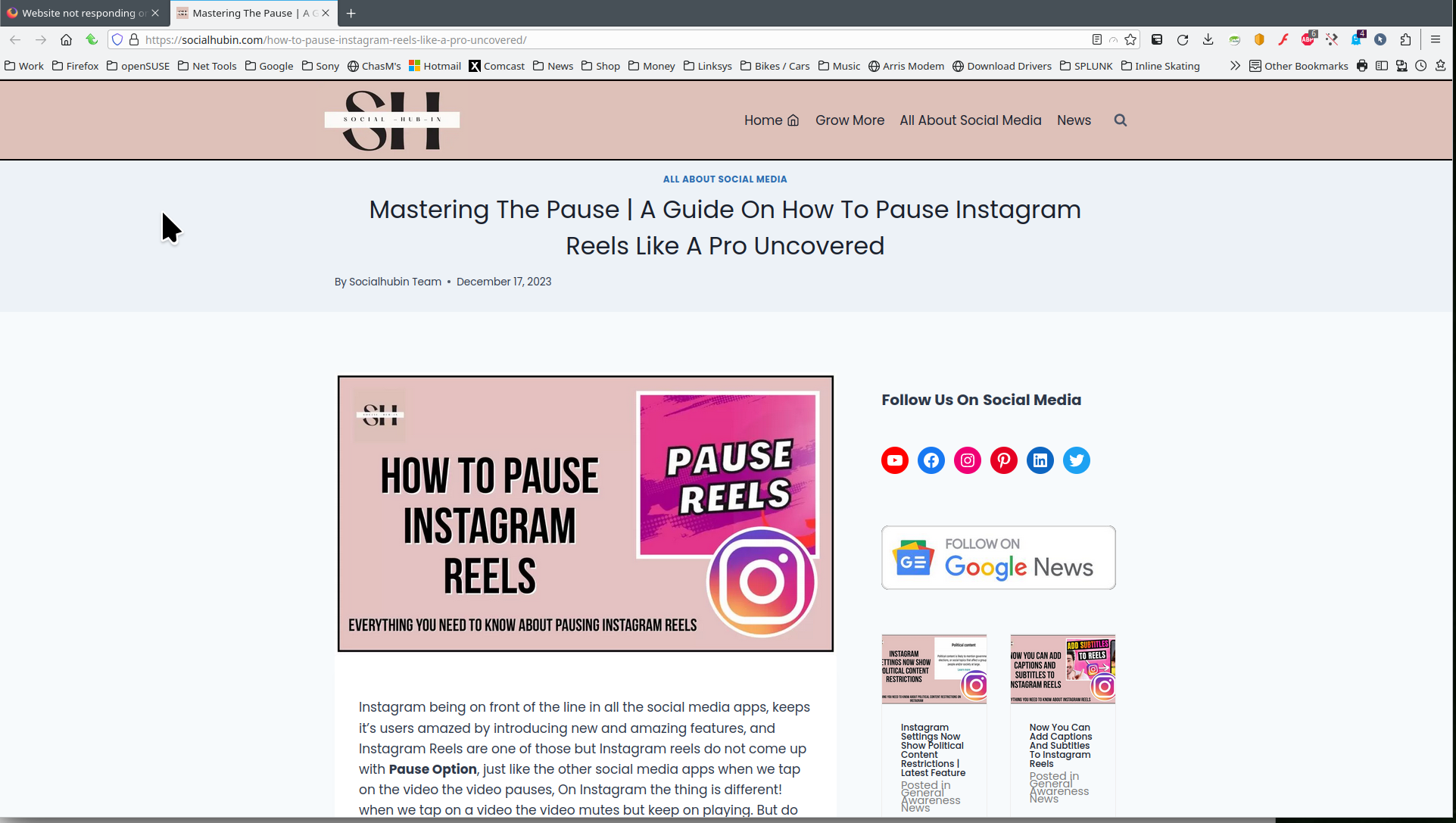
Also, windows home or pro? What version of Firefox?

Can It me possible that it was my Internet Issue?

Anything is possible. If the issue is resolved, please mark it as resolved and have a nice day.