


Transferring bookmarks to new computer

I have installed Firefox on my new computer but some bookmarks did not transfer from my old computer. This includes those bookmarks shich displayed on my old computer only when I clicked on "search bookmarks." When I click "search bookmarks" on the new computer, it only displays bookmarks I have visited on the new computer. New computer is running Windows 11. How do I transfer these bookmarks to my new computer? Thank you.
כל התגובות (2)

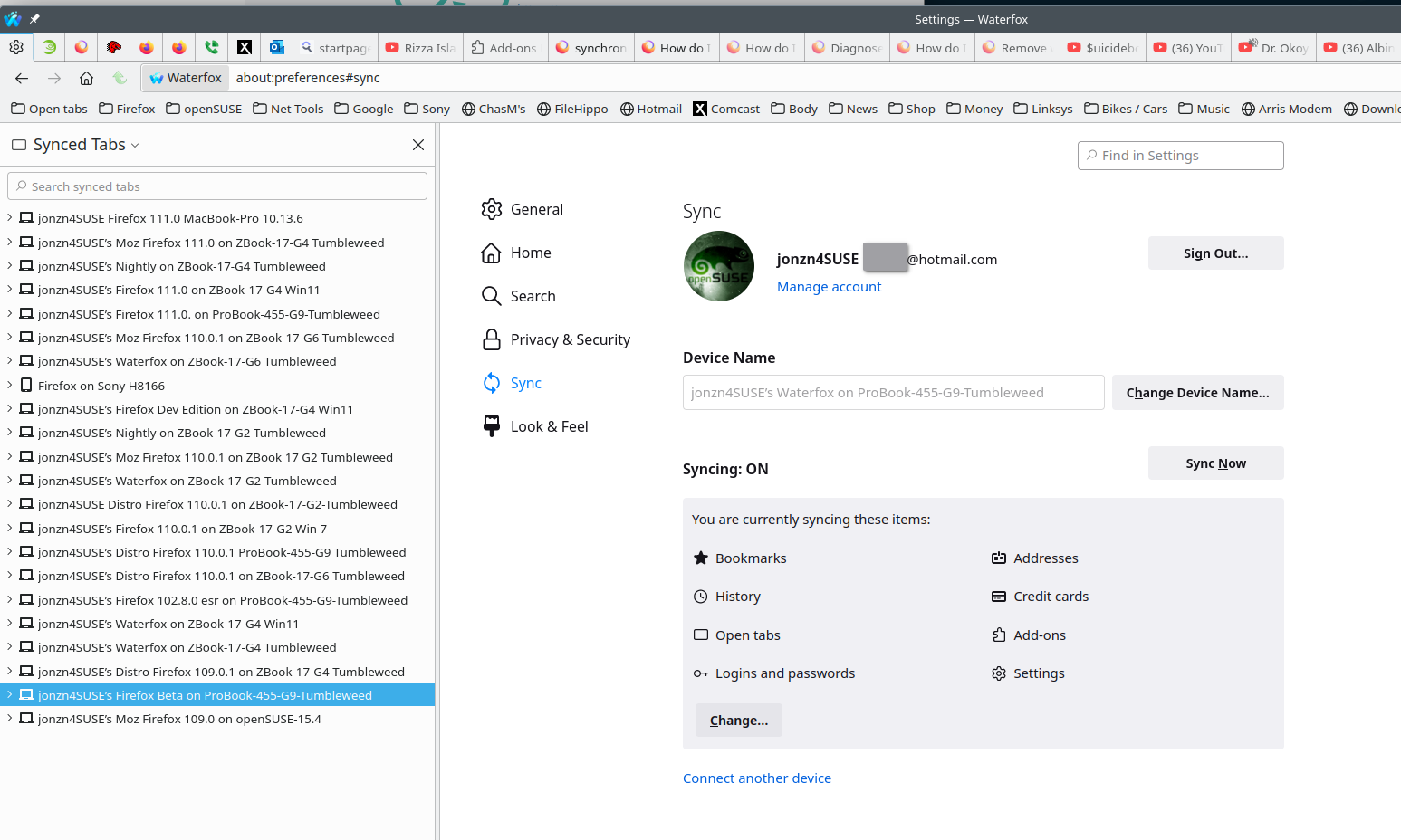
Are you using sync? see old screenshot https://support.mozilla.org/en-US/kb/how-do-i-set-sync-my-computer# https://support.mozilla.org/en-US/kb/diagnose-firefox-issues-using-troubleshoot-mode#

See these links. You need to copy the files with Firefox closed.
https://support.mozilla.org/en-US/kb/switching-devices https://support.mozilla.org/en-US/kb/recovering-important-data-from-an-old-profile https://support.mozilla.org/en-US/kb/profiles-where-firefox-stores-user-data https://support.mozilla.org/en-US/kb/profiles-where-firefox-stores-user-data#w_finding-your-profile-without-opening-firefox