


Website is taking too much time to load on Firefox.

Hi, I am having issues while using my website howtowatchstreaming on Firefox, while it loads perfectly on Chrome and Edge. Despite the media files being perfectly optimized, some of them fail to load even after refreshing the page multiple times. Other websites seem to work fine. Any tips or ideas please.
כל התגובות (3)

1st tip... Provide examples of the issue. 2nd tip... Provide steps to replicate the issue. What OS? What version of Firefox?
I'm using Firefox version 107 on macOS 12.6.2. I have tried using it on a Windows laptop as well, no luck.

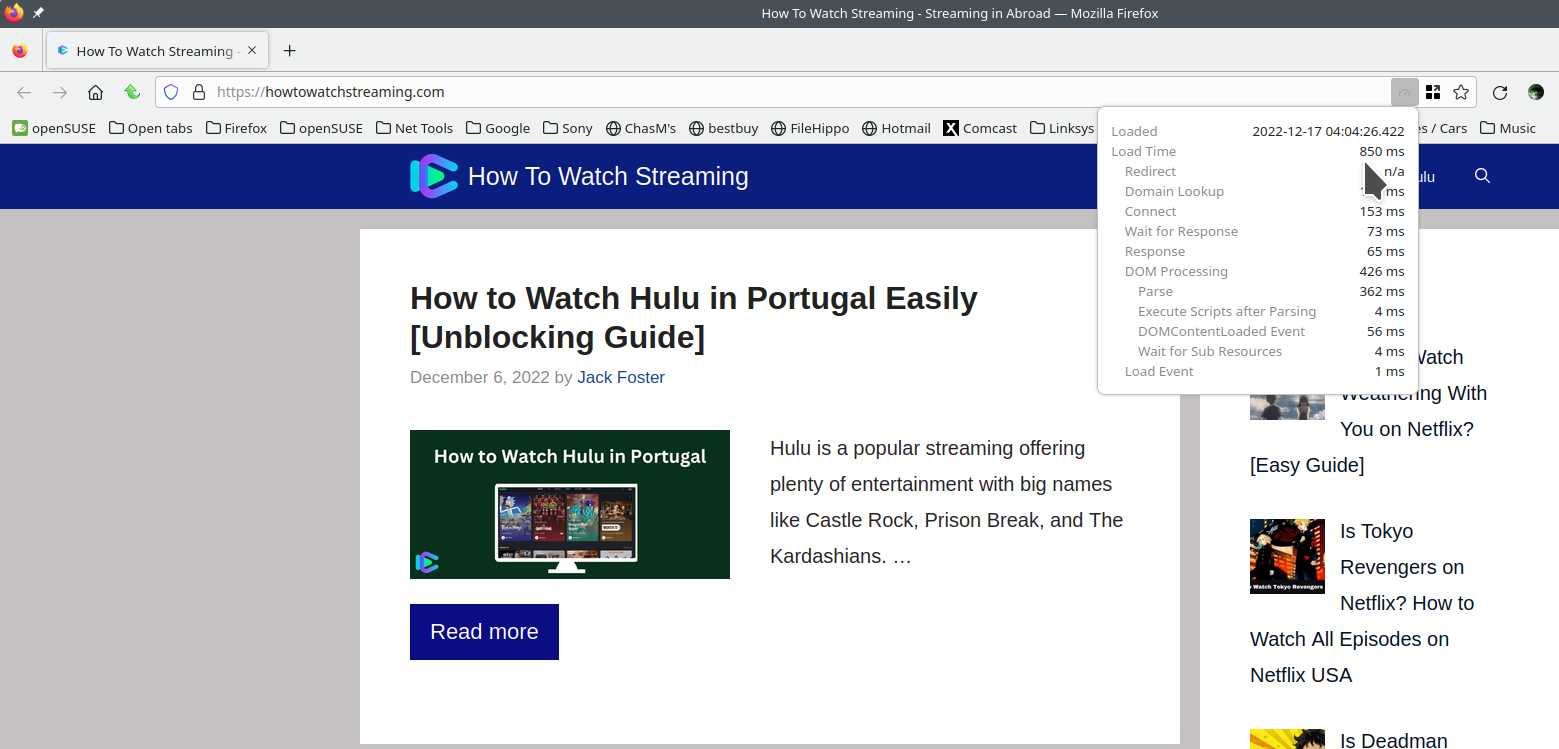
It works fine for me. see screenshot WiFi or plugged in? Who are you using for DNS? see screenshot of cmd
Do you have the same issue with Firefox in Safe Mode? https://support.mozilla.org/en-US/kb/diagnose-firefox-issues-using-troubleshoot-mode#w_how-to-start-firefox-in-4troubleshoot-modesf5safe-modesf
Also try the option Forget About This Site. https://support.mozilla.org/en-US/kb/remove-websites-address-bar-suggestions
Clear the browser cache. https://support.mozilla.org/en-US/kb/clear-cookies-and-site-data-firefox
Refresh or Reset Firefox, but make sure you have a back up of your important data. https://support.mozilla.org/en-US/kb/reset-preferences-fix-problems

השתנתה ב־ על־ידי jonzn4SUSE