


Why am I getting blank placecards on web pages
I used to love Firefox but lately I'm getting frustrated.
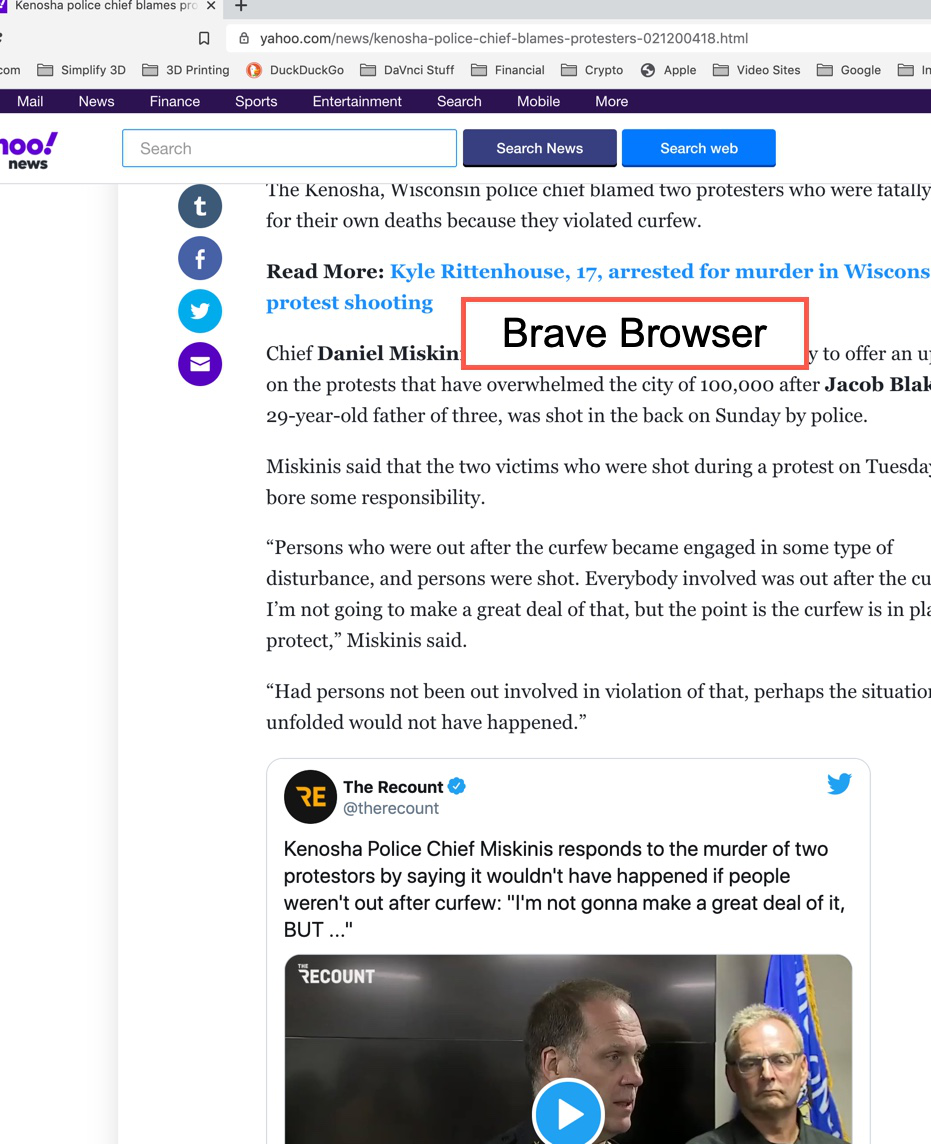
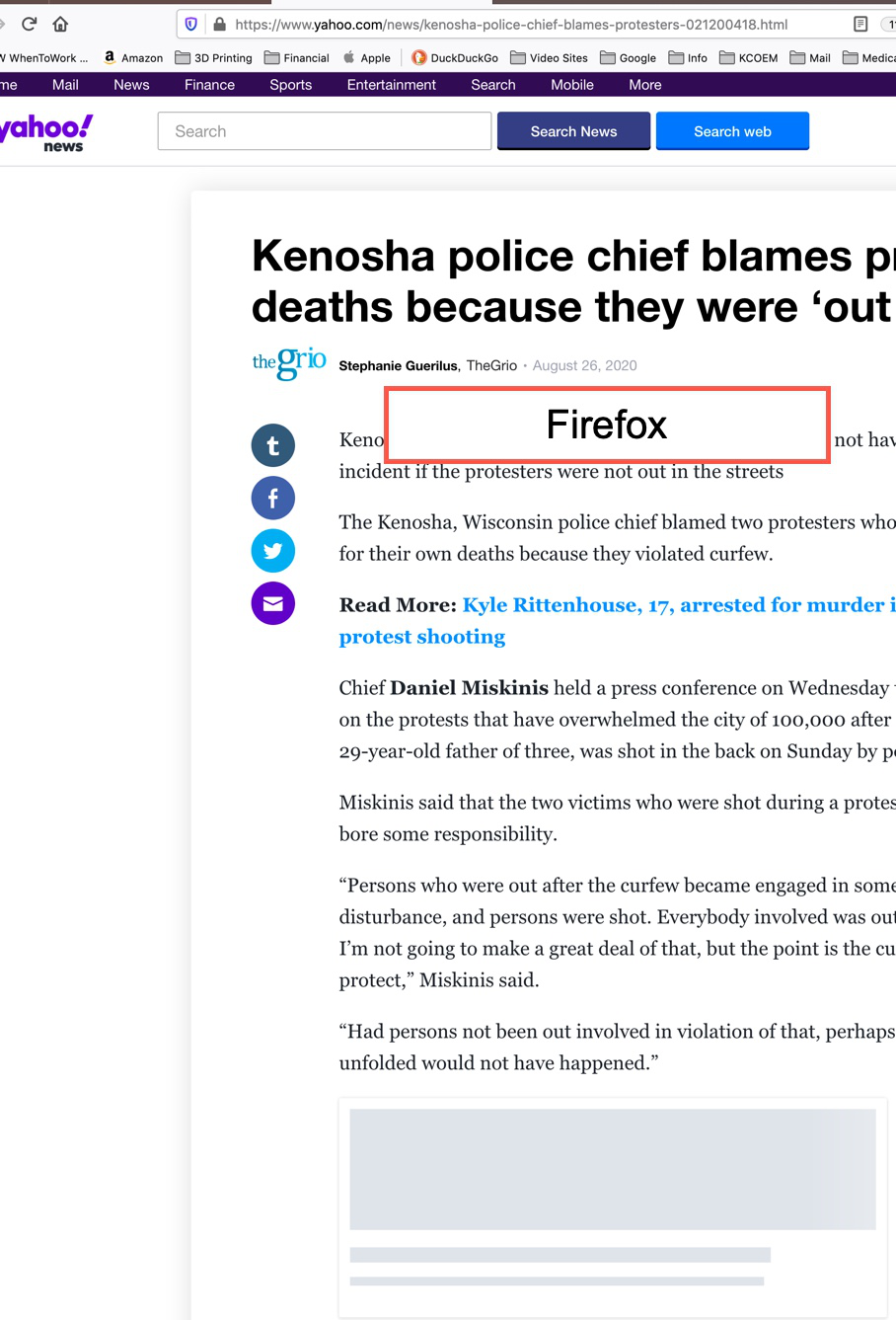
My Main 'beef' now is certain parts of web pages are showing as a blank spot. See screen grab [Brave-xs-Firefox-F].
Bringing up Brave Browser to the same page shows a video and article. See screen grab [Brave-xs-Firefox-B].
Why is this happening, Is it a setting I can change?
Thanks Allen
כל התגובות (3)
Those "blank places" are just tracking elements that has been removed - in this case it's a Twitter frame. To bring it back you have to allow social widgets in Tracking Protection preferences.
Thanks. Where do I find that?
Allen
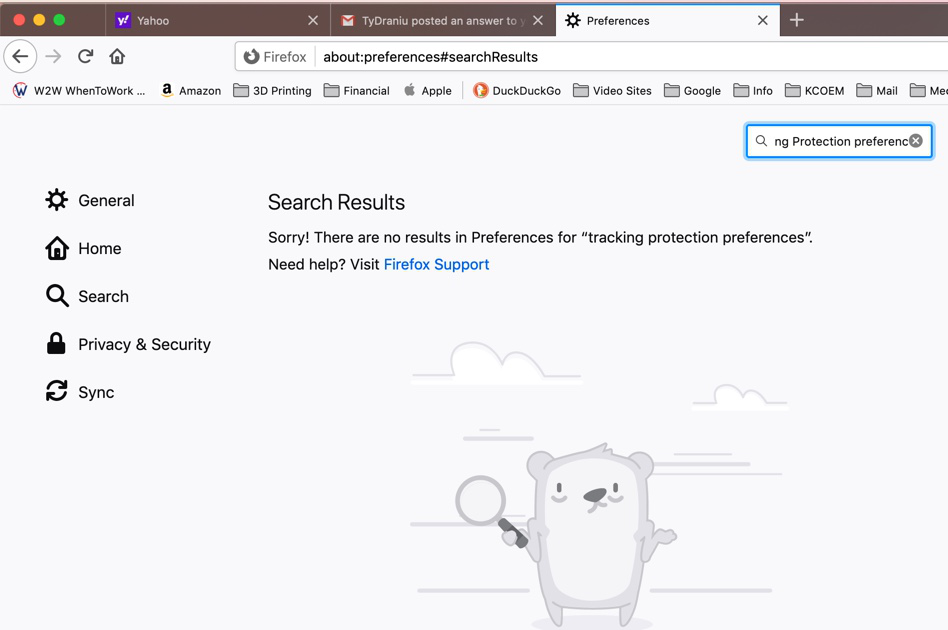
Privacy & Security -> Enhanced Tracking Protection -> Set Custom and try to experiment with Cookies and Tracking content checkboxes.
השתנתה ב־ על־ידי TyDraniu