Can not get cookie after set by using document.cookie on firefox 57

Hi, I'm writing a web extension and when I opened extension debugging mode through "about debugging".
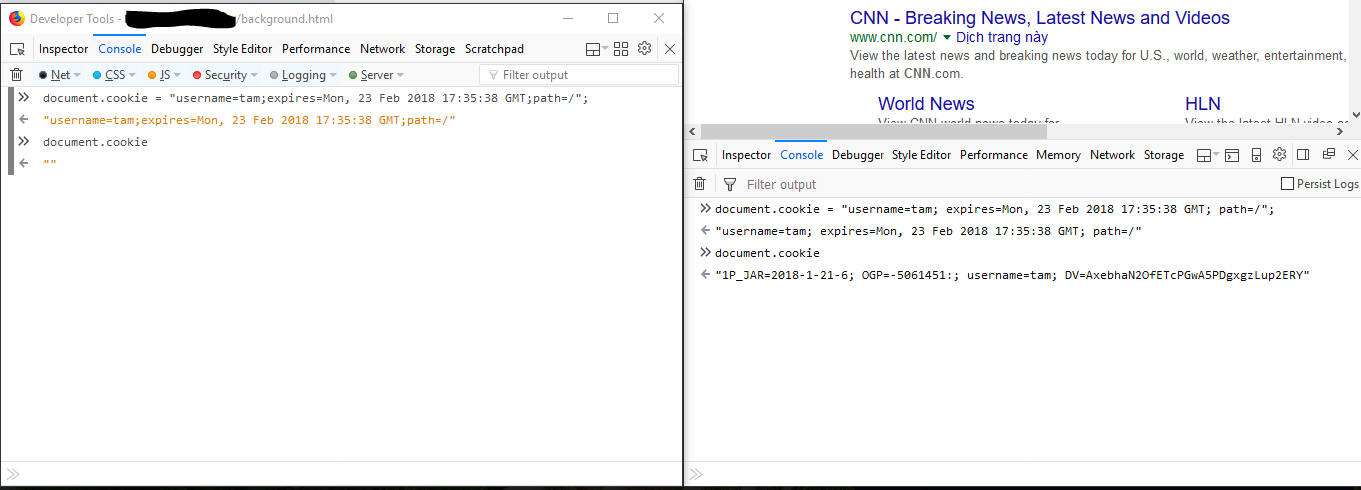
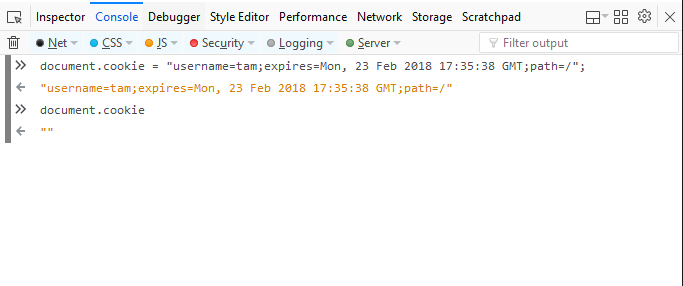
From console tab, I type "document.cookie = "username=tam;expires=Mon, 23 Feb 2018 17:35:38 GMT;path=/";" and Enter to set cookie. But after set, I type "document.cookie" it return empty string.
And my extension can not set or get cookie from document.cookie
I don't know what happen with cookie that I set.
השתנתה ב־ על־ידי Tam Vo
כל התגובות (6)

Post your question in the add-ons forum; https://discourse.mozilla-community.org/c/add-ons
I posted on discourse.mozilla.org and hope someone will answer it. Thanks.
Does it work if you leave a space after the colons?
- document.cookie = "username=tam; expires=Mon, 23 Feb 2018 17:35:38 GMT; path=/";
It's still not working.
I see the username=tam cookie in the Storage Inspector and also in document.cookie.
Make sure you do not run Firefox in permanent Private Browsing mode (Always use Private Browsing mode; Never Remember History) in case that makes a difference.
- Options/Preferences -> Privacy & Security -> Firefox will: "Use custom settings for history"
- remove checkmark: [ ] "Always use Private Browsing mode"
Start Firefox in Safe Mode to check if one of the extensions ("3-bar" menu button or Tools -> Add-ons -> Extensions) or if hardware acceleration is causing the problem.
- switch to the DEFAULT theme: "3-bar" menu button or Tools -> Add-ons -> Appearance
- do NOT click the "Refresh Firefox" button on the Safe Mode start window
I setup with your suggestion. In developer tools for web extension, I can not get cookie after set. On developer tool on web I can set and get it. See attachment below.