


Tab doesnt restore when reopen

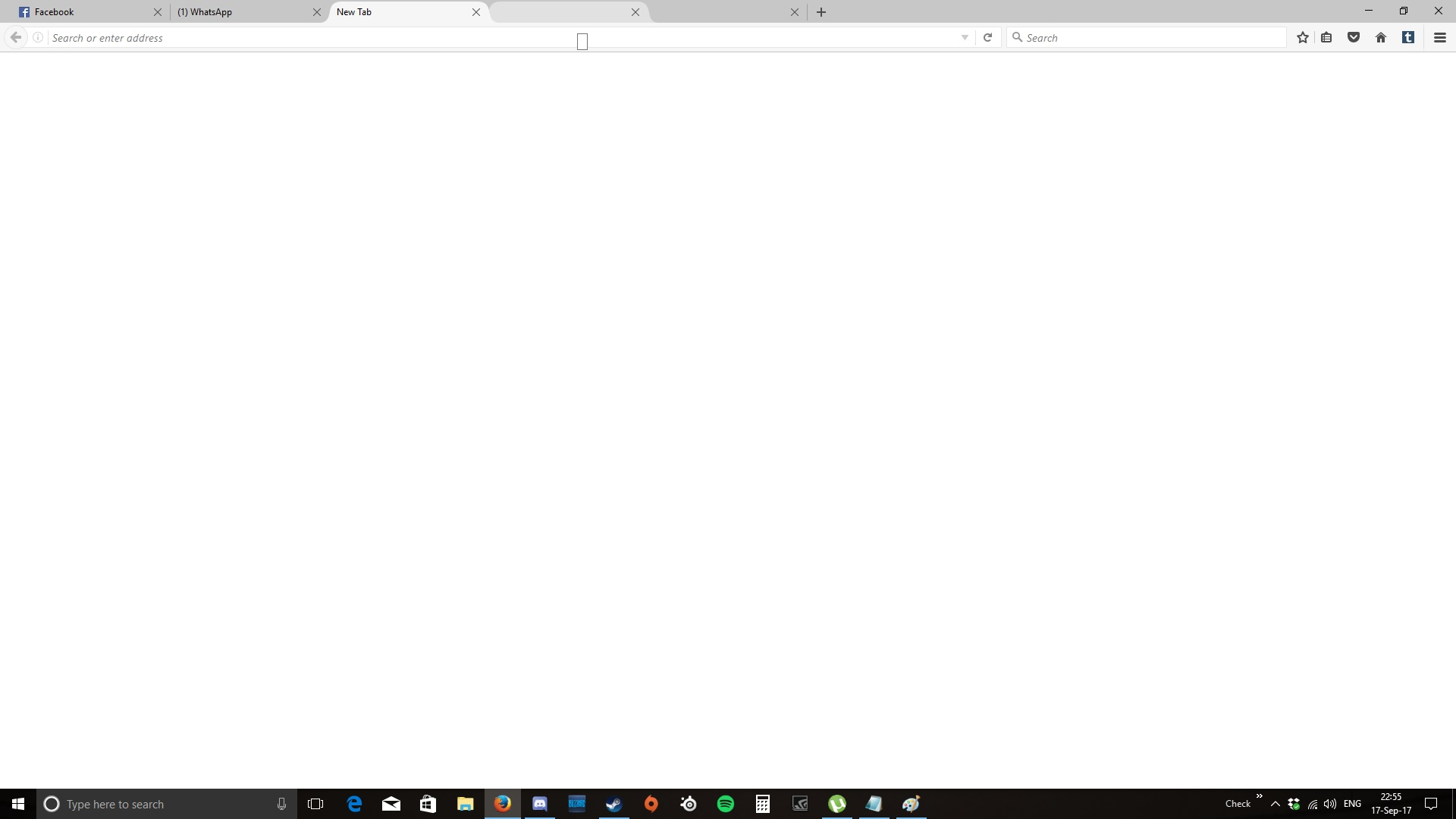
Every time I close Mozilla Firefox and reopen it, only my first tab is there but the rest of the tab will only show as "New Tab"
Example I have 4 tabs on Firefox, "Facebook", my "WhatsApp Web", "Youtube" and "Wikipedia". If I close it and open it later on, only the "Facebook" tab is there and the rest of it becomes "New Tab"
כל התגובות (2)
I fixed this by restarting my firefox
Go to "Open Menu" -> "Open Help Menu" -> "Troubleshooting Information" -> "Restart Firefox..."
Please be inform that all add-on will be deleted and u have to add it back urself
On the English version, that button usually says "Refresh" Firefox. (Refresh Firefox - reset add-ons and settings)
Speaking of add-ons, I think some users indicated that an older add-ons was causing this problem. Hopefully your re-installing the latest versions avoided the problem. However, if it comes back, try disabling the extensions that modify the user interface or that haven't been updated for a while.