


How to set "Show ALL Downloads" in a separate window?

My "Show all downloads" was opening in a separate window. I loved it. Opened the browser today, and "Show all downloads" opens in a tab. Just want "Show All Downloads" to open in a separate window again.......
כל התגובות (8)

Start Firefox in Safe Mode {web Link} by holding down the <Shift>
(Mac=Options) key, and then starting Firefox. Is the problem still there?
פתרון נבחר
When you are in a private browsing mode window then you get the about:downloads page in a tab. When you are in a normal mode window then the Downloads Manager (Library) window open.
FredMcD said
Start Firefox in Safe Mode {web Link} by holding down the <Shift>
(Mac=Options) key, and then starting Firefox. Is the problem still there?
cor-el said
When you are in a private browsing mode window then you get the about:downloads page in a tab. When you are in a normal mode window then the Downloads Manager (Library) window open.
Yep! Kudos! If you go into "Tools" "Options" "Privacy" and set Firefox not to remember history, it puts you into safe mode. Kinda silly, why can't it just not remember history without putting you into "safe" mode? Anyways, remember history and all is good. Thank you so much!
It was already in safe mode. That was the problem. Thanks for the quick response!
השתנתה ב־ על־ידי Jyork
Here is the other pics folks
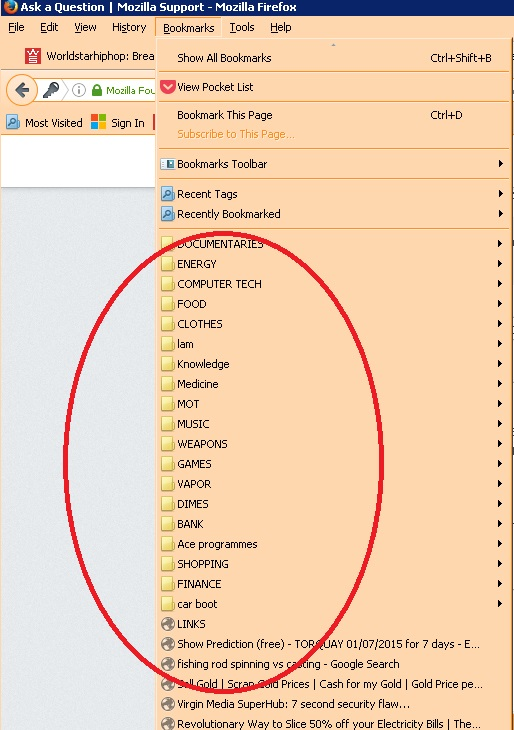
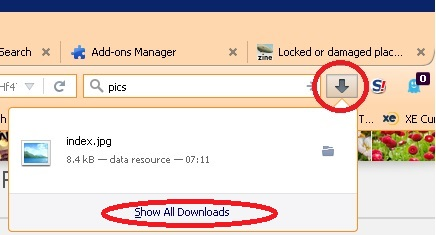
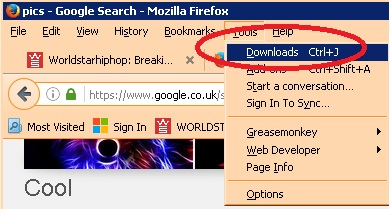
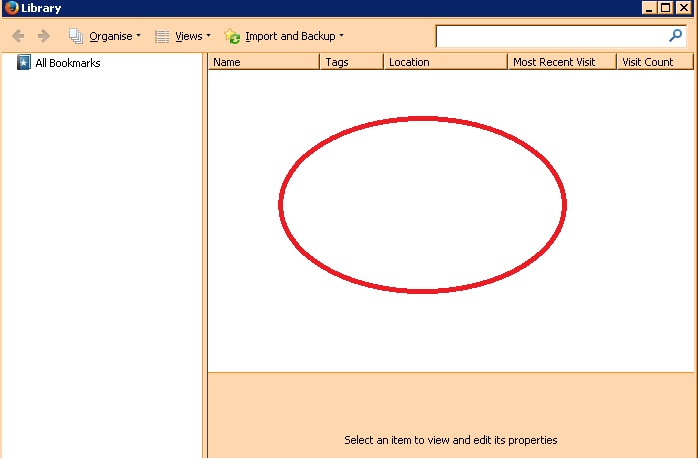
^ those images relate in this thread - https://support.mozilla.org/en-US/questions/1129961