


Unable to disable Conversations in version 128.12.0esr

1) Thunderbird 128.12.0es refuses to disable conversation mode, when View/Sort by/Unthreaded is selected for a folder.
2) Thunderbird 128.12.0es does not show the number of selected messages in the Status Bar when I select multiple messages, instead showing the number of selected conversations.
How can I disable conversation mode?
All Replies (6)
Does Help > Troubleshoot Mode change it?
Otherwise, try disable mail.operate_on_msgs_in_collapsed_threads via https://support.mozilla.org/en-US/kb/config-editor

Thunderbird 145.0 on Windows 10 64-bit also does not disable conversation mode. The suggestion to use Config Editor also doesn't work. Having to resort to that approach is ridiculous for a basic mail option. I do not like conversation mode and because I can't turn it off, I will stop using Thunderbird.
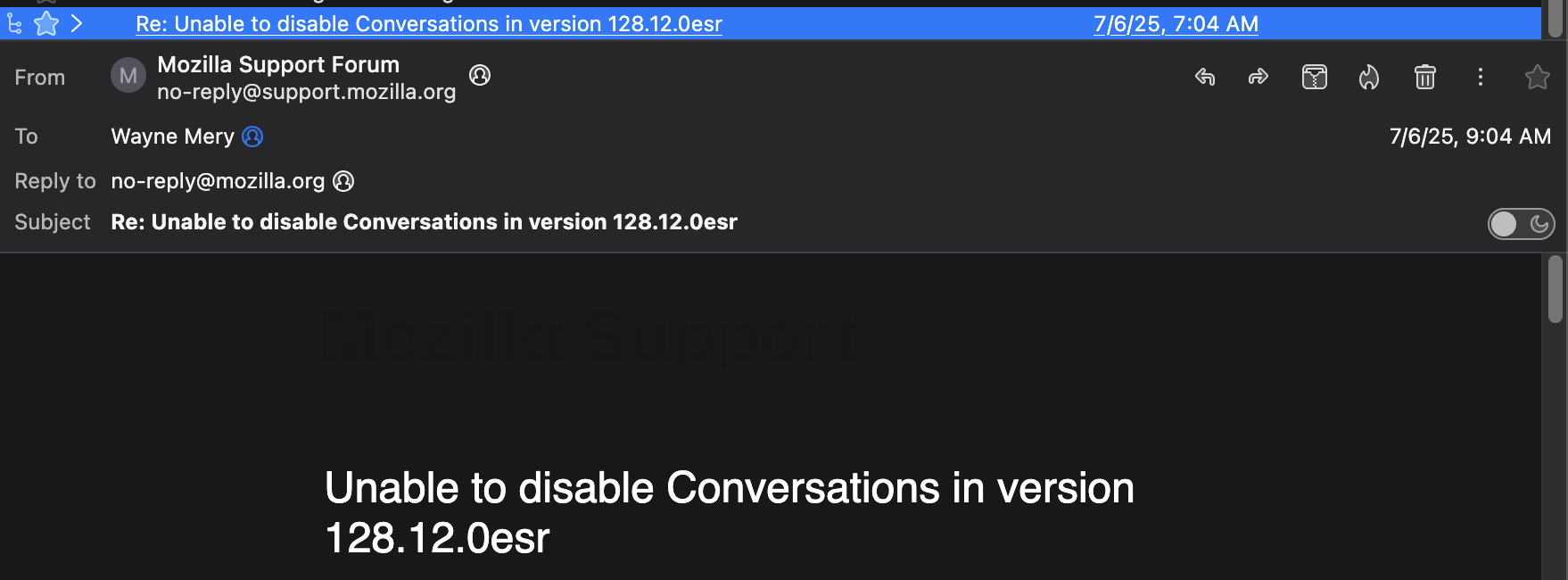
I got it backwards for mail.operate_on_msgs_in_collapsed_threads ... the default is true (which is what you should have seen when first opening config editor). I use false, which prevents showing all messages of a thread when only the top message of a thread is selected, with View/Sort by/threaded. Works on every OS and version, as I've been using it continuously for a decade. (first screen shot below)
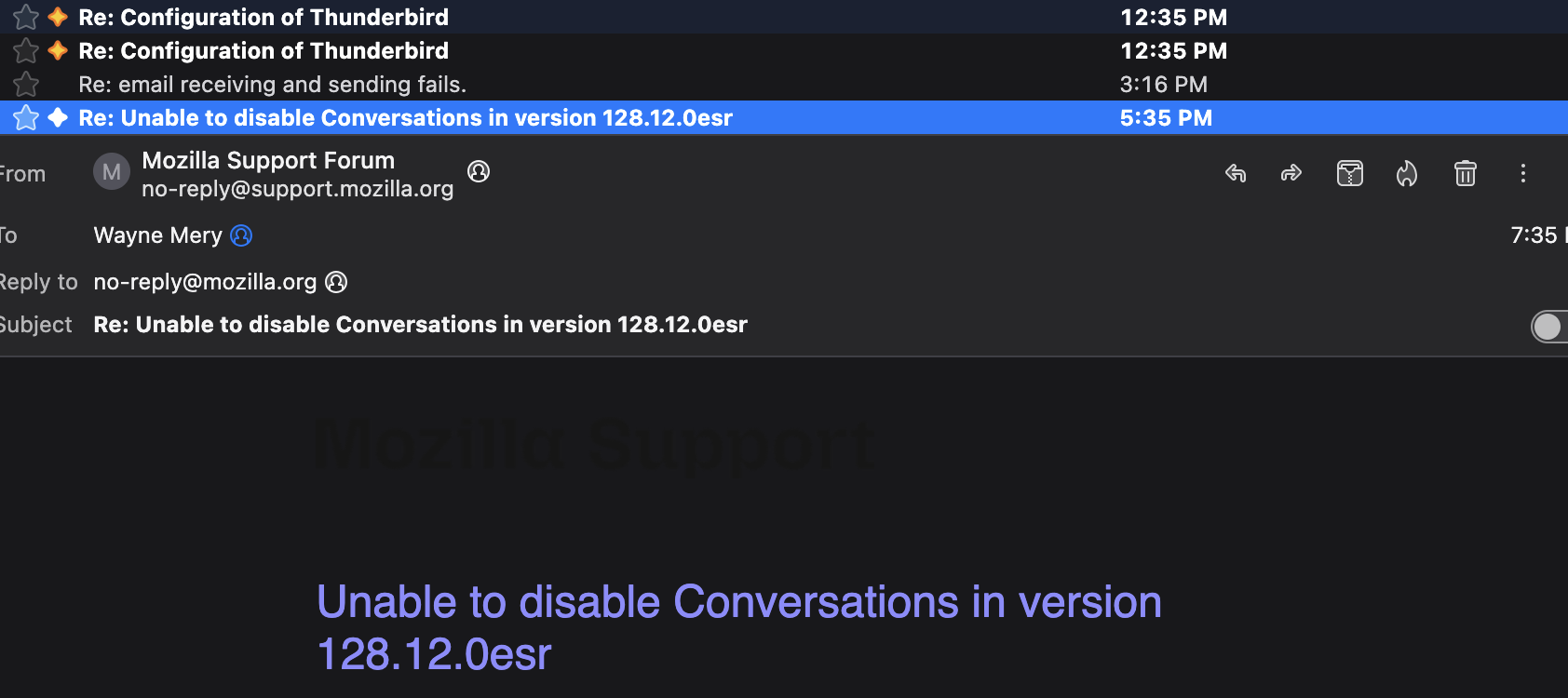
But you say you are using View/Sort by/Unthreaded. In that setting the thread column will not show a "tree" icon for any message, so selecting the top message of a thread has no special effect. (second screen shot)
If you are seeing something different it means we are not talking about the same thing. Can you please screen shot what you are referring to so we can fully understand?
p.s. in newer version of thunderbird, the number of messages does not show in the status bar. The number of messages selected is shown in the header of the message list.
