


My firefox tabs keep crashing

I keep getting the error in the image and can't use my tabs at all . The search loads for 10-15 seconds and then I get the error. I have tried troubleshoot mode too !
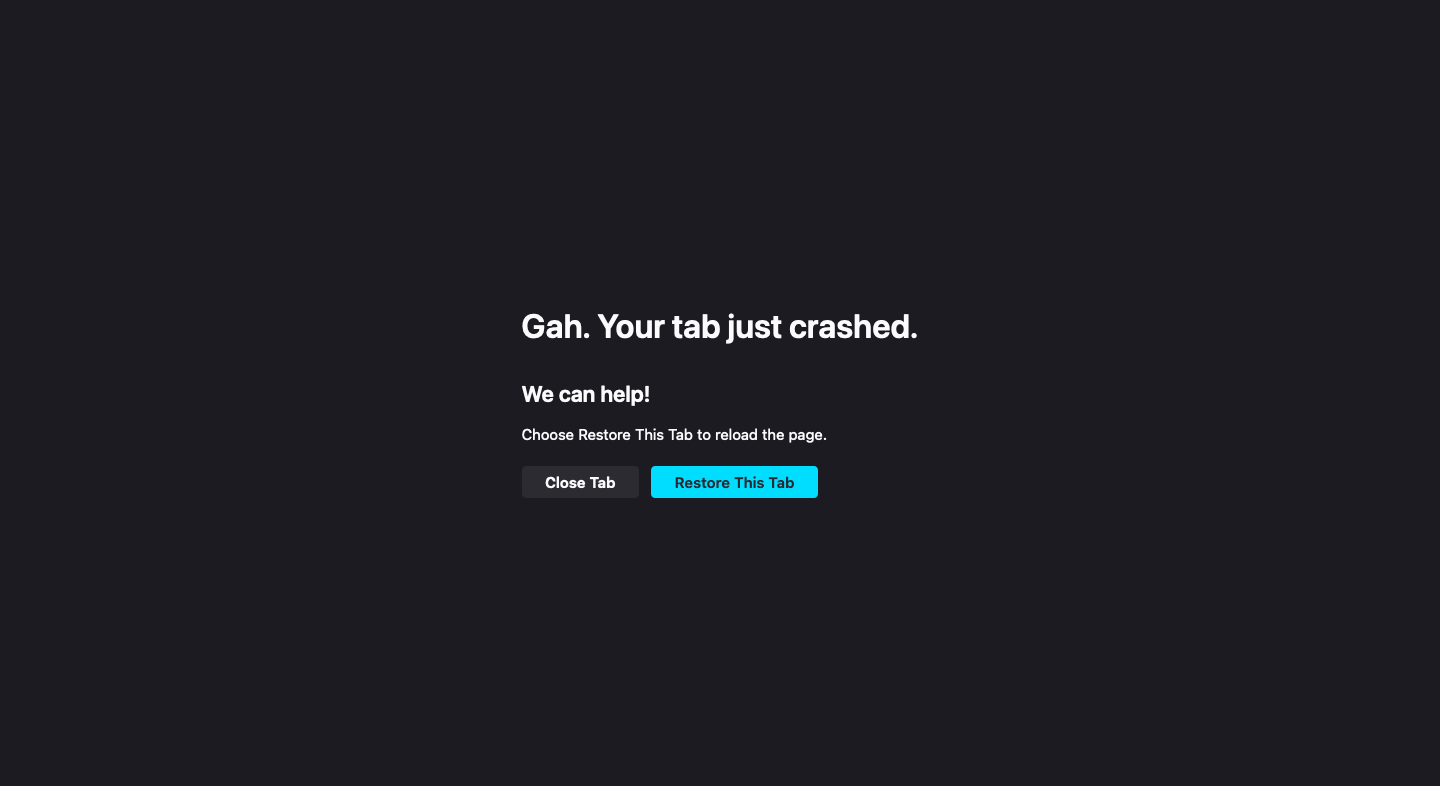
All Replies (5)

What OS? If Windows Pro version, try testing in Windows Sandbox (VM) to see if you have the same issue. https://www.howtogeek.com/399290/how-to-use-windows-10s-new-sandbox-to-safely-test-apps/ What version of Firefox?
Where did you get Firefox from?
More info about your computer please... DIY, Desktop, or Laptop? If not DIY, what make and model? Graphics card? What security software are you running?
jonzn4SUSE said
What OS? If Windows Pro version, try testing in Windows Sandbox (VM) to see if you have the same issue. https://www.howtogeek.com/399290/how-to-use-windows-10s-new-sandbox-to-safely-test-apps/ What version of Firefox? Where did you get Firefox from? More info about your computer please... DIY, Desktop, or Laptop? If not DIY, what make and model? Graphics card? What security software are you running?
MacOS Monterey Version 12.7.5. Firefox- 127.0.2 (64-bit) Macbook Air (13-inch, 2017)
An gyara daga Shivani Raheja
Hi it is a MacBook Air (13-inch, 2017) Macos monterey v12.7.5 processor-1.8 GHz Dual-Core Intel Core i5
Firefox - 128.0 (64-bit) I have had this browser for a while but started getting these issues a while ago
jonzn4SUSE said
What OS? If Windows Pro version, try testing in Windows Sandbox (VM) to see if you have the same issue. https://www.howtogeek.com/399290/how-to-use-windows-10s-new-sandbox-to-safely-test-apps/ What version of Firefox? Where did you get Firefox from? More info about your computer please... DIY, Desktop, or Laptop? If not DIY, what make and model? Graphics card? What security software are you running?
Hi it is a MacBook Air (13-inch, 2017) Macos monterey v12.7.5 processor-1.8 GHz Dual-Core Intel Core i5
Firefox - 128.0 (64-bit) I have had this browser for a while but started getting these issues a while ago
What version are you currently running? Try Refresh Firefox. Make sure to save your data in needed. https://support.mozilla.org/en-US/kb/refresh-firefox-reset-add-ons-and-settings
Also try another version of https://www.mozilla.org/en-US/firefox.../Firefox. Make sure to install in a different directory from the current install.
An gyara daga jonzn4SUSE