


Once I log in the in browser VPN doesn't give me the option to turn it on

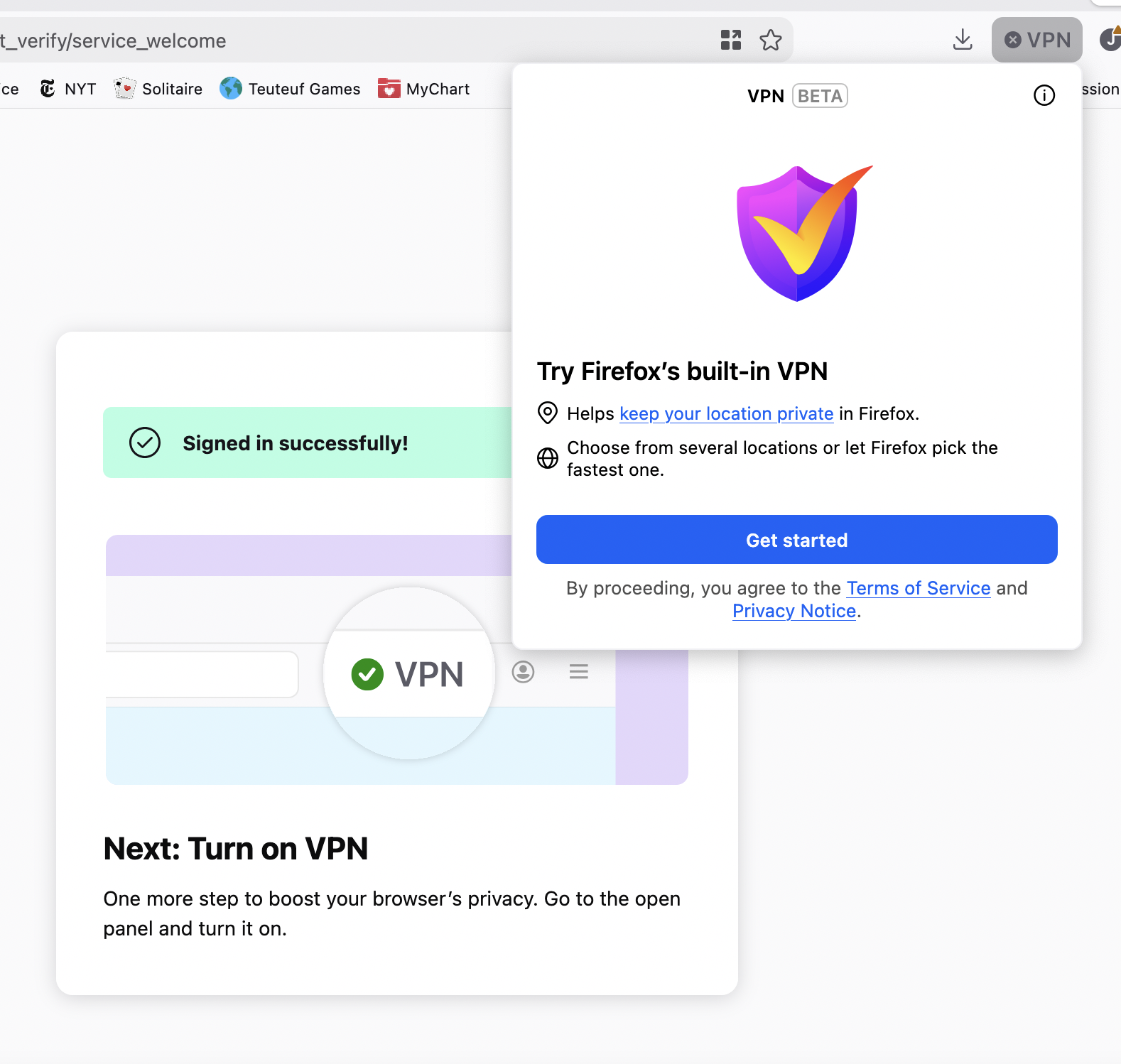
I followed the steps to activate the built-in VPN, but once I sign in and it says it's successful, when I click on the VPN button to turn it on, it just shows me the "get started" VPN panel again. I'm not sure how to get out of that loop. I tried fully closing Firefox and starting again
Opaite Mbohovái (1)
Hello,
First, check if you are logged into Firefox VIA menu>settings>sync/Mozilla account. If not, try signing in there.
Next, you can try disabling adblockers/content blockers, as these may block the UI elements.
Next, if you use DNS filtering tools, make sure you set it so that block bypass methods or proxy/VPN control is enabled in the DNS manager.
Lastly, you can try clearing your cookies and site data. Note that this will sign you out of websites. To clear data, go to menu > settings > privacy & security > cookies and site data, then click clear data. After that, restart Firefox and try signing in again and setting up.