Windows 10 reached EOS (end of support) on October 14, 2025. If you are on Windows 10, see this article.

Eheka Pytyvõha

Emboyke pytyvõha apovai. Ndorojeruremo’ãi ehenói térã eñe’ẽmondóvo pumbyrýpe ha emoherakuãvo marandu nemba’etéva. Emombe’u tembiapo imarãkuaáva ko “Marandu iñañáva” rupive.

Kuaave

Firefox UI elements suddenly became color inverted/black

  • 1 Mbohovái
  • 7 oguereko ko apañuãi
  • 447 Hecha
  • Mbohovái ipaháva laurian_radu
  • Moĩporãmbyre

Hello,

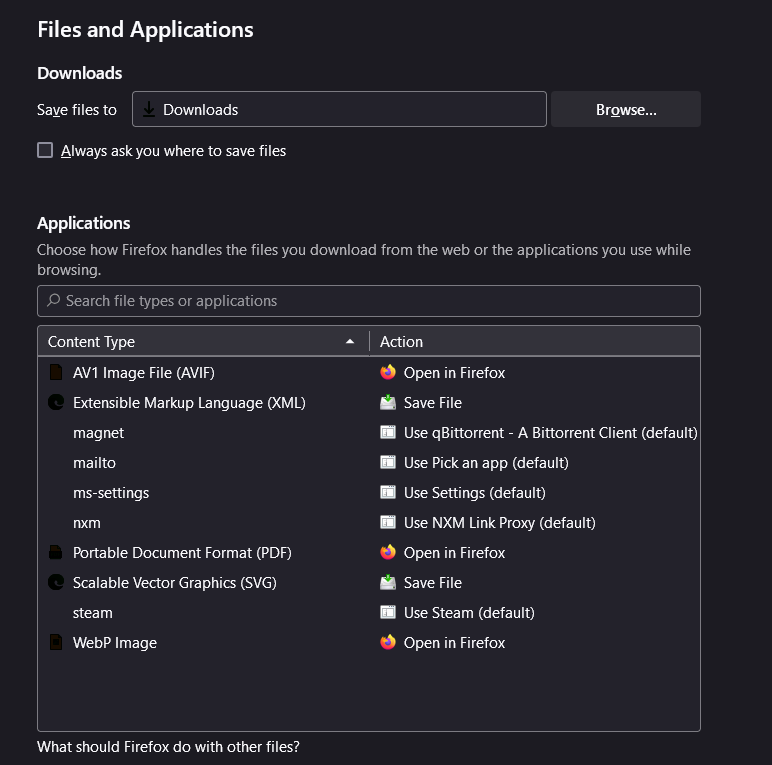
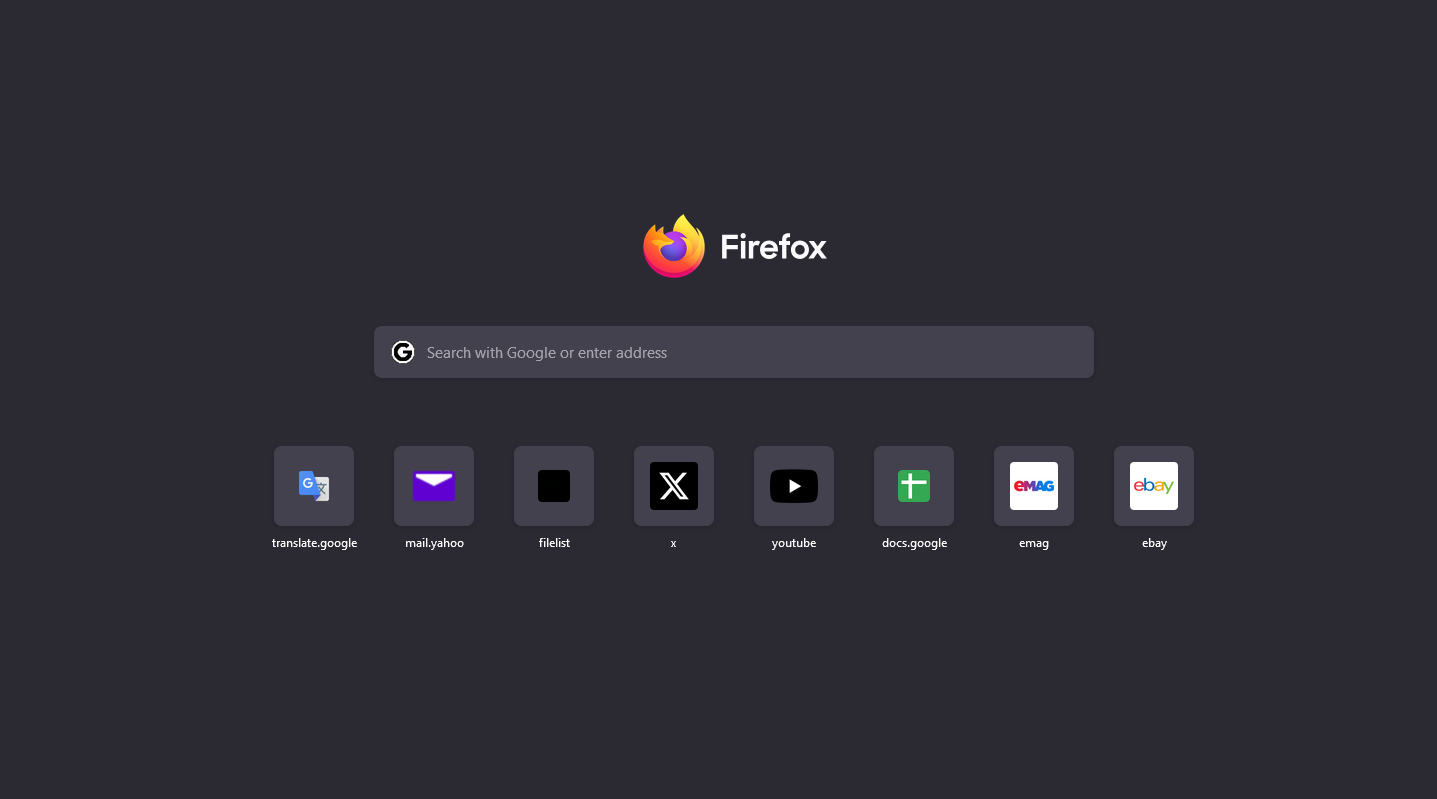
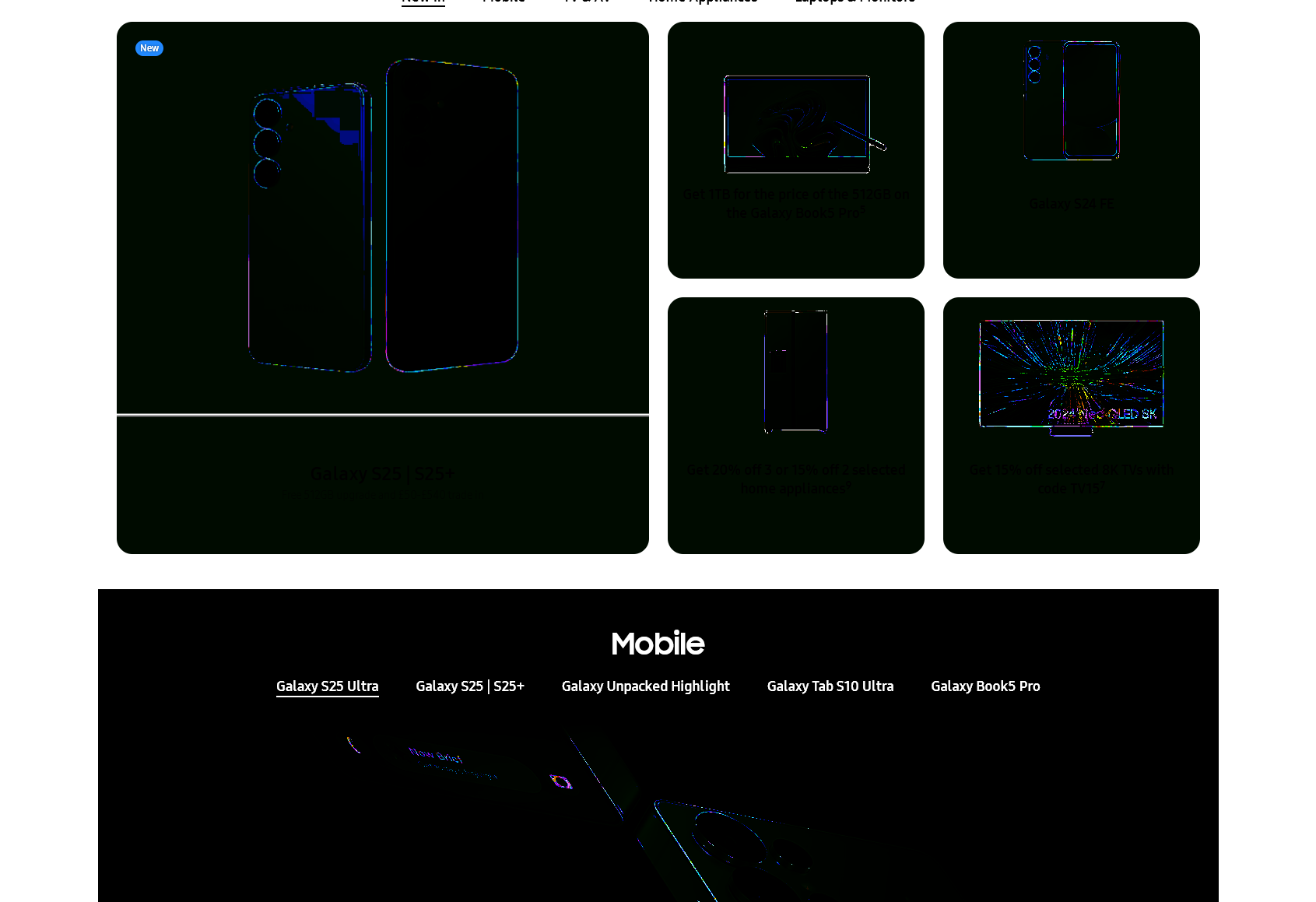
Suddenly some UI elements became color-inverted or almost completely black, such as the tab icons in the tab bar, the website icons on the New Tab page and some icons in the settings menu. Also, some websites appear to have this issue, but the Samsung website is the only one I found so far with this issue.

On the same day it happened I switched to an OLED HDR-capable monitor, so I assumed it would be related to HDR, but I played around with some settings and I'm not sure anymore.

What I tried: - hardware acceleration on and off - HDR completely on and off - default light theme and dark theme, no customs themes installed - all extensions disabled (I have no extensions that would influence graphics or colors anyways) - latest update already installed - nothing else changed in the Nvidia control panel as far as I remember

None of the above helped. Any advice on this is appreciated. Attaching some pictures with the issue. Using Windows 11.

Thank you!

Hello, Suddenly some UI elements became color-inverted or almost completely black, such as the tab icons in the tab bar, the website icons on the New Tab page and some icons in the settings menu. Also, some websites appear to have this issue, but the Samsung website is the only one I found so far with this issue. On the same day it happened I switched to an OLED HDR-capable monitor, so I assumed it would be related to HDR, but I played around with some settings and I'm not sure anymore. What I tried: - hardware acceleration on and off - HDR completely on and off - default light theme and dark theme, no customs themes installed - all extensions disabled (I have no extensions that would influence graphics or colors anyways) - latest update already installed - nothing else changed in the Nvidia control panel as far as I remember None of the above helped. Any advice on this is appreciated. Attaching some pictures with the issue. Using Windows 11. Thank you!
Mba’erechaha japyhypyre oñondivegua

Ñemoĩporã poravopyre

Issue was caused by a custom ICC color profile. Removing it completely fixed the issue. Moderators can close this.

Emoñe’ẽ ko mbohavái ejeregua reheve 👍 2

Opaite Mbohovái (1)

Ñemoĩporã poravopyre

Issue was caused by a custom ICC color profile. Removing it completely fixed the issue. Moderators can close this.