

Ko téma oñeñongatúma.
Ejapo porandu pyahu eikotevẽramo pytyvõ.

Oĩporãmava
Ñongatupyre
Where is the throttle option gone?

This article (https://blog.nightly.mozilla.org/2016/11/07/simulate-slow-connections-with-the-network-throttling-tool/) describes a throttle option for web developers in the Responsive Design Mode, but it seems to be missing from my version of Firefox (55.0.3 (64-bit) on Windows 10). Is it hidden? Is it not in the release version?
This article (https://blog.nightly.mozilla.org/2016/11/07/simulate-slow-connections-with-the-network-throttling-tool/) describes a throttle option for web developers in the Responsive Design Mode, but it seems to be missing from my version of Firefox (55.0.3 (64-bit) on Windows 10). Is it hidden? Is it not in the release version?
Opaite Mbohovái (2)
Ñemoĩporã poravopyre
Answer to self:
Have to use Firefox Developer Edition. Silly me.
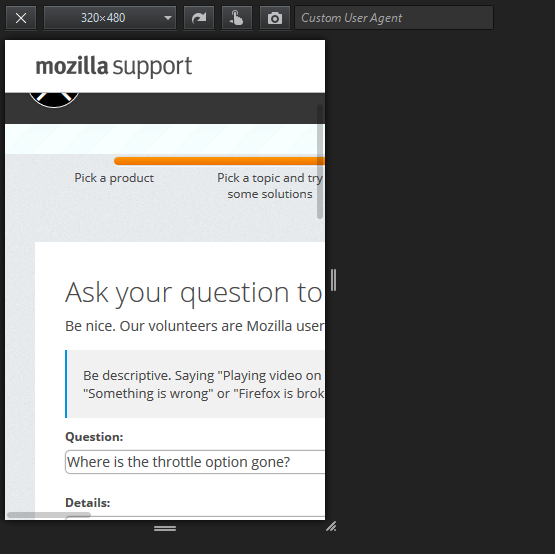
The screenshot shows the classic version of the Responsive Design Mode tool. Make sure that multi-process is enabled to get the new version that includes this feature (52+).
You can look at "Multiprocess Windows" to see the current multi-process state.
- "Help -> Troubleshooting Information" -> Application Basics: Multiprocess Windows