


insecure site message....glitch?

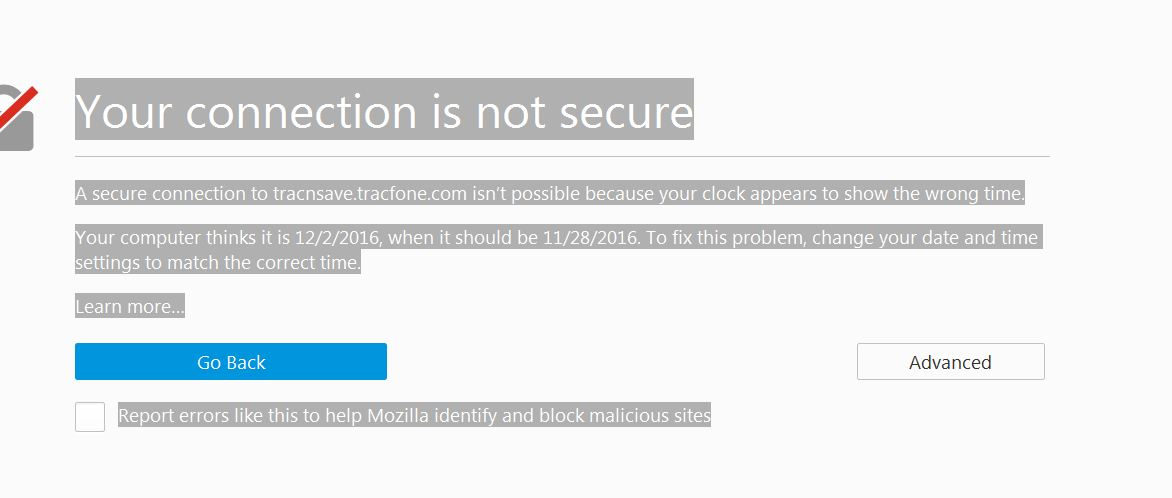
Got this message while on Tracfone site....says my computer's clock and date are set wrong, BUT it is correct!!!!! What's up with this?
Ñemoĩporã poravopyre
You need to type exactly what I posted above. There needs to be a space between the two word and Data needs to be capitalized: (new Date)
Opaite Mbohovái (5)
You can see the current time and time zone if you paste this code in the command line of the Web Console (Web Developer > Web Console; Ctrl+Shift+K)
- (new Date)
See also:
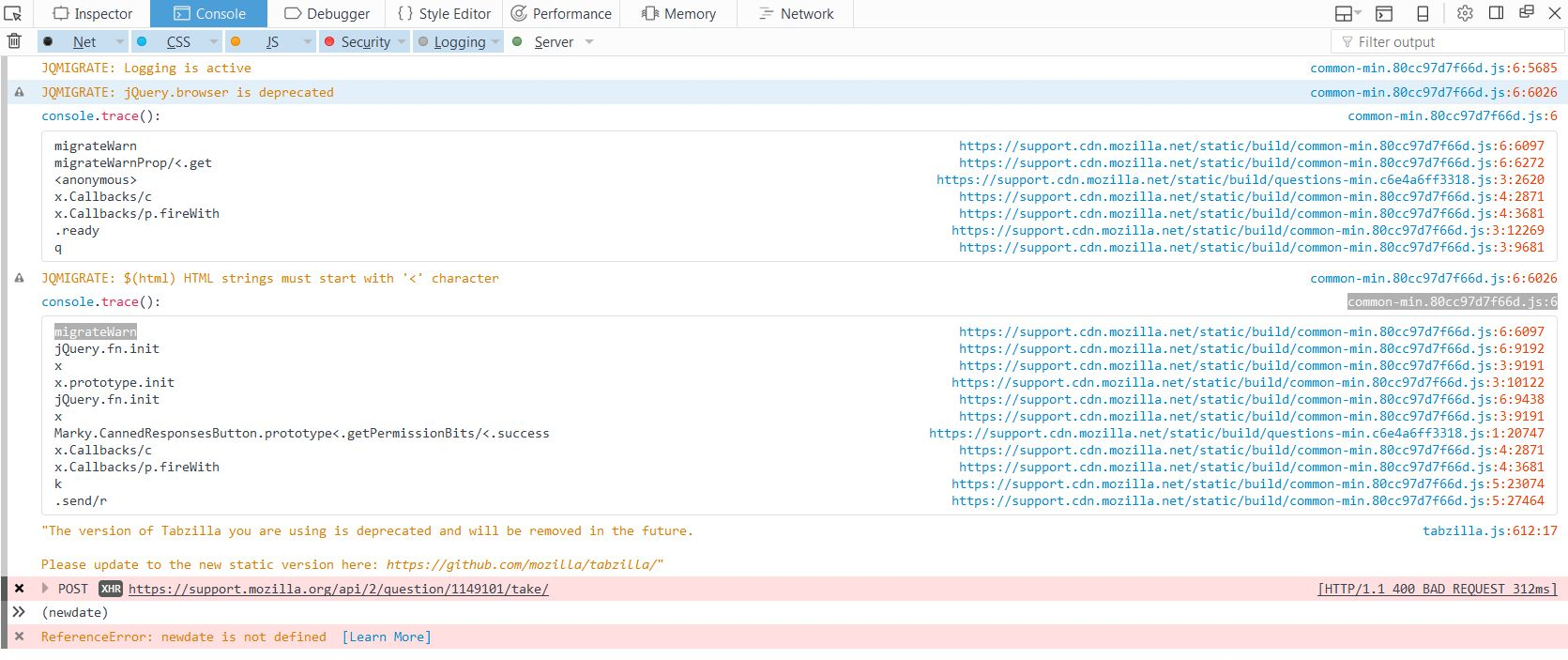
I hit control + shift +K and got the screen showed in the screen shot and the warning message....I typed in (new date) and hit enter and got the other screen shot appeared

Ñemoĩporã poravopyre
You need to type exactly what I posted above. There needs to be a space between the two word and Data needs to be capitalized: (new Date)
Thanks, it now lists the correct date and time....
You're welcome.