


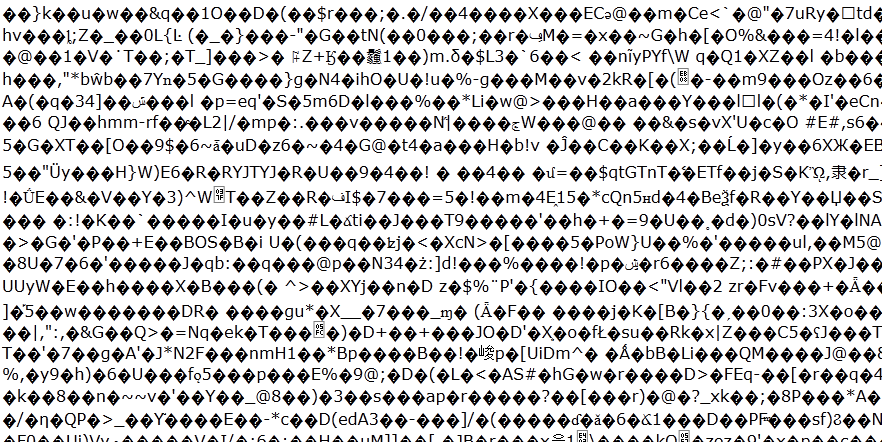
Website displays random code instead of page.

I cannot access some sites, mainly from what i have noticed its 'https' such as youtube login page also google chrome download page, it did appear on google search engine but that seems to be working now.
It appears as random letters and black diamonds. I have tried clearing all history, cache, flushing my dns, changing my character encoding, reinstalling the browser but none seem to help. I can login fine using IE so it seems firefox related.
All Replies (4)
This is an image of how the page is displayed
Chosen Solution
You can check the network.http.* prefs on the about:config page and reset all bold user set network.http prefs to the default value via the right-click context menu -> Reset.
Check at least:
- network.http.accept-encoding: gzip,deflate
See also these in case that the change doesn't last:
That got it, thanks very much. Not sure why it said user set as i didn't ever change it but at least it works now. Thank you again.
You're welcome